
How to Evaluate an SEO or GEO Tool Without Accepting Its Score as Google Data
Evaluate SEO and GEO scores by their inputs, collection method, freshness, weighting, coverage, validation, and the decision they actually change.
Topic tag · SEO
Content planning, page jobs, editorial systems, topic architecture, and useful on-page improvements.
Tagged collection
Open an article for the complete method, evidence, limitations, and a focused reader discussion.
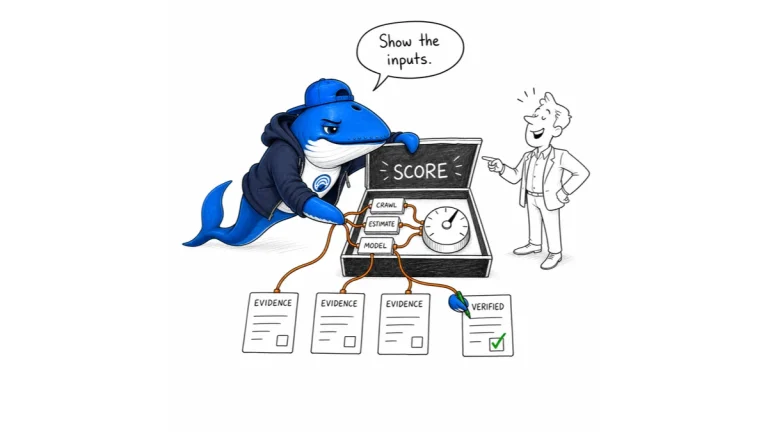
Evaluate SEO and GEO scores by their inputs, collection method, freshness, weighting, coverage, validation, and the decision they actually change.
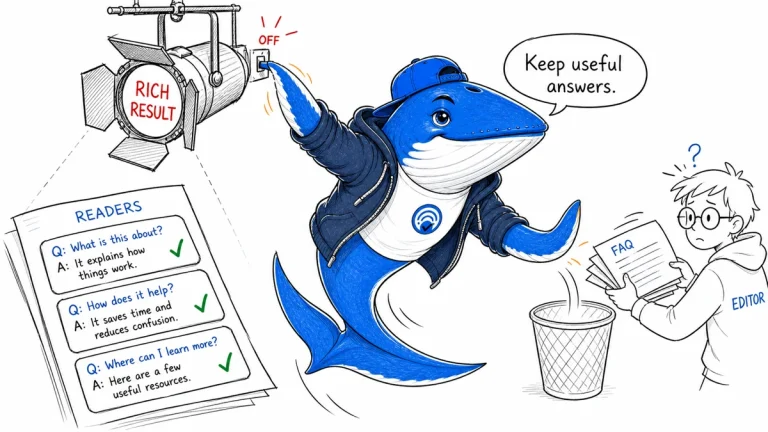
Google ended FAQ rich results. Audit obsolete markup and dependencies, preserve useful reader answers, and annotate the display change before comparing performance.
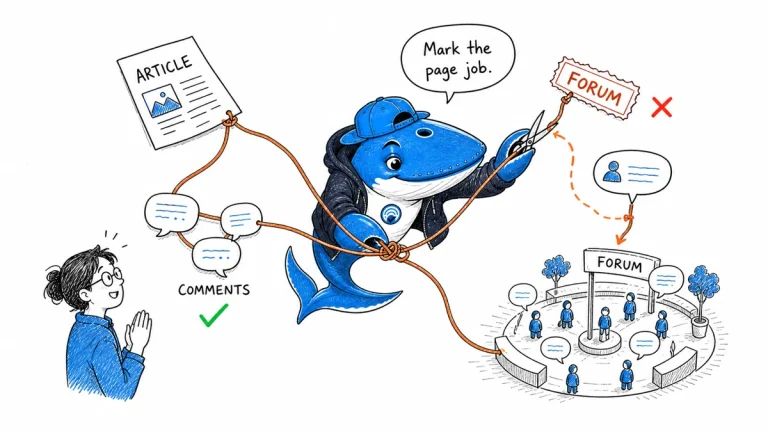
Keep publisher-written pages typed as Article even when they have comments. Use DiscussionForumPosting or QAPage only when the primary visible content fits those page jobs.
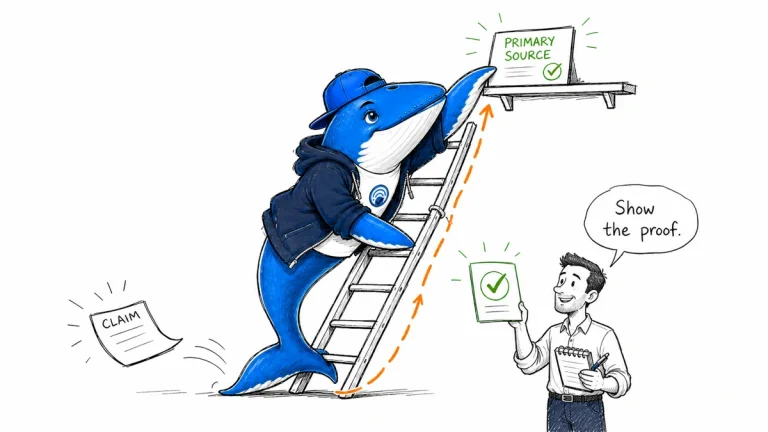
A complete operating guide for defining the reader job, classifying claims, collecting evidence, adding information gain, reviewing skeptically, publishing, and maintaining the page.
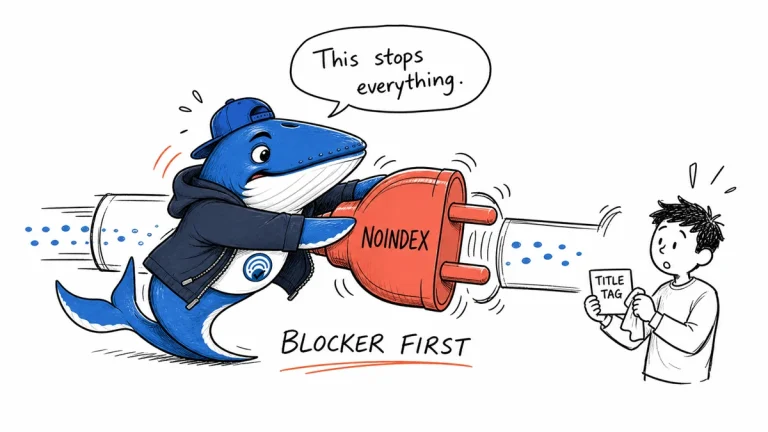
Audit a new website in release order: clear discovery blockers, define page jobs, test representative templates, verify performance and measurement, then resolve every P0 and P1.

Use seven release gates for new sites and migrations: redirects, robots and canonicals, rendering, metadata, performance, measurement, and rollback.
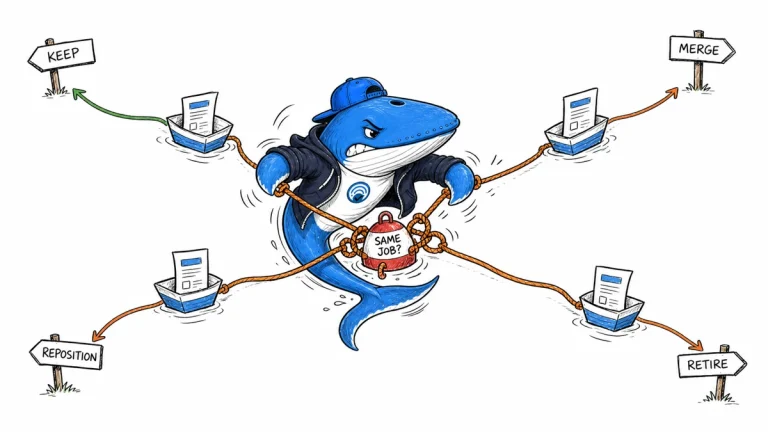
Shared keywords do not prove harmful overlap. Diagnose page jobs, evidence, internal links, and search behavior, then keep, reposition, merge, or retire each URL.
The Answer Brief
Get practical SEO and AI-search guidance, new experiments, and the workflows worth keeping.
Unsubscribe anytime. Your inbox stays yours.
Practical, evidence-based answers for earning visibility in search engines and AI answers.
Get the Chrome extension Read the living case study
Independent publication. Sources, corrections, authorship, and commercial relationships are disclosed openly.
Search the publication
Search reporting, guides, research, checklists, and browser tools.
SearchEngineAnswer app
Install the site on your home screen for a focused, standalone reading experience. No app-store account is required.
On iPhone or iPad, open the browser Share menu and choose “Add to Home Screen.” On other devices, use your browser’s Install option when available.
Privacy controls
Required for security, saved controls, and remembering this choice.
No analytics service is currently configured.
No advertising or behavioral targeting is currently configured.