
How to track Google AI Overviews and AI Mode
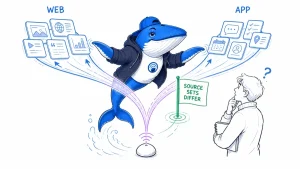
Compare manual checks, tracker exports and Search Console impressions with a fixed query set and a clear way to record missing data.

The SearchEngineAnswer newsroom
News, analysis, guides, and research about AEO, GEO, AI answers, citations, retrieval, technical eligibility, entity clarity, and measurement.
Compare manual checks, tracker exports and Search Console impressions with a fixed query set and a clear way to record missing data.
By Abdessalam Alaoui

Check Neon on a bounded publishing task, audit its source trail and preserve your Google Search visibility baseline. Includes illustrative scoring.
By Abdessalam Alaoui
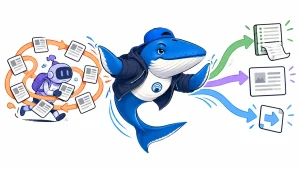
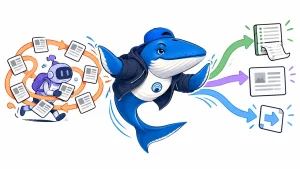
Compare SEO workflows using source checks, review time and cost per accepted deliverable. Includes a worked calculation and a proposed test method.
By Abdessalam Alaoui
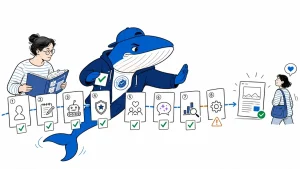
The agreement covers current and archive stories. A five-stage audit checks attribution, destinations, factual support, access and measurement.
By Abdessalam Alaoui
Trace the path from a crawlable page to retrieved evidence and a supported answer, with a practical publisher and agent evaluation.
By Abdessalam Alaoui
Temporary threads offer a documented session condition for AI visibility tests. Use a fixed-query comparison and inspect sources separately.
By Abdessalam Alaoui
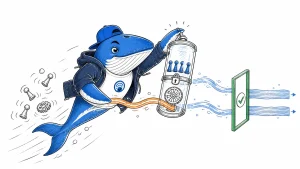
Google still documents AI Overviews as available. Trace the removal reports and use a five-field check to verify what changed.
By Abdessalam Alaoui

Compare Bing results with and without AI answers while tracking source links, organic position, and on-screen visibility separately.
By Abdessalam Alaoui
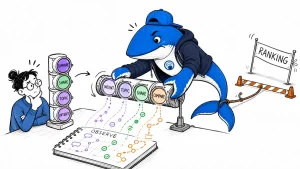
OpenAI’s initial US rollout lets eligible Pro users delegate purchases. A four-step test helps merchants check where an order can fail.
By Abdessalam Alaoui

Practical, evidence-based answers for earning visibility in search engines and AI answers.
Add us as a preferred source on GoogleGet the Chrome extension Read the living case study
Independent publication. Sources, corrections, authorship, and commercial relationships are disclosed openly.
Search the publication
Search reporting, guides, research, checklists, and tool profiles.
SearchEngineAnswer app
Install the site on your home screen for a focused, standalone reading experience. No app-store account is required.
On iPhone or iPad, open the browser Share menu and choose “Add to Home Screen.” On other devices, use your browser’s Install option when available.
Privacy controls
Required for security, saved controls, and remembering this choice.
Analytics and advertising use separate Google consent controls when available. These site preferences do not change Google consent.