WordPress 7.1 SEO and Performance Preparation Checklist
Prepare WordPress 7.1 on staging by testing responsive controls, theme breakpoints, interactive states, media processing, technical signals, and rollback.
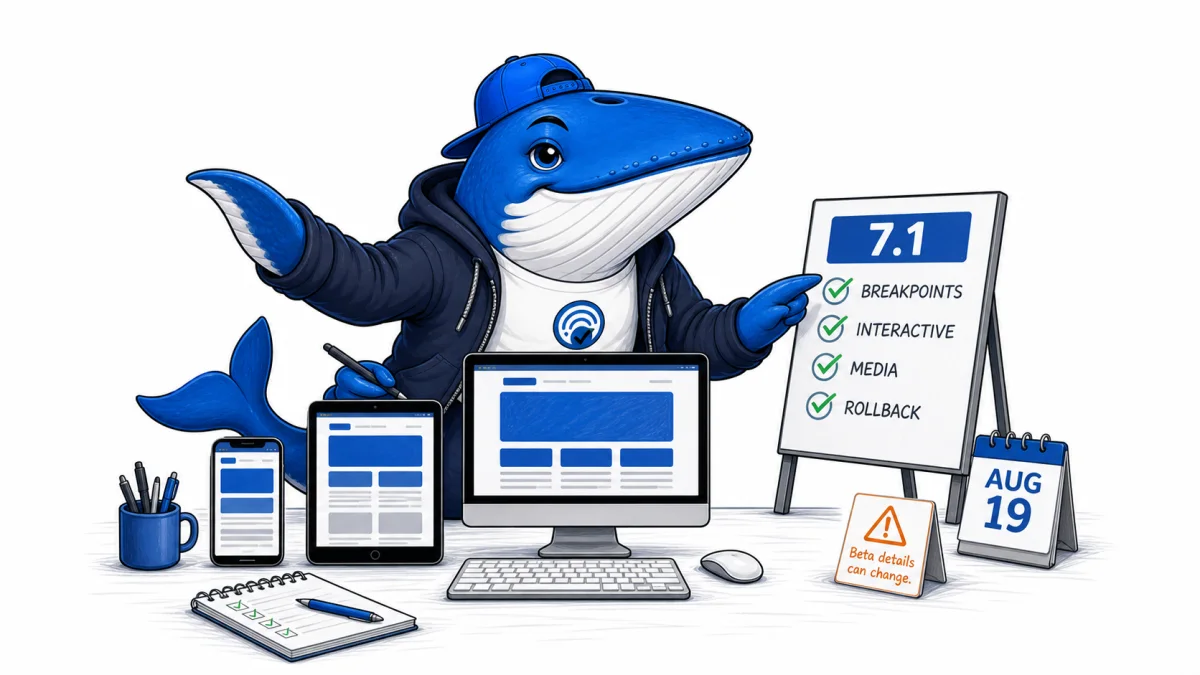
Pre-release guide, August 10, 2026: WordPress 7.1 is scheduled for August 19. The project’s roadmap warns that actively pursued features may not all reach the final release, so production preparation should use a staging copy and be repeated against the final package.
The largest theme risk is not a new ranking factor. It is output drift: responsive controls and configurable breakpoints can change layout, media processing can change generated assets, and performance changes can alter navigation or speculative loading. Preserve the current rendered baseline before updating.
Confirmed beta areas to test
WordPress 7.1 Beta 1 highlights responsive styling in Global Styles and individual blocks, theme-defined viewport breakpoints in theme.json, and standardized interactive-state styling. It also highlights browser-side media processing with broader format support, a new media editor, and more resilient uploads.
These capabilities can reduce custom CSS or server-side work, but a production theme may already implement its own breakpoints, hover states, media transformations, caching, and image derivatives. The release test must find collisions rather than assume the new feature replaces the old system cleanly.
| Area | Possible failure | Verify |
|---|---|---|
| Responsive styling | Unexpected cascade or layout shift | Key templates at declared breakpoints and real devices |
| theme.json breakpoints | Theme and plugin controls disagree | Computed styles, editor parity, navigation, tables, and forms |
| Interactive states | Hover/focus contrast or keyboard regression | Focus order, visible focus, hover, active, and visited states |
| Client-side media | Wrong orientation, color, dimensions, or derivatives | HEIC, AVIF, WebP, UltraHDR, GIF, EXIF, crops, and attachment metadata |
Save a before state
- Back up the database and files. Test that the restore path works and protect the backup from public access.
- Export the environment. Record WordPress, PHP, database, theme, child theme, plugin, cache, CDN, and object-cache versions.
- Capture rendered templates. Save HTML and screenshots for the homepage, article, archive, search, author, tag, tool, checklist, form, and 404 pages.
- Record technical signals. Save status, canonical, robots, hreflang where used, structured data, sitemaps, feeds, response headers, and representative internal links.
- Capture performance. Use repeatable lab conditions and retain field data separately. Include LCP element, image requests, fonts, JavaScript, CLS sources, and interaction traces.
- List custom overlaps. Search the theme and plugins for breakpoints, responsive controls, media processing, speculative loading, navigation, and editor-specific CSS.
Run the staging release
Clone production into an access-controlled staging environment, block unintended indexing, clear caches, and update WordPress before plugins or theme code. Then test the current production versions and the planned compatible versions as separate steps so the source of a regression remains visible.
- Compare DOM, headings, landmarks, links, forms, tables, code blocks, and discussion components.
- Test navigation and consent behavior without an administrator session.
- Upload representative media and compare the original, generated sizes, metadata, orientation, color, and front-end selection.
- Inspect responsive output at the theme’s old breakpoints and every new declared breakpoint.
- Test hover, focus, active, reduced-motion, keyboard-only, screen-reader labels, and touch targets.
- Re-run structured-data validation and crawl a fixed URL sample.
- Compare request count, transferred bytes, LCP, CLS, INP diagnostics, and cache behavior under identical conditions.
Use the technical SEO launch checklist for the final gate and the priority-first audit model to separate blockers from cosmetic differences.
Release and rollback
Schedule a low-risk window, freeze unrelated changes, assign an operator and rollback owner, and keep the previous application files and database snapshot reachable. Purge caches deliberately rather than repeatedly. Annotate the release time in monitoring and analytics.
Rollback on a declared condition: site-wide errors, lost main content, broken navigation, inaccessible controls, invalid critical schema, widespread media failure, or a performance regression above the team’s agreed threshold. Do not wait for rankings to reveal a broken release.
After the final WordPress 7.1 package ships, reopen the official field guide and repeat the compatibility checks. This article is a preparation checklist based on the roadmap and Beta 1, not a claim about the unshipped final build.
Primary documentation
Keep learning
Continue this topic
Next in this topic
Brave Search MCP for Claude: Preserve Retrieval Evidence and Citation Provenance
Earlier in this topic
How to Migrate AI-Browser Research Without Losing Evidence
Tools & Workflows
Ask a question or join the discussion