How to audit a new website: a priority-first SEO checklist
Audit a new website in release order: clear discovery blockers, define page jobs, test representative templates, verify performance and measurement, then resolve every P0 and P1.
Updated August 9, 2026: Re-edited around an answer-first audit sequence, with primary documentation moved closer to the claims it supports.
Audit a new website in this order: discovery blockers, page jobs, representative templates, performance, and measurement. Do not spend the release window polishing low-impact details while the site is blocked, misconfigured, or impossible to measure.
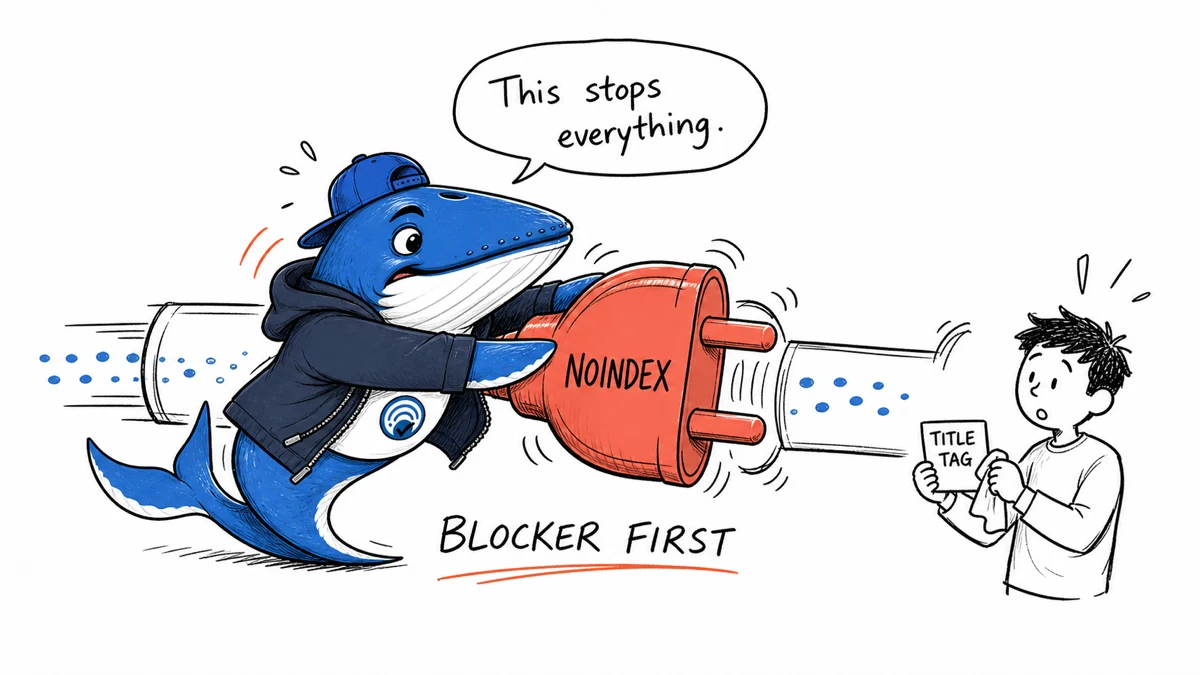
The deciding question is: what could prevent this site from being discovered, understood, or measured at all? A site-wide noindex deserves attention before a slightly long title tag. A broken canonical deserves attention before an image filename. A missing analytics baseline deserves attention before anyone claims that the launch worked.
This audit is organized as a sequence of decisions. Complete the gates in order, record the evidence, and stop polishing low-impact details while a launch blocker is still open.
1. Establish the audit boundary
Write down what is actually being audited: the production domain, any staging domain, the intended launch date, the content types, the target countries or languages, and whether this is a brand-new site or a migration.
For a migration, obtain the old URL inventory before touching redirects. For a new site, identify the pages that must exist for the site to explain its purpose and serve a real visitor. A crawl is useful, but it cannot tell you about an important page that was never created.
Create a small evidence log with five fields: check, observed result, source or tool, severity, and owner. This turns the audit from a document into an accountable release record.
2. Clear discovery and indexing blockers
Start with the homepage and several representative URLs. Check the HTTP status, final destination, rendered HTML, robots directives, canonical URL, and whether important links are present as crawlable <a href> elements. Google documents crawling, indexing, robots controls, and canonicalization as separate systems: a URL can be crawlable but excluded by a noindex directive, or accessible while pointing its canonical elsewhere.
- The preferred URLs return
200. - Production is not blocked by an accidental robots rule or site-wide
noindex. - Each indexable page has a sensible self-referencing canonical unless consolidation is intentional.
- Redirects resolve in one step to the final preferred URL.
- The XML sitemap contains only canonical, indexable URLs.
Do not treat an XML sitemap as an indexing command. Google describes sitemap submission as a hint. Its job is to present the canonical URLs you want crawled, not to override contradictory canonicals or robots directives.
3. Audit structure by page job
A sound structure gives every important page a distinct job. Label each URL as a hub, guide, comparison, definition, tool, checklist, policy, or conversion page. Then ask whether its title, main heading, copy, and internal links all support that job.
Look for orphan pages, near-duplicate page jobs, navigation that depends on scripts alone, and deep paths with no contextual links. Internal links should help a reader move to the next useful step. For example, an audit guide can link to a technical pre-publish checklist; it does not need to force a link to every post on the site.
4. Inspect representative templates, not just URLs
Group the site by template: homepage, archive, article, author, tool, checklist, and policy page. Test at least one normal and one edge-case URL from each group. A template-level defect can affect hundreds of pages, which makes it more important than a one-off typo.
Verify one visible h1, a useful title and meta description, readable main content without client-side failure, descriptive image alternatives where appropriate, and consistent author and date treatment. For articles, validate any Article structured data against the visible page. Structured data should describe the content; it cannot repair content that is missing or misleading.
5. Test performance with field thresholds in mind
Use a lab tool such as Lighthouse to diagnose a page, but interpret performance against the current Core Web Vitals definitions: Largest Contentful Paint at or below 2.5 seconds, Interaction to Next Paint at or below 200 milliseconds, and Cumulative Layout Shift at or below 0.1, measured at the 75th percentile of visits.
Test desktop and mobile layouts, a fast connection and a constrained one, and pages with different templates. Watch for oversized hero images, late-loading fonts, third-party scripts, unstable ad or media slots, and controls that are difficult to use by keyboard or touch.
6. Verify measurement before launch
Measurement is a release dependency. Confirm that analytics loads once, important events fire once, consent behavior matches the policy, and Search Console is verified for the preferred property. Save an annotated baseline: crawl totals, indexable URL count, template screenshots, and the time of deployment.
Search Console performance data has documented limits. Some queries are omitted for privacy, tables may expose less data than charts, and performance is generally attributed to canonical URLs. Record those boundaries before using the reports to explain a change.
A simple priority model
| Priority | Meaning | Examples |
|---|---|---|
| P0 | Prevents launch or measurement | Site-wide noindex, server errors, missing redirect map, analytics absent |
| P1 | Damages an important template or journey | Wrong canonicals, broken navigation, unreadable mobile layout |
| P2 | Improves clarity or efficiency | Weak internal anchors, oversized images, incomplete metadata |
| P3 | Polish | Minor wording or cosmetic inconsistencies |
Release only when every P0 has an owner and resolution, every P1 has an explicit release decision, and the evidence log is saved. A crawler reaching 100 percent is an input to that decision, not the completion criterion.
Continue with the technical SEO launch checklist, then use the small-experiment framework for changes made after the baseline.
Priority model
An audit should rank blockers before polish
A new site can have hundreds of warnings while only a few prevent discovery, indexing or conversion.
- Critical
- Public access, accidental noindex, broken canonicals and invalid primary destinations.
- High
- Orphaned important pages, broken templates and missing measurement.
- Medium
- Weak internal links, duplicate intent and incomplete structured data.
- Later
- Cosmetic warnings that do not change crawling, understanding or user action.
My takeaway: I score each issue by impact, confidence and effort. Tool severity is evidence to review, not the final priority.
Primary documentation
Keep learning
Continue this topic
Next in this topic
The evidence-led SEO publishing guide
Earlier in this topic
Technical SEO launch checklist: what to verify before a new site goes live
SEO
Ask a question or join the discussion