
SEO Automation With n8n: Build a Human-Reviewed Publishing Workflow
Automate research handoffs and repetitive checks while requiring evidence validation, named approval, least-privilege access and rollback before WordPress publication.
Tools and workflow coverage
Articles about APIs, retrieval systems, automation, testing, and the evidence needed to reproduce a result. This is an editorial archive; focused browser utilities live in the separate Tools library.
From this desk
The featured page offers a strong introduction. The remaining cards help readers move through this editorial section without turning the archive into a service menu.
Read the featured method
A useful workflow story records the account state, request, expected output, retained evidence, and stop condition beside the result.
Latest stories
Read the archive in publication order. Each story focuses on one implementation question and keeps its inputs, failures, evidence, and limits visible.
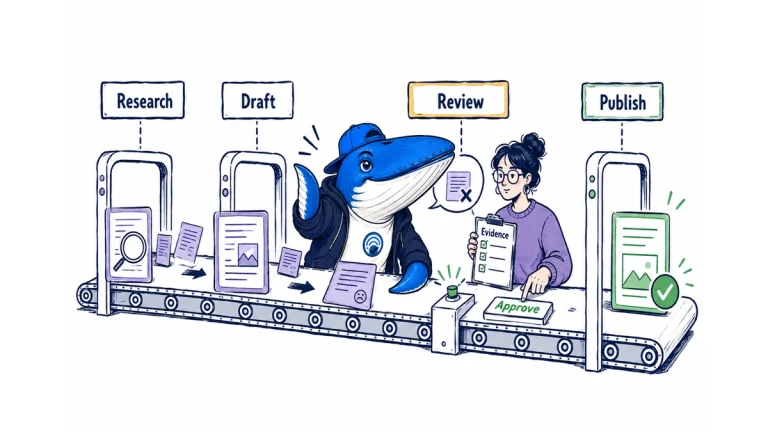
Automate research handoffs and repetitive checks while requiring evidence validation, named approval, least-privilege access and rollback before WordPress publication.

Audit Claude Managed Agents domain controls and the new auto permission policy as separate access, per-call, execution and evidence decisions.

OpenAI says context hints guide ad matching but are not exact-match keywords and do not guarantee delivery. Diagnose eligibility, relevance, auction, and outcomes with a controlled ledger.

ChatGPT Work can help on some signed-in websites after the user enters credentials. Publishers should distinguish crawler, public fetch, signed-in session, and webhook traffic.

A source-based review of OpenSEO v0.1.8 across hosted, Docker and Cloudflare setups, with MCP, Agent Skills, rank definitions and a practical evaluation worksheet.

Perplexity’s dynamic fast preset now uses GPT-5.6 Luna and priority processing. A frozen configuration preserves the request, not the live web.
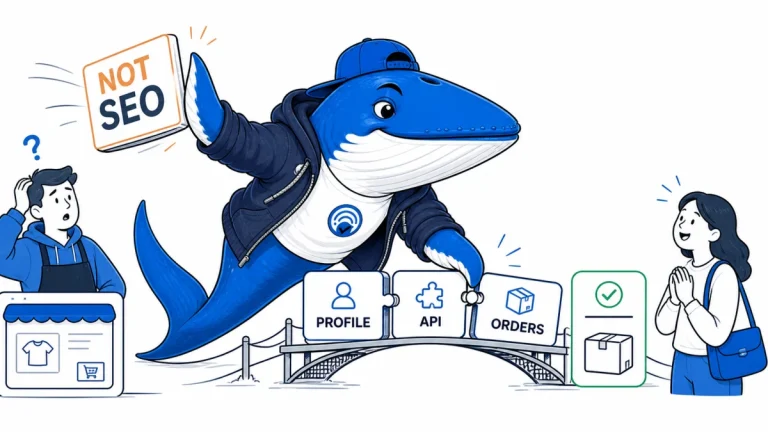
Fifteen search and AI implementation changes from August 10–16, consolidated into one migration and verification briefing.

You.com now lets Search API users request relevant highlights or full-page HTML and Markdown. Use this protocol to compare citation support, answer coverage, latency, and tokens without inventing a winner.
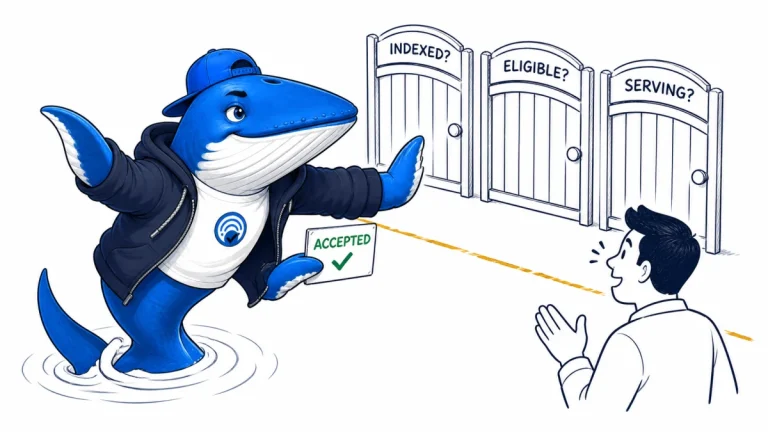
An accepted Delta Feed update has entered processing; indexing, eligibility and serving remain separate states to reconcile.
A useful standard
A workflow is useful when another person can inspect what went in, what happened, what failed, and why the result changed a decision.
Preserve the request, configuration, account state, environment, and relevant versions before interpreting the response.
Keep timeouts, empty results, parser errors, retries, and zero-result runs. Removing them hides how the real system behaves.
Use stable internal labels for credentials and redact tokens, personal data, and licensed content that should not enter a report.
References and next steps
The Answer Brief
Get practical SEO and AI-search guidance, new experiments, and the workflows worth keeping.
Unsubscribe anytime. Your inbox stays yours.
Practical, evidence-based answers for earning visibility in search engines and AI answers.
Get the Chrome extension Read the living case study
Independent publication. Sources, corrections, authorship, and commercial relationships are disclosed openly.
Search the publication
Search reporting, guides, research, checklists, and browser tools.
SearchEngineAnswer app
Install the site on your home screen for a focused, standalone reading experience. No app-store account is required.
On iPhone or iPad, open the browser Share menu and choose “Add to Home Screen.” On other devices, use your browser’s Install option when available.
Privacy controls
Required for security, saved controls, and remembering this choice.
No analytics service is currently configured.
No advertising or behavioral targeting is currently configured.