
Perplexity Router API vs Agent API: Which Provides Web Grounding?
Compare Perplexity Router and Agent API by retrieval ownership, tool evidence, citations and fallback using a 24-field run ledger.
Topic tag · Tools & Workflows
SEO tools, browser utilities, open-source software, selection criteria, and practical evaluation.
Tagged collection
Open an article for the complete method, evidence, limitations, and a focused reader discussion.
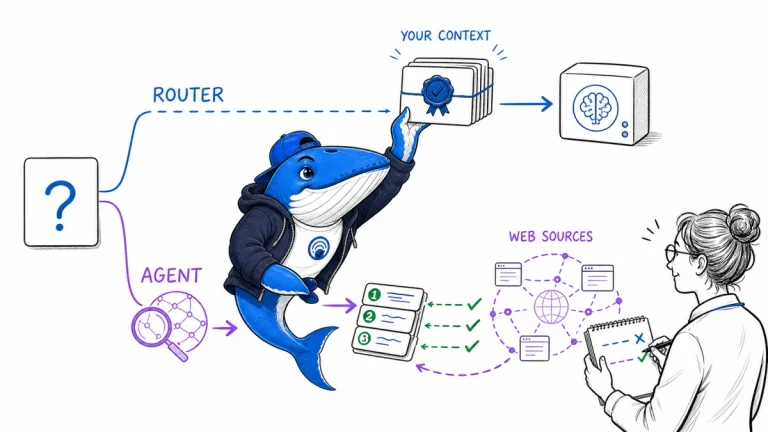
Compare Perplexity Router and Agent API by retrieval ownership, tool evidence, citations and fallback using a 24-field run ledger.
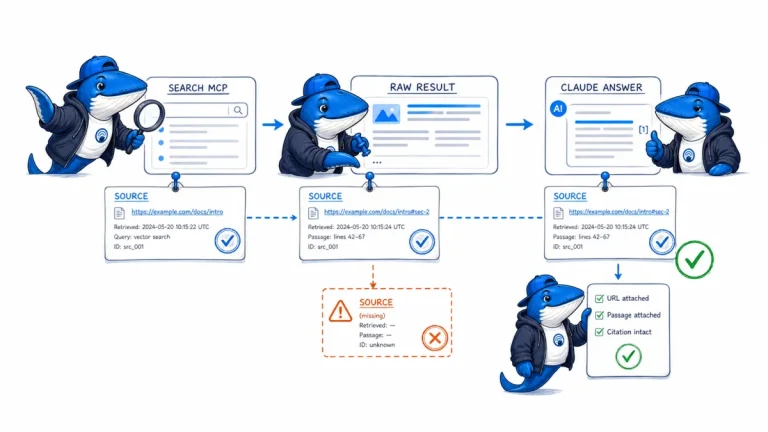
Brave documents a Claude and Bedrock MCP workflow for live search. Preserve the request, generated query, raw response, selected evidence, and final citation separately.

Prepare WordPress 7.1 on staging by testing responsive controls, theme breakpoints, interactive states, media processing, technical signals, and rollback.
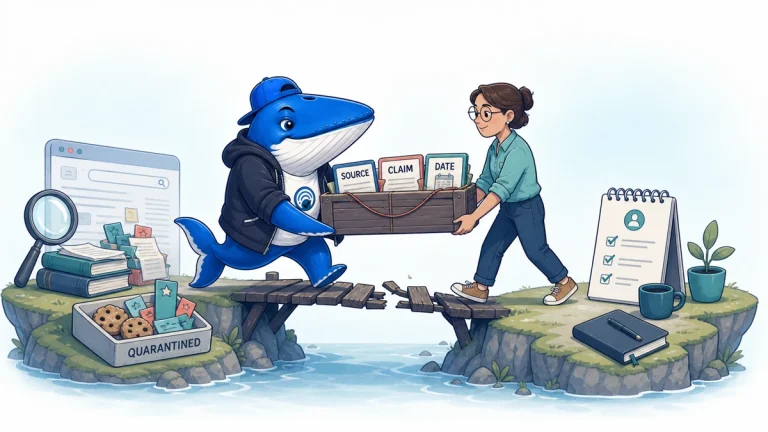
Migrate AI-browser research as a claim-source evidence package, keep cookies and history separate, test replacement capabilities and require a second-person cold restart.
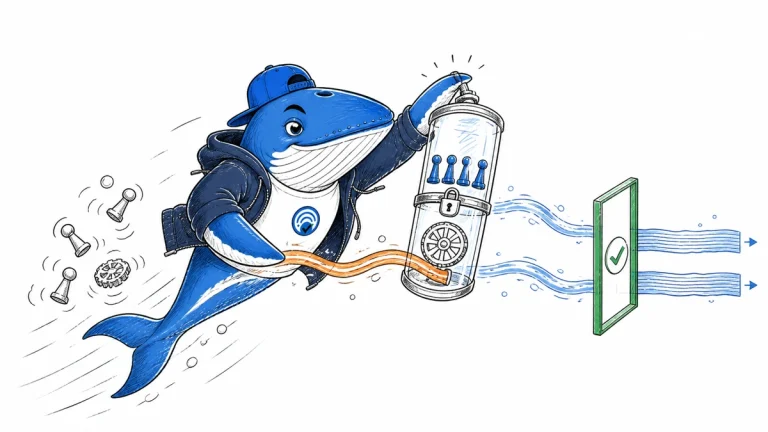
Record the account, lens, domain personalization, request and response evidence needed to decide whether two Kagi Search API result sets are comparable.
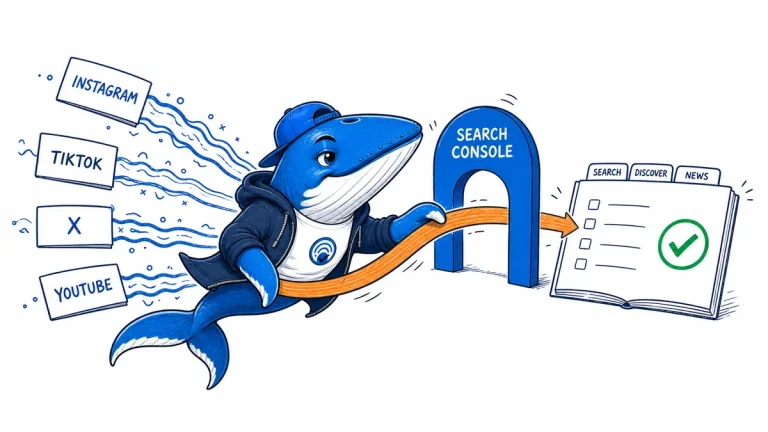
Use Google Search Console platform properties to measure Instagram, TikTok, X, and YouTube appearances across Search, Discover, and News without mixing incompatible metrics.
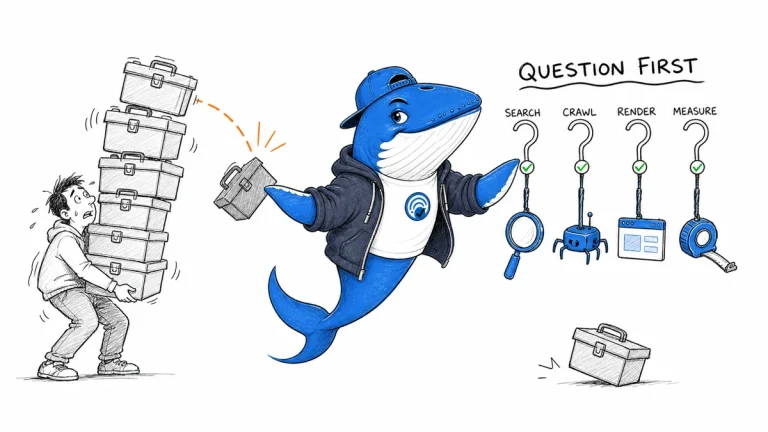
Map Search Console, crawling, browser diagnostics, analytics, and editorial records to the questions they answer. Add a tool only when it closes a documented decision gap.
The Answer Brief
Get practical SEO and AI-search guidance, new experiments, and the workflows worth keeping.
Unsubscribe anytime. Your inbox stays yours.
Practical, evidence-based answers for earning visibility in search engines and AI answers.
Get the Chrome extension Read the living case study
Independent publication. Sources, corrections, authorship, and commercial relationships are disclosed openly.
Search the publication
Search reporting, guides, research, checklists, and browser tools.
SearchEngineAnswer app
Install the site on your home screen for a focused, standalone reading experience. No app-store account is required.
On iPhone or iPad, open the browser Share menu and choose “Add to Home Screen.” On other devices, use your browser’s Install option when available.
Privacy controls
Required for security, saved controls, and remembering this choice.
No analytics service is currently configured.
No advertising or behavioral targeting is currently configured.