
ChatGPT Restaurant Results and Reserve Buttons: A Verification Guide
Verify restaurant entity matching, location context, third-party provider inventory, Reserve-button handoff, and booking support boundaries in ChatGPT Search.
Topic tag · Tools & Workflows
APIs, agents, prompts, automation, testing, release controls, and human-reviewed AI workflows.
Tagged collection
Open an article for the complete method, evidence, limitations, and a focused reader discussion.
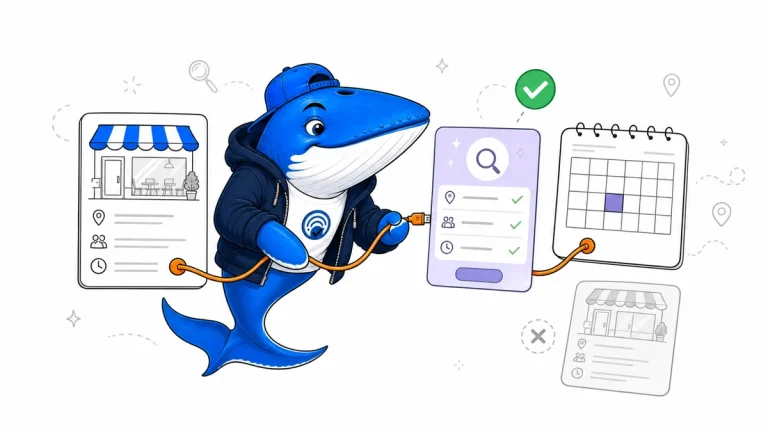
Verify restaurant entity matching, location context, third-party provider inventory, Reserve-button handoff, and booking support boundaries in ChatGPT Search.
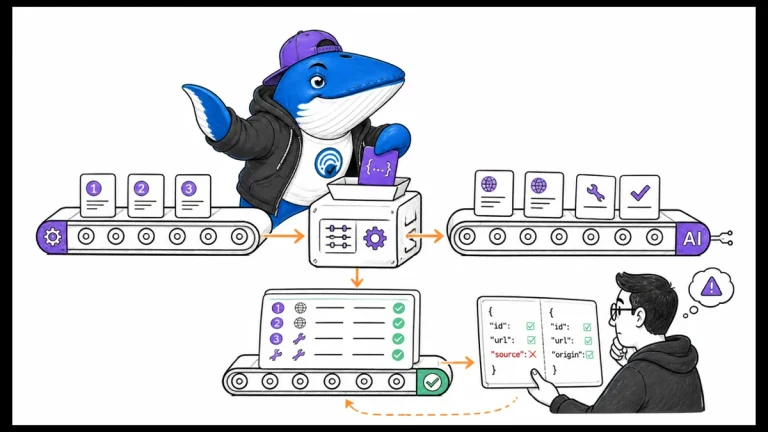
Normalize numbered and source-typed Agent API citations into one internal source contract before migrating from legacy Sonar or MCP-backed workflows.
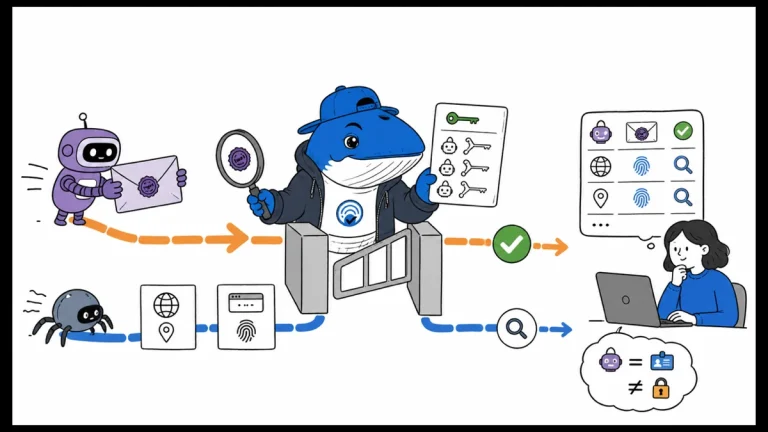
Test signed AI-agent verification at the CDN, WAF, or origin while preserving IP, reverse-DNS, and user-agent fallback for unsigned requests.
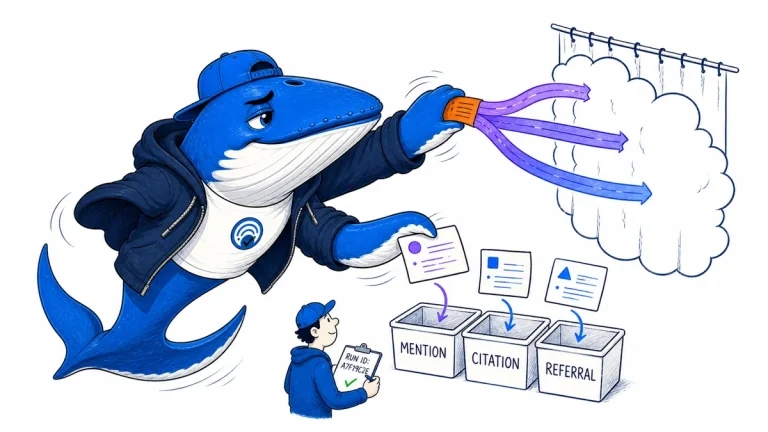
Measure controlled ChatGPT Search runs with prompt families, frozen environments, repeated samples, citation review and separate referral evidence.
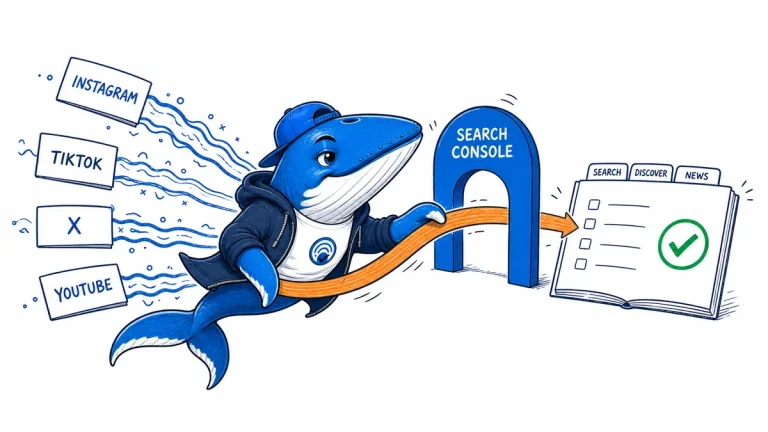
Use Google Search Console platform properties to measure Instagram, TikTok, X, and YouTube appearances across Search, Discover, and News without mixing incompatible metrics.
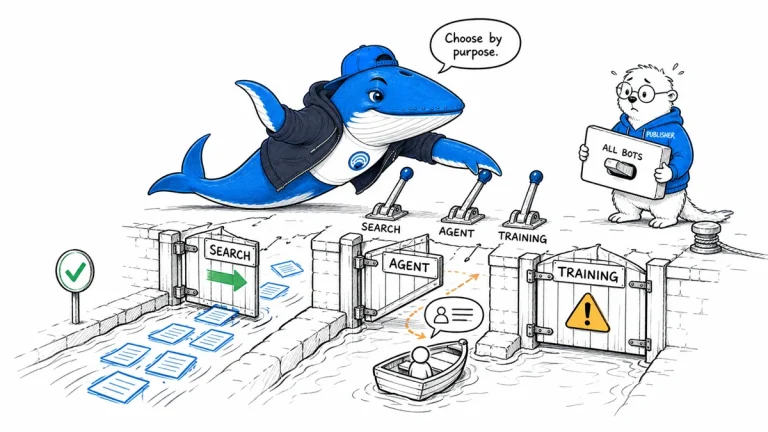
Build a crawler policy by purpose and named bot, with separate controls for search discovery, user-directed agents, training, verification, and server protection.
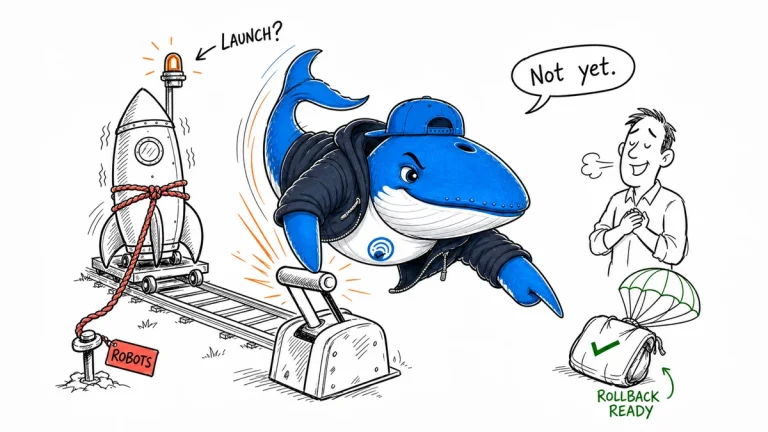
Use seven release gates for new sites and migrations: redirects, robots and canonicals, rendering, metadata, performance, measurement, and rollback.
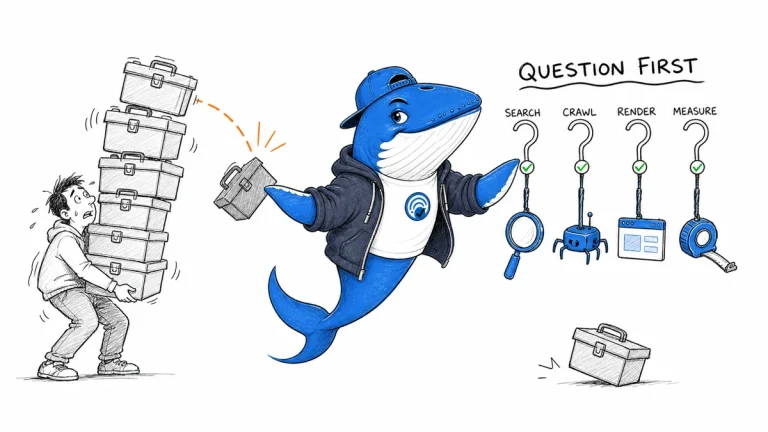
Map Search Console, crawling, browser diagnostics, analytics, and editorial records to the questions they answer. Add a tool only when it closes a documented decision gap.
The Answer Brief
Get practical SEO and AI-search guidance, new experiments, and the workflows worth keeping.
Unsubscribe anytime. Your inbox stays yours.
Practical, evidence-based answers for earning visibility in search engines and AI answers.
Get the Chrome extension Read the living case study
Independent publication. Sources, corrections, authorship, and commercial relationships are disclosed openly.
Search the publication
Search reporting, guides, research, checklists, and browser tools.
SearchEngineAnswer app
Install the site on your home screen for a focused, standalone reading experience. No app-store account is required.
On iPhone or iPad, open the browser Share menu and choose “Add to Home Screen.” On other devices, use your browser’s Install option when available.
Privacy controls
Required for security, saved controls, and remembering this choice.
No analytics service is currently configured.
No advertising or behavioral targeting is currently configured.