
Schema.org 30.1 Product Fields Pass Google Parsing but Fail the Public Validator
A dated compatibility test of six Schema.org 30.1 commerce properties finds a lagging public validator, successful Google parsing and a nested Product risk.
Topic tag · SEO
Schema.org, JSON-LD, Google structured-data requirements, entity markup, and validation.
Tagged collection
Open an article for the complete method, evidence, limitations, and a focused reader discussion.
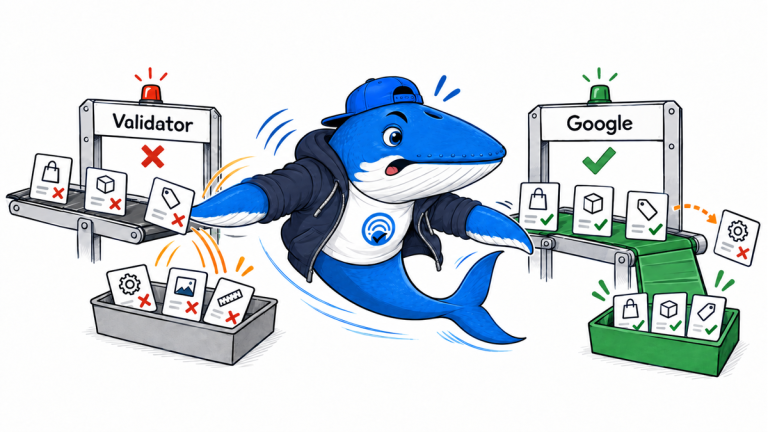
A dated compatibility test of six Schema.org 30.1 commerce properties finds a lagging public validator, successful Google parsing and a nested Product risk.
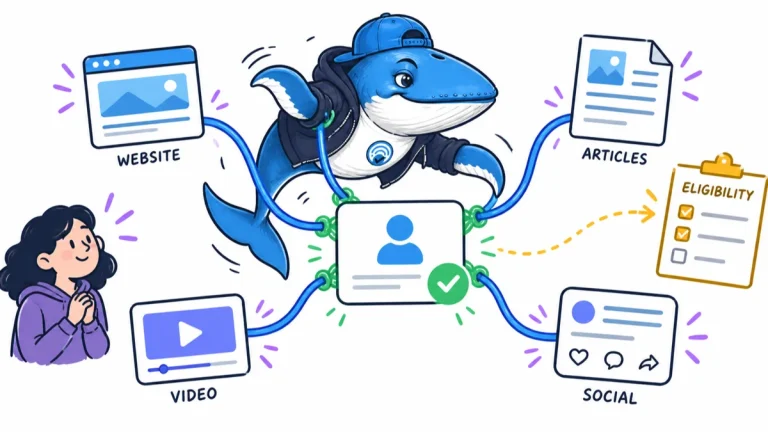
Google Search profiles can gather a publisher’s articles, videos and social posts and add a follow action. Initial eligibility and control remain limited.
Find 50 GitHub repositories for SEO audits, crawling, reporting and content analysis. Compare uses, licenses and costs, then download the full CSV catalog.
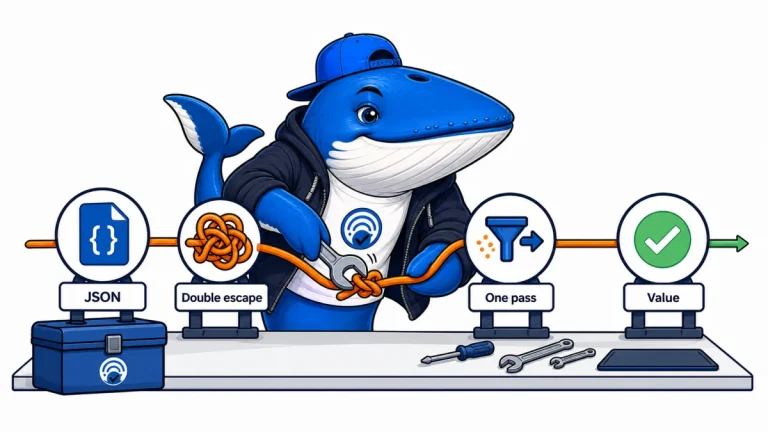
Google now applies one HTML-unescape pass while extracting JSON-LD. Audit templates for double-escaped values and fix the serializer rather than individual pages.
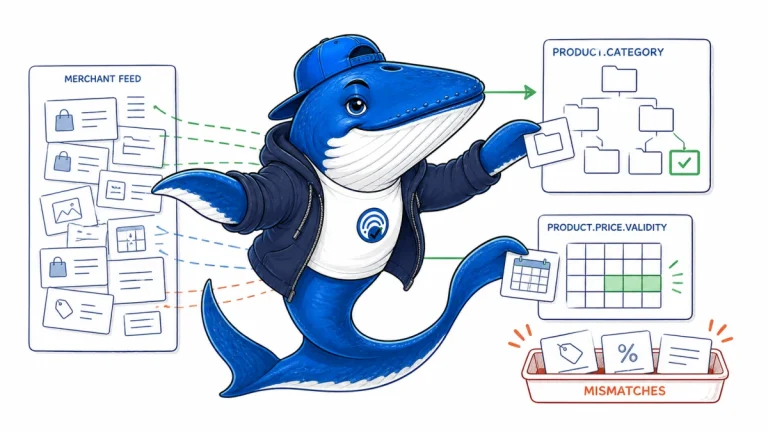
Map Merchant Center product type and Google product category values to Product.category, then align sale price dates with Offer and PriceSpecification fields.
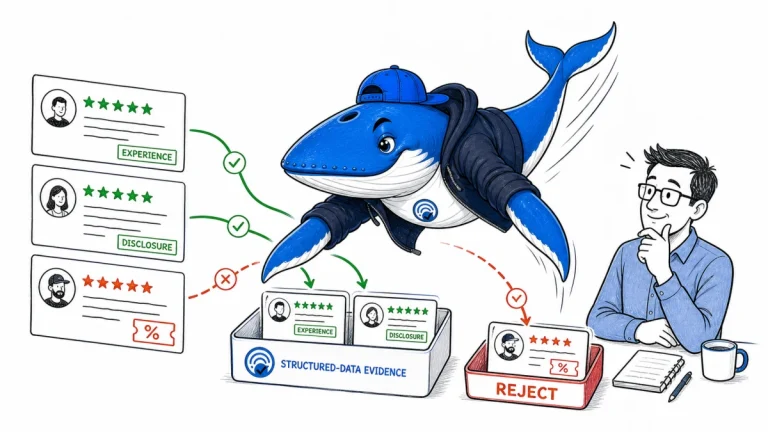
Audit experience, incentives, disclosures, visible-page parity and aggregate math with a 22-field review markup ledger.
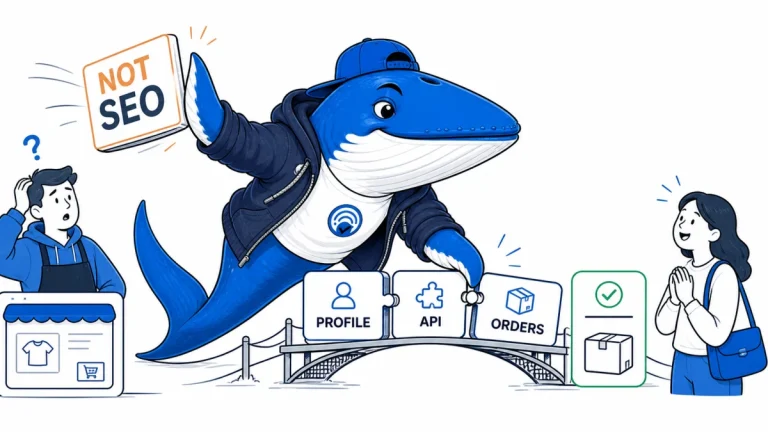
Fifteen search and AI implementation changes from August 10–16, consolidated into one migration and verification briefing.
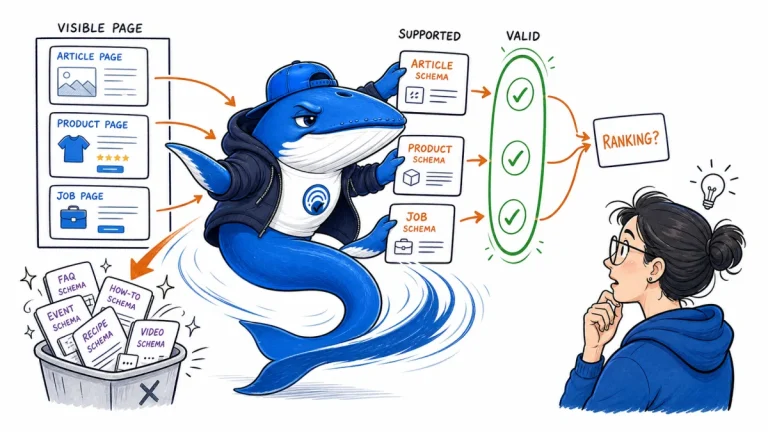
Choose schema by the page’s visible job and a documented search feature, then separate rich-result eligibility, machine understanding, validation, and ranking claims.
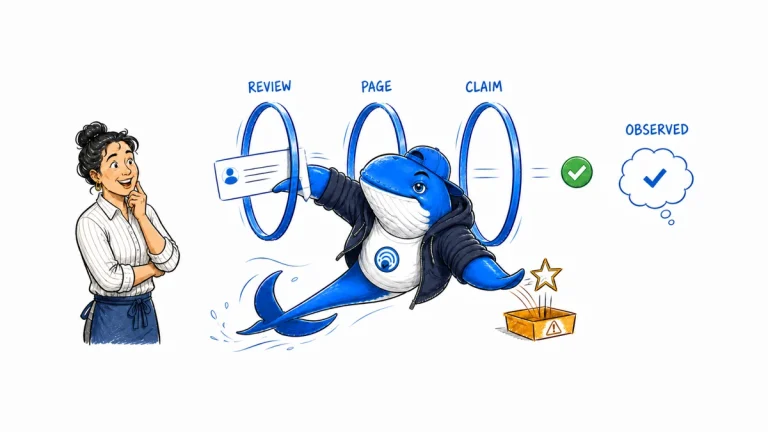
Audit testimonial provenance, disclosures, crawlability, structured-data limits, claim portability, and observed AI citations without promising influence.
The Answer Brief
Get practical SEO and AI-search guidance, new experiments, and the workflows worth keeping.
Unsubscribe anytime. Your inbox stays yours.
Practical, evidence-based answers for earning visibility in search engines and AI answers.
Get the Chrome extension Read the living case study
Independent publication. Sources, corrections, authorship, and commercial relationships are disclosed openly.
Search the publication
Search reporting, guides, research, checklists, and browser tools.
SearchEngineAnswer app
Install the site on your home screen for a focused, standalone reading experience. No app-store account is required.
On iPhone or iPad, open the browser Share menu and choose “Add to Home Screen.” On other devices, use your browser’s Install option when available.
Privacy controls
Required for security, saved controls, and remembering this choice.
No analytics service is currently configured.
No advertising or behavioral targeting is currently configured.