
Should You Block AI Crawlers? A Founder’s Decision Guide
Separate model training, AI-search discovery, user-requested retrieval, and private access before choosing crawler rules or enforcement.
Topic tag · AEO & AI Search
Browse evidence-led articles tagged “robots-txt”. This collection currently draws primarily from the AEO & AI Search desk; each article card keeps its own editorial category.
Tagged collection
Open an article for the complete method, evidence, limitations, and a focused reader discussion.
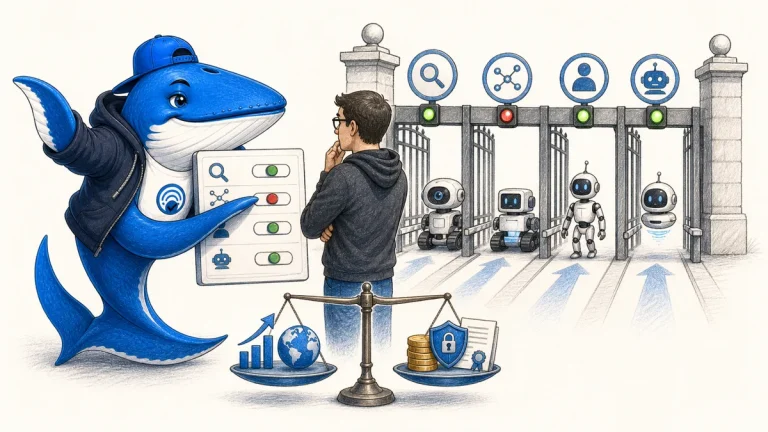
Separate model training, AI-search discovery, user-requested retrieval, and private access before choosing crawler rules or enforcement.
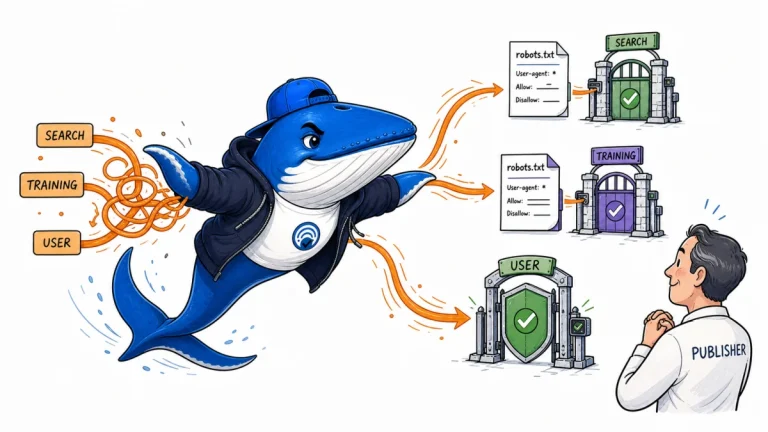
Separate ChatGPT user-triggered visits from OpenAI search crawling and training crawling, then apply the right robots, firewall, and access controls to each job.
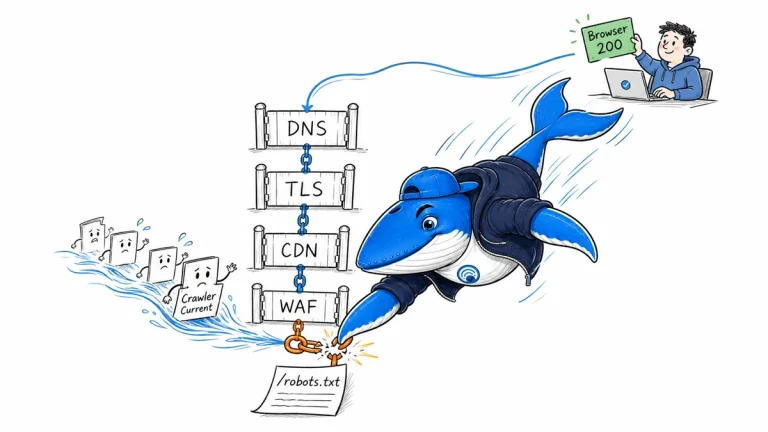
Diagnose a crawler-facing robots.txt failure across DNS, IPv4 and IPv6, TLS, CDN, WAF, redirects, and origin logs instead of trusting one browser request.
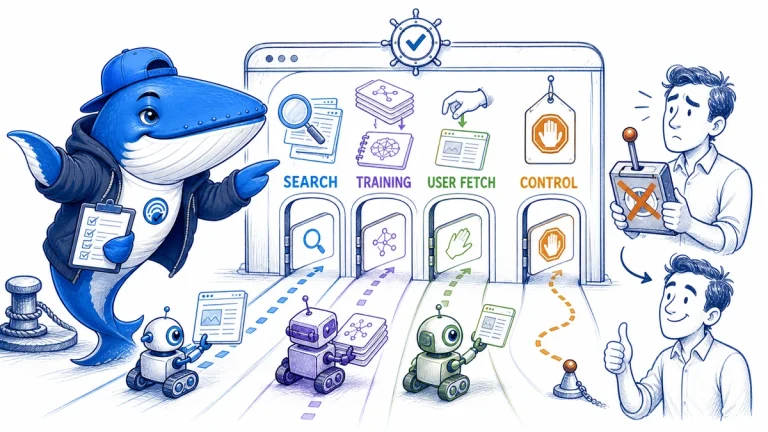
A publisher’s guide to Googlebot, OAI-SearchBot, GPTBot, ClaudeBot, PerplexityBot, Applebot, Amazonbot and other documented crawlers—what each one does, which controls it respects, and how to prepare a website for AI search without confusing crawling with citation.
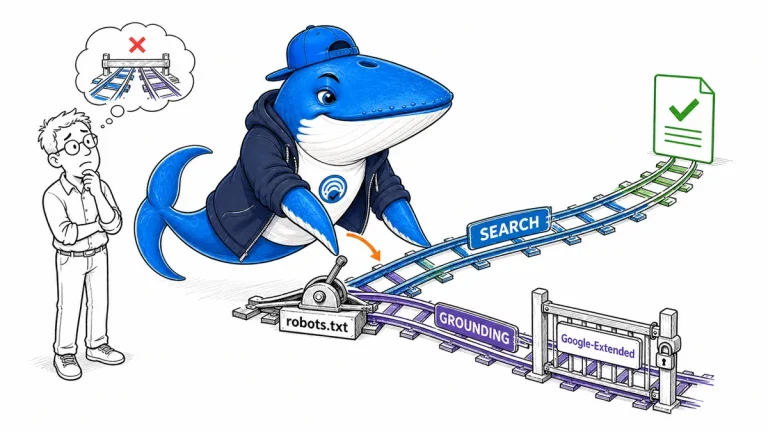
Use Google-Extended as a robots.txt control token for specified Gemini training and grounding uses while keeping Google Search crawling and ranking separate.
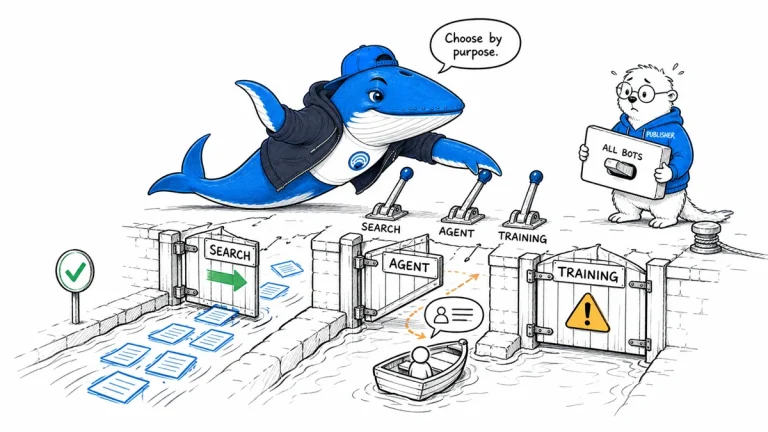
Build a crawler policy by purpose and named bot, with separate controls for search discovery, user-directed agents, training, verification, and server protection.
The Answer Brief
Get practical SEO and AI-search guidance, new experiments, and the workflows worth keeping.
Unsubscribe anytime. Your inbox stays yours.
Practical, evidence-based answers for earning visibility in search engines and AI answers.
Get the Chrome extension Read the living case study
Independent publication. Sources, corrections, authorship, and commercial relationships are disclosed openly.
Search the publication
Search reporting, guides, research, checklists, and browser tools.
SearchEngineAnswer app
Install the site on your home screen for a focused, standalone reading experience. No app-store account is required.
On iPhone or iPad, open the browser Share menu and choose “Add to Home Screen.” On other devices, use your browser’s Install option when available.
Privacy controls
Required for security, saved controls, and remembering this choice.
No analytics service is currently configured.
No advertising or behavioral targeting is currently configured.