ChatGPT Could Join UK Search Choice Screens Under New Attribution Rules
A CMA proposal could let general-purpose AI assistants qualify for UK search choice screens if they meet search, safety and source-attribution requirements.
Topic tag · AEO & AI Search
Publisher controls for snippets, crawling, training, grounding, previews, and AI-search access.
Tagged collection
Open an article for the complete method, evidence, limitations, and a focused reader discussion.
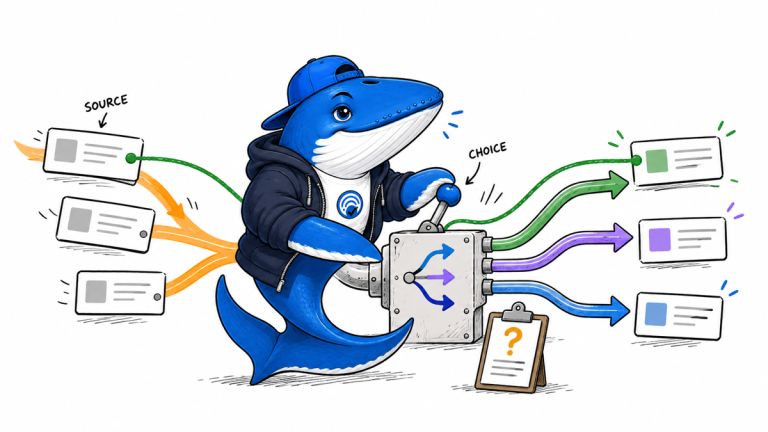
A CMA proposal could let general-purpose AI assistants qualify for UK search choice screens if they meet search, safety and source-attribution requirements.
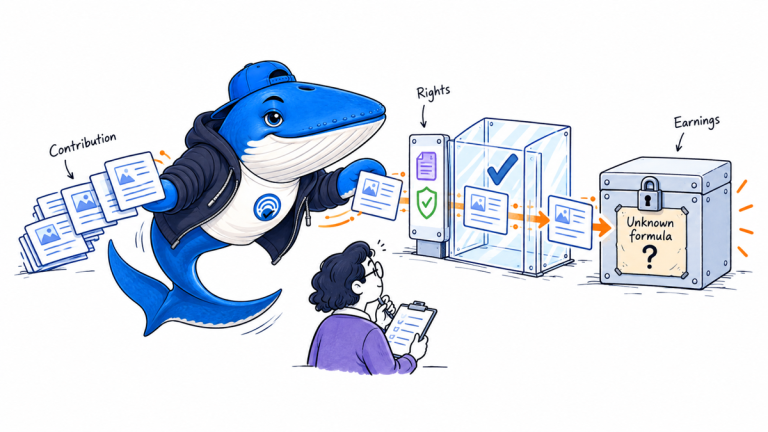
Google is testing payments when publisher content significantly contributes to AI answers. Here is what is confirmed, undisclosed and worth measuring.
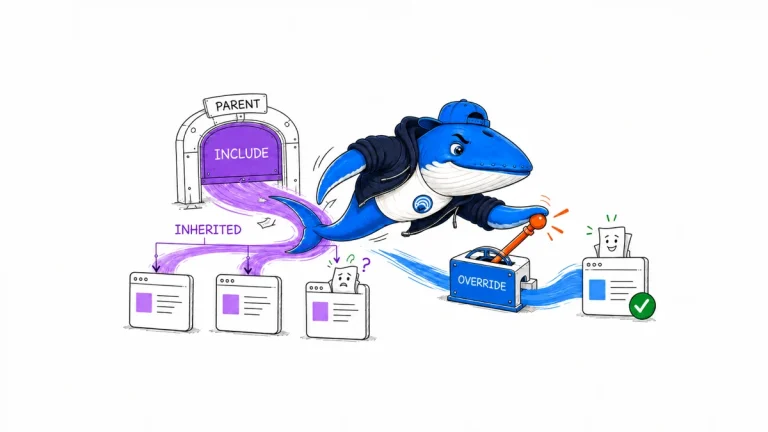
Google’s AI Search inclusion control is now worldwide. Audit parent and child properties before excluding content, traffic, and impressions.
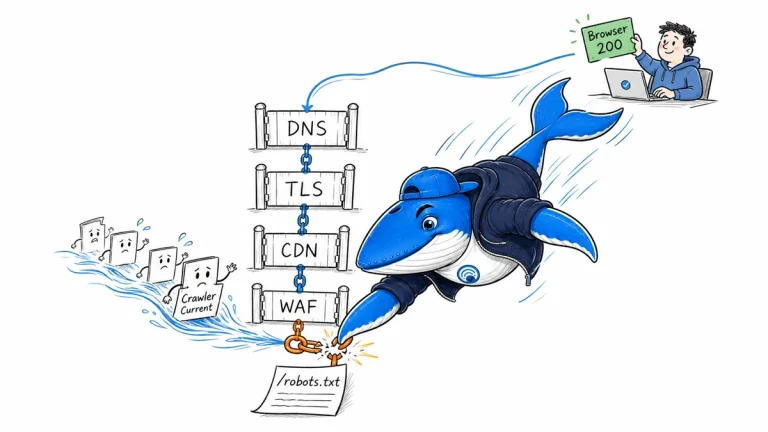
Diagnose a crawler-facing robots.txt failure across DNS, IPv4 and IPv6, TLS, CDN, WAF, redirects, and origin logs instead of trusting one browser request.
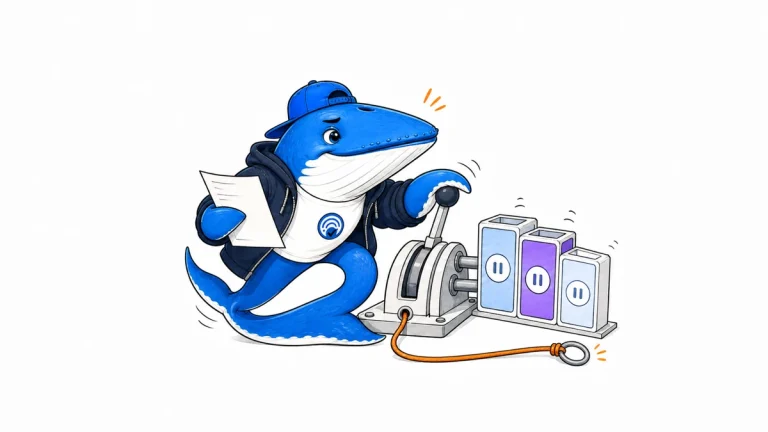
Document eligibility, property inheritance, policy, baseline metrics, verification, propagation, observation, and rollback before changing Google’s AI Search control.
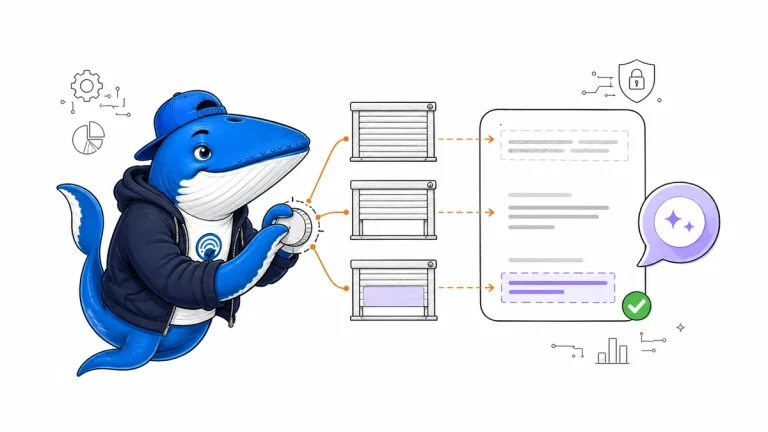
Map Google’s nosnippet, max-snippet, and data-nosnippet controls to their documented effects across Search, AI Overviews, and AI Mode.
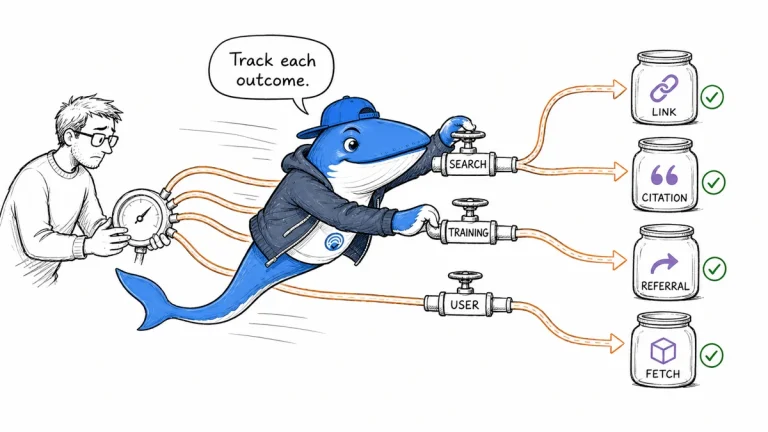
Choose OpenAI publisher controls by outcome: search discovery, training collection, title-and-link suppression, referrals, or authenticated access.
The Answer Brief
Get practical SEO and AI-search guidance, new experiments, and the workflows worth keeping.
Unsubscribe anytime. Your inbox stays yours.
Practical, evidence-based answers for earning visibility in search engines and AI answers.
Get the Chrome extension Read the living case study
Independent publication. Sources, corrections, authorship, and commercial relationships are disclosed openly.
Search the publication
Search reporting, guides, research, checklists, and browser tools.
SearchEngineAnswer app
Install the site on your home screen for a focused, standalone reading experience. No app-store account is required.
On iPhone or iPad, open the browser Share menu and choose “Add to Home Screen.” On other devices, use your browser’s Install option when available.
Privacy controls
Required for security, saved controls, and remembering this choice.
No analytics service is currently configured.
No advertising or behavioral targeting is currently configured.