
Perplexity Source Labels Apply to Domains, Not Every Page or Claim
Perplexity’s Government, Academic, and Trusted labels provide domain-level context. They do not endorse every page, verify every claim, or promise citation visibility.
Topic tag · AEO & AI Search
Perplexity search, citations, source labels, APIs, crawlers, routing, and measurement.
Tagged collection
Open an article for the complete method, evidence, limitations, and a focused reader discussion.
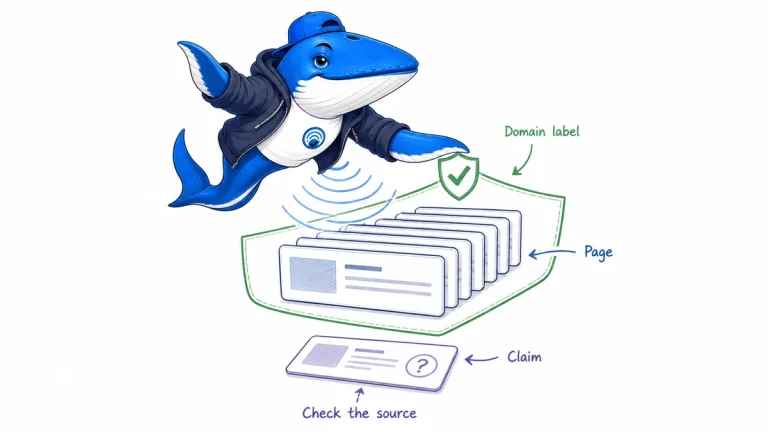
Perplexity’s Government, Academic, and Trusted labels provide domain-level context. They do not endorse every page, verify every claim, or promise citation visibility.
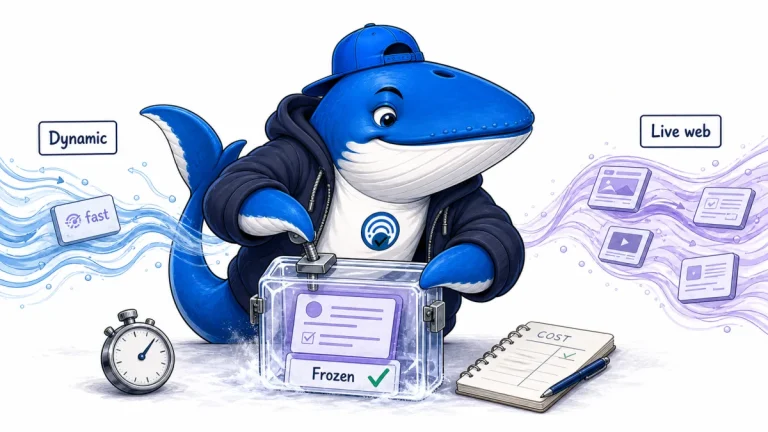
Perplexity’s dynamic fast preset now uses GPT-5.6 Luna and priority processing. A frozen configuration preserves the request, not the live web.
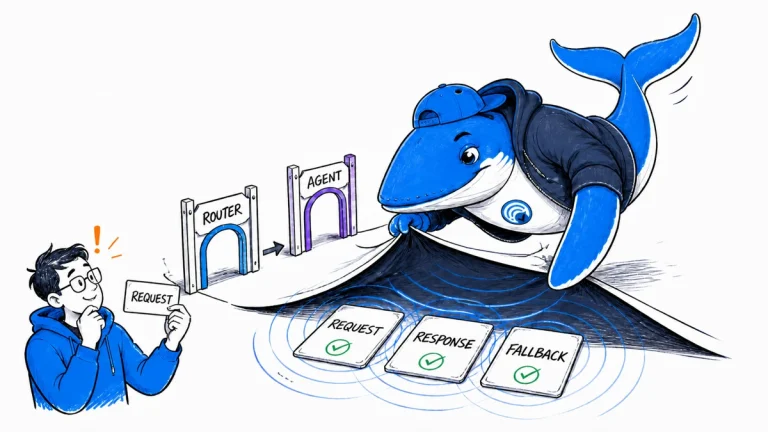
Verify Perplexity DeepSeek V4 Flash routes by separating Agent model fallback from Router deployment failover and preserving the evidence each surface exposes.
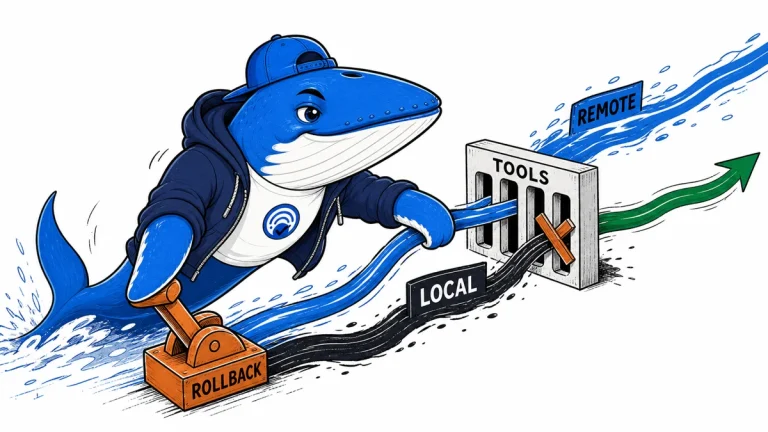
Compare the two Perplexity MCP directions, where credentials live, which system calls the tools, and what a private connector cannot prove about public visibility.
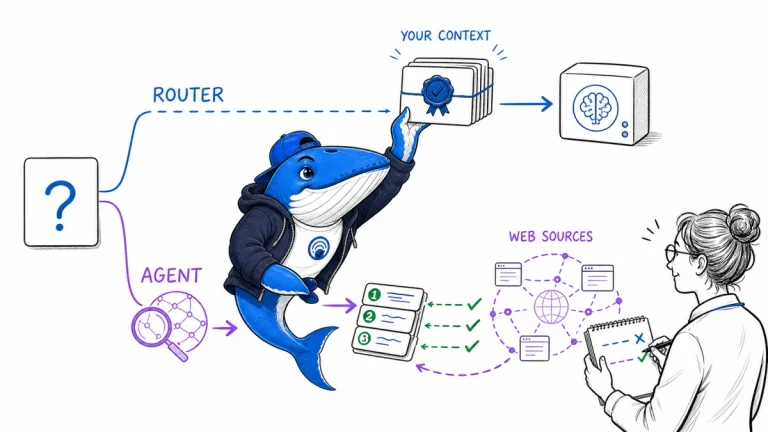
Compare Perplexity Router and Agent API by retrieval ownership, tool evidence, citations and fallback using a 24-field run ledger.
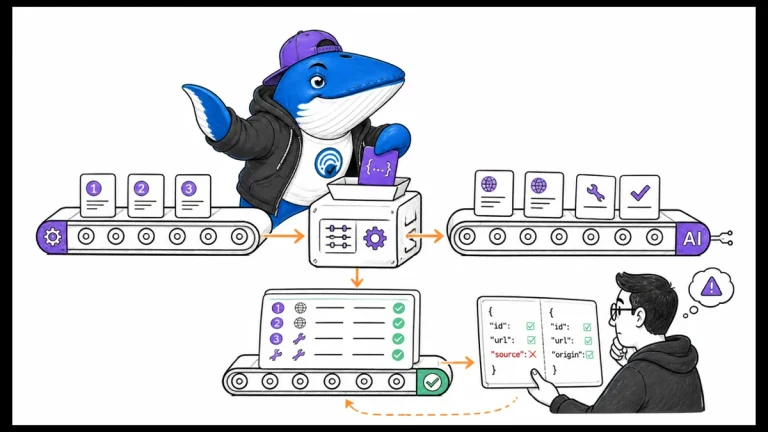
Normalize numbered and source-typed Agent API citations into one internal source contract before migrating from legacy Sonar or MCP-backed workflows.
The Answer Brief
Get practical SEO and AI-search guidance, new experiments, and the workflows worth keeping.
Unsubscribe anytime. Your inbox stays yours.
Practical, evidence-based answers for earning visibility in search engines and AI answers.
Get the Chrome extension Read the living case study
Independent publication. Sources, corrections, authorship, and commercial relationships are disclosed openly.
Search the publication
Search reporting, guides, research, checklists, and browser tools.
SearchEngineAnswer app
Install the site on your home screen for a focused, standalone reading experience. No app-store account is required.
On iPhone or iPad, open the browser Share menu and choose “Add to Home Screen.” On other devices, use your browser’s Install option when available.
Privacy controls
Required for security, saved controls, and remembering this choice.
No analytics service is currently configured.
No advertising or behavioral targeting is currently configured.