
Web Bot Auth for Publishers: Verify Signed AI Agents
Test signed AI-agent verification at the CDN, WAF, or origin while preserving IP, reverse-DNS, and user-agent fallback for unsigned requests.
Topic tag · AEO & AI Search
Brand and publisher visibility across AI answers, including what common scores can and cannot establish.
Tagged collection
Open an article for the complete method, evidence, limitations, and a focused reader discussion.
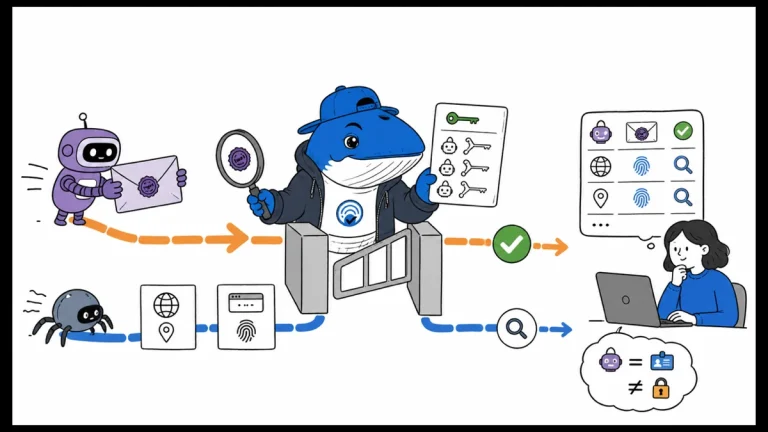
Test signed AI-agent verification at the CDN, WAF, or origin while preserving IP, reverse-DNS, and user-agent fallback for unsigned requests.
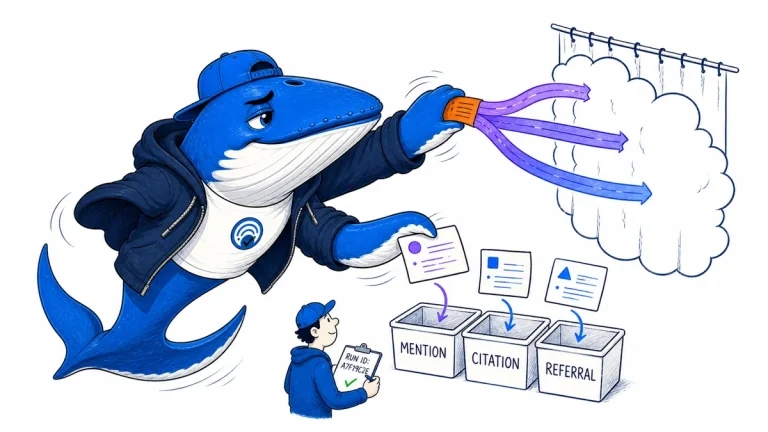
Measure controlled ChatGPT Search runs with prompt families, frozen environments, repeated samples, citation review and separate referral evidence.
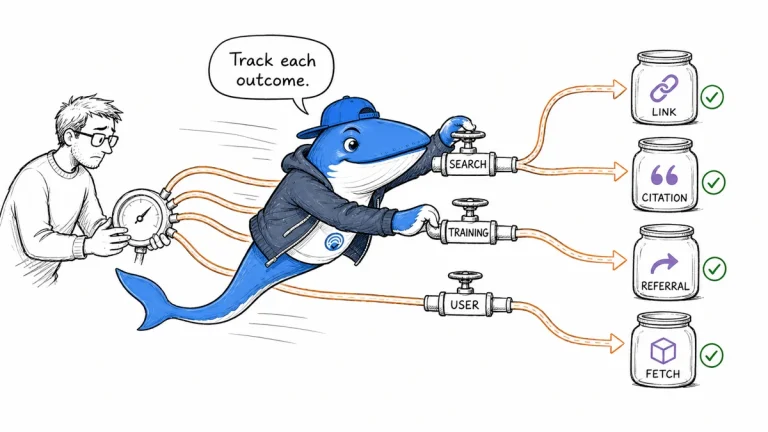
Choose OpenAI publisher controls by outcome: search discovery, training collection, title-and-link suppression, referrals, or authenticated access.
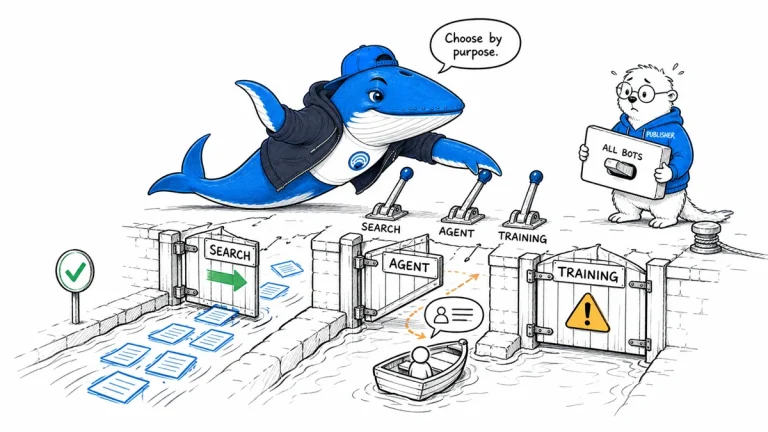
Build a crawler policy by purpose and named bot, with separate controls for search discovery, user-directed agents, training, verification, and server protection.
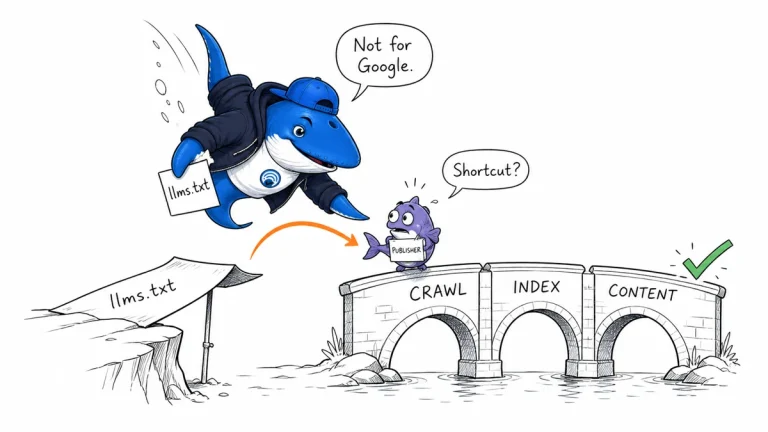
Google says llms.txt is not needed and has no effect on Search visibility or rankings. Learn what the proposal is and how to test it without replacing established controls.
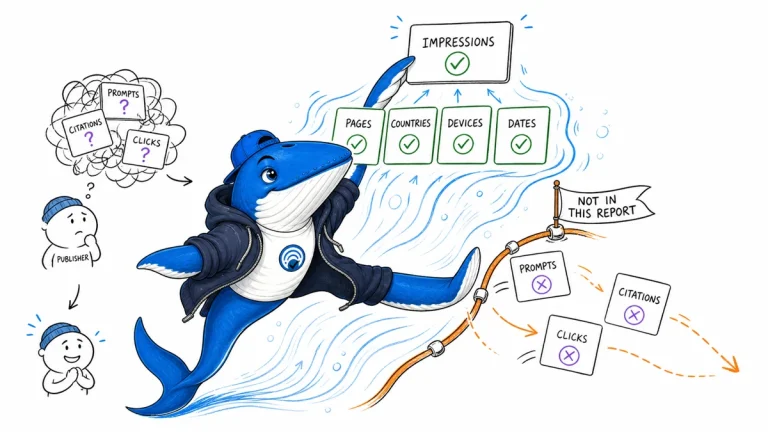
Google’s Generative AI report is available worldwide. Learn how AI Overview and AI Mode impressions are counted, aggregated, and commonly misread.
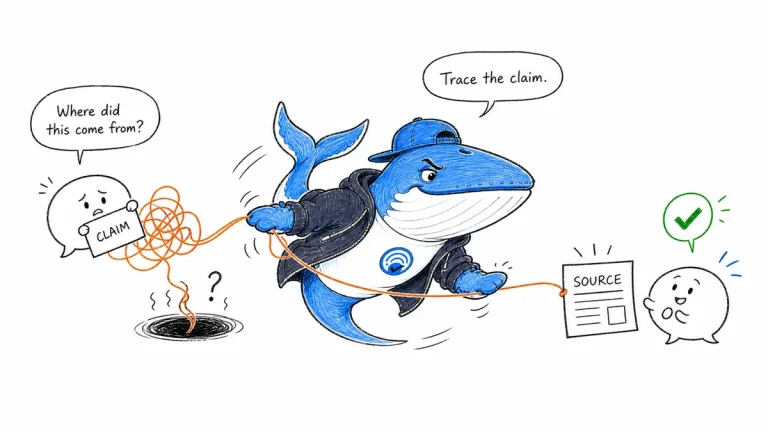
No page can force an AI citation. This guide shows how to meet ordinary eligibility requirements, build evidence passages that travel, and measure retrieval without ranking promises.
The Answer Brief
Get practical SEO and AI-search guidance, new experiments, and the workflows worth keeping.
Unsubscribe anytime. Your inbox stays yours.
Practical, evidence-based answers for earning visibility in search engines and AI answers.
Get the Chrome extension Read the living case study
Independent publication. Sources, corrections, authorship, and commercial relationships are disclosed openly.
Search the publication
Search reporting, guides, research, checklists, and browser tools.
SearchEngineAnswer app
Install the site on your home screen for a focused, standalone reading experience. No app-store account is required.
On iPhone or iPad, open the browser Share menu and choose “Add to Home Screen.” On other devices, use your browser’s Install option when available.
Privacy controls
Required for security, saved controls, and remembering this choice.
No analytics service is currently configured.
No advertising or behavioral targeting is currently configured.