
Google brings Wallet to AI Mode and expands search personalization
Google is rolling out an optional Wallet connection for AI Mode. A three-condition test shows how publishers can compare public citations across personalization settings.
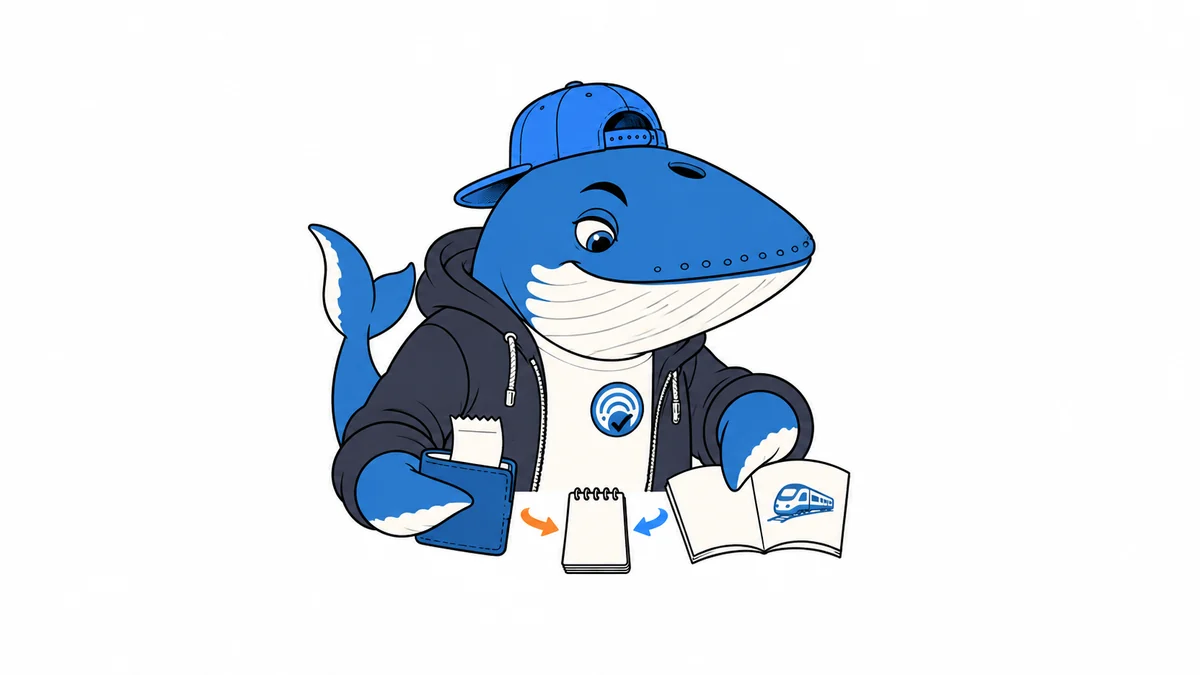
Google began rolling out an optional Google Wallet connection for Personal Intelligence in AI Mode on November 23. People who have access can choose to let Search use Wallet information, such as spending and card benefits, when answering a relevant question. Google put two other connections on a later schedule: Drive and the Gemini app are due to follow in the coming weeks. The announcement also says recent search activity will influence more responses across AI Overviews and AI Mode. That broader personalization deserves its own line in an SEO report. Google’s November 23 announcement
For publishers, the question is what a citation check can establish when the same query can arrive with different context. Suppose two people ask about a weekend rail trip. One wants general information about tickets. The other has already been comparing destinations and departure dates. A published rail operator’s fare rules can answer either person’s question. The answer may nevertheless emphasize different fare types, or link to a different operator. A useful audit captures those differences by condition and checks where each public link leads.
Separate the changes on Google’s timeline
The new Wallet connection is opt-in. Google says AI Mode can read connected account information for relevant answers. Its announcement describes spending summaries and guidance about existing card benefits, and limits the connection to reading information. Google already announced the Google Wallet integration for the Gemini app on November 13. The November 23 announcement concerns the connection in Search. Check what your account and market actually show before recording a feature as available. Google’s Search announcement and the earlier Gemini app announcement
Keep the app connection and search history separate in the log. A person can leave Wallet disconnected and still have search personalization enabled. Likewise, the presence of a Wallet toggle gives you evidence about the available settings. To establish that Wallet contributed to a particular answer, you would need evidence from that answer or its personalization explanation. Google says it plans to add more context there through a Personalization icon. Search Help on connected apps
Start with a public prompt and three conditions
Use a question whose answer depends on facts you can check on public pages. For travel, try “What should I check before booking a train trip from Lyon to Marseille with a bicycle?” For retail, pick a published returns or compatibility question. Avoid including purchase history, personal dates, saved cards, or customer information. Keep the prompt exactly the same for the first pass. The comparison below is a proposed procedure for a team with authorized access to the relevant settings.
| Condition | Hold fixed or record | What the run can establish |
|---|---|---|
| Temporary thread | Same wording, device, browser language and test window. Start a fresh thread for each run. | Which public links appeared in the temporary baseline. Google says past preferences do not inform these responses. |
| Standard fresh thread | Record the personalization setting. Keep the connected-app state the same across repeats. | Which links appeared with this standard configuration. Repeated runs show whether ordinary variation is common. |
| Existing thread | Record the exact public prompt and a short redacted description of prior turns. | Which links appeared with conversational context present. Keep this sample separate from first-turn checks. |
Google announced temporary threads on November 17 for supported desktop and mobile browser experiences. Google says those threads are detached from past preferences and are excluded from search history. The temporary thread is a useful baseline for account context. You still need to record language, location, and time because those factors can affect what a given query returns. Mark a condition unavailable if your test account lacks it. Google’s temporary threads announcement
Record the answer, the cited page, and the claim separately
Give each run a timestamp, a prompt ID, and a condition. Record whether a response appeared. If it did, save the visible public URLs that support the most important claims. Capture the destination after the click or redirect, since the displayed label and destination may differ. On the publisher page, verify the matching sentence, table cell, or help paragraph. A brand mention in an answer, a link to its homepage, and a citation pointing to the correct evidence page are three different observations.
Imagine three temporary runs and three standard runs. Your fare-policy page appears in two temporary runs and one standard run. Both counts have a denominator of three, and the recorded difference is one appearance. Repeat in a second time window before changing the site. If the same official page alternates with another public source in both conditions, the initial difference can sit within ordinary answer variation. If a comparison page consistently receives the citation while your policy page is linked to a different claim, investigate the landing pages and source wording directly. These illustrative counts are for reporting the test. They are not measurements from this rollout.
Pick a fix that matches what you saw
When the right page is cited, and readers reach it, next check whether the page actually answers the linked question on mobile. When the wrong page is repeatedly cited across conditions, check for conflicting public facts, ambiguous titles, outdated policy URLs, and weak internal links from the main service page. For the rail example, a useful fix might be a single publicly accessible bicycle policy covering reservation requirements, fees and operator exceptions, with a visible review date.
When a page appears in some runs and disappears in others, treat the sample as a source of hypotheses. Keep the comparison separate from the performance trend. Google’s publisher guidance says appearances in AI features are included in the overall Web Performance data in Search Console. Use available AI reporting alongside that overall view, and use analytics for the observed landing sessions or conversions. A sample custom prompt shows the links seen under your test conditions. The performance reports measure a different set of events. Google’s website guidance for AI features and our Search Console AI visibility guide
Before a weekly review, select five public questions that map to pages you can improve. Keep two settings consistent, repeat the test over two windows, and save enough evidence that another editor can reproduce the check. If a finding calls for action, write down the page, the unsupported or mismatched claim,m and the smallest factual correction. The AI visibility measurement crosswalk and Semrush traffic estimate analysis place those observations in a wider report.
Keep learning
Continue this topic
Earlier in this topic
What Semrush’s AI-influenced traffic estimate can tell you
AEO & AI Search
Ask a question or join the discussion