OpenAI Plans to Retire Custom GPTs: Build the Migration Inventory
Prepare for OpenAI's planned Enterprise custom GPT transition with the September 17 and 25 milestones, December 11 retirement date and a migration inventory.
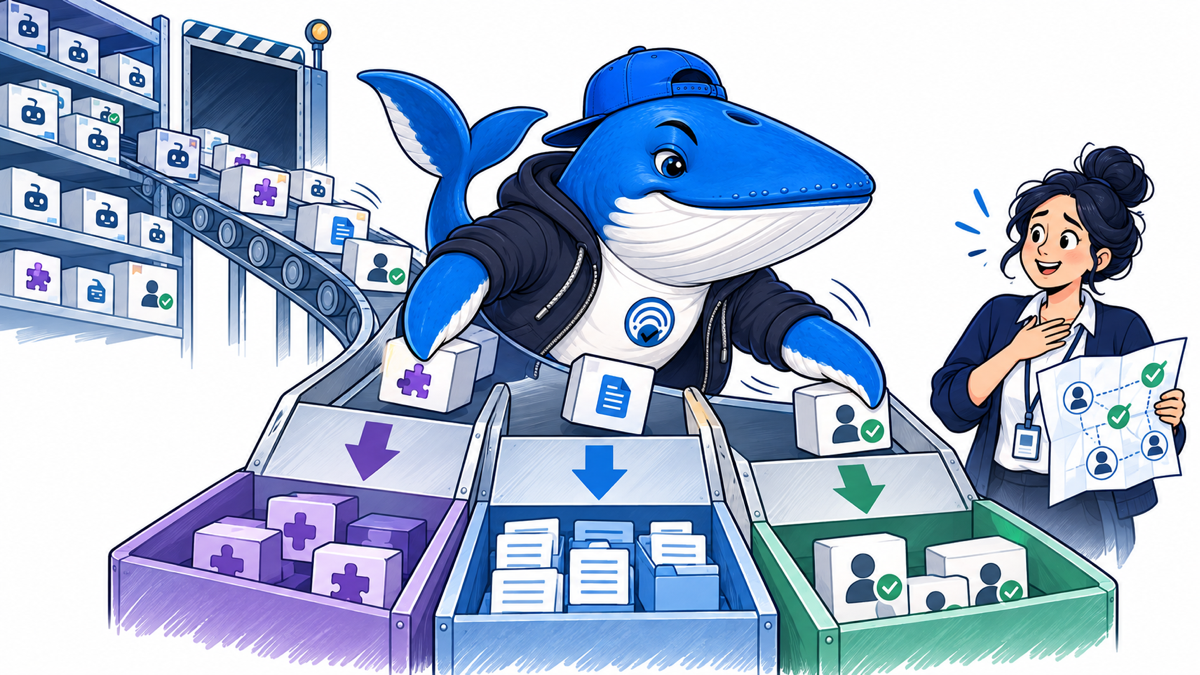
OpenAI now lists a planned Enterprise transition: migration targeted for September 22, new custom GPT creation planned to end October 26, and retirement scheduled for December 11, 2026, for affected Enterprise workspaces. The migration target is not a guarantee that every workspace can see the option now.
Other plans are expected to follow the same timeline, but account and workspace notices remain authoritative. Existing GPTs remain usable until the applicable retirement date. After a GPT is migrated, OpenAI says the original remains available but becomes read-only.
The Enterprise timeline now has three operational dates
| Date | Planned change | What to do |
|---|---|---|
| September 22, 2026 | Migration experience and user banner target | Record whether the option is actually present; absence is not by itself an incident. |
| October 26, 2026 | Creation of new custom GPTs planned to end | Publish drafts needed for migration before the cutoff; public sharing is not required. |
| December 11, 2026 | Scheduled retirement for affected Enterprise workspaces | Migrate and test the workflows worth keeping before they stop running. |
The dates are subject to change. Custom actions need extra attention because OpenAI says those integrations do not transfer automatically. Finish essential edits before migration, then maintain the replacement plugin as the active copy.
The first hour is an ownership audit
OpenAI explicitly recommends reviewing the GPTs people rely on and identifying their creators and anyone who needs access. Start with four lists:
- Created here: GPTs owned by current workspace members.
- Used here: GPTs the team depends on but does not own.
- Shared outward: GPTs used by clients, partners or the public.
- Orphaned: GPTs whose creator has left, lost access or cannot be identified.
The orphaned list is the highest operational risk. A workflow can look available today while nobody has authority to inspect its instructions, files, actions or sharing settings during migration.
One GPT can contain several different assets
| Asset | Question to answer | Migration risk |
|---|---|---|
| Instructions | Which rules are essential, conflicting or outdated? | A copied prompt can carry old policy or hidden assumptions. |
| Knowledge files | Who owns each file and when was it reviewed? | Stale, licensed or confidential material can move without review. |
| Connected apps | Which accounts, scopes and data classes are involved? | Plugin access may differ from the original connection. |
| Actions | Which endpoints can read, create, change or delete data? | A migration can change authentication, confirmation and side effects. |
| Sharing | Who can discover, use, edit or administer it? | Visibility can broaden or collapse during migration. |
| Operating history | Which tasks, failures and exceptions matter? | A technically successful copy can lose institutional knowledge. |
Map what moves and what needs a rebuild
| GPT layer | Planned migration behavior | Acceptance check |
|---|---|---|
| Instructions | Become a skill in the new plugin. | Run familiar prompts and verify that the intended skill is selected and followed. |
| Connected apps | Are added as apps in the plugin. | Recheck account access, scopes, action confirmations and workspace policy. |
| Knowledge files | Are copied into reference files. | Review ownership and freshness, then confirm the replacement can retrieve each required asset. |
| Conversation starters and existing conversations | Existing conversations do not transfer. | Preserve important prompts, decisions and operating history outside the migration. |
| Selected model | Does not transfer. | Retest output quality, format and edge cases under the available model policy. |
| Custom actions | Do not transfer automatically. | Evaluate and rebuild the integration through a supported connector or custom MCP server. |
The replacement plugin begins private. Sharing it with people or groups and publishing it to a workspace directory are separate permissions. A person who could use the original GPT does not automatically gain access to the plugin, and a redirect to the replacement does not grant that access.
Choose a disposition before building anything
Migrate: the GPT supports a current, repeated job; its owner, users, data and side effects are known.
Merge: several GPTs repeat the same task with small prompt differences that should become one maintained plugin.
Archive: the instructions or files have reference value, but the GPT should not remain operational.
Retire: the use is obsolete, duplicated, unsafe, unused or impossible to govern.
Await notice: migration timing or capability depends on a plan or workspace notice that has not arrived.
This decision prevents the common mistake of converting every historical experiment into permanent plugin debt. A migration is also a chance to reduce duplicate assistants and give each surviving workflow a named owner.
The migration copies the latest published version, not unpublished work
OpenAI’s current migration FAQ says the migration uses the latest published custom GPT version. Draft changes and unpublished edits do not transfer. Publish the intended source version before migration, or archive the draft separately when it should not become operational.
Instructions become a skill, connected apps become plugin apps and knowledge files are copied into reference files. Model selection, existing conversations, sharing settings and custom actions do not transfer. Custom actions may need an available app or a custom MCP server.
| Component | Automatic behavior | Manual work | Failure risk |
|---|---|---|---|
| Published instructions | Become a plugin skill | Compare selection and output against real tasks | Unpublished fixes are absent. |
| Knowledge files | Copied into reference files | Review ownership, freshness and retrieval | Stale or confidential files remain available. |
| Connected apps | Added as apps | Reauthorize scopes and test denied paths | Connection exists but permissions differ. |
| Custom actions | Do not transfer | Replace with an app or custom MCP server | Critical reads or writes disappear. |
| Conversations | Do not transfer | Preserve important prompts and decisions separately | Operating history is lost. |
| Sharing | Starts private | Recreate people, group and directory access | Users lose access or access broadens incorrectly. |
Compare permissions as a diff, not a checkbox
OpenAI says plugins can combine reusable instructions with connected apps. That description does not establish that every custom GPT behavior, action or sharing mode will transfer unchanged.
For each migrated candidate, record:
- old creator, new owner and backup owner;
- old audience and proposed audience;
- old data sources and new connected apps;
- read scopes, write scopes and destructive actions;
- confirmation rules before an external change;
- workspace, plan and geographic constraints;
- logging, review and revocation paths.
A green “connected” state is not an acceptance test. Test a permitted read, a denied read, a permitted write, a denied write, an expired authorization, an owner removal and a shared-user path.
Download the migration inventory
Download the custom GPT migration inventory (CSV). The file includes ownership, audience, instructions, files, apps, actions, data class, side effects, migration disposition, test owner and notice status.
The sample rows are marked EXAMPLE-REMOVE. Replace them with your workspace records. Do not put API keys, access tokens, customer secrets or confidential file contents in the sheet.
Run a bounded cutover
- Freeze changes to the selected custom GPT long enough to capture its current instructions, files, connections and audience.
- Create the migration candidate only when the applicable option appears for the plan or workspace.
- Test the top three real jobs with sanitized inputs and compare useful output, errors and permission behavior.
- Ask current users to verify access and one important edge case.
- Keep a rollback path until the plugin passes and the original GPT’s applicable retirement deadline is clear.
- Archive the approved inventory, decision and test evidence.
The AI-browser research migration checklist covers evidence preservation during a product retirement. The OpenAI publisher-controls guide separates access, search, citations and referrals when the migrated workflow touches public content.
What OpenAI has confirmed
OpenAI’s GPTs in ChatGPT documentation lists the December 11 Enterprise retirement date and the September 22 migration target. The retirement and migration FAQ adds the planned October 26 creation cutoff, explains the post-migration read-only state and says custom actions do not transfer automatically. Both pages were checked September 19, 2026. Check the notice shown in the account before assigning a deadline to another plan or workspace.
Keep learning
Continue this topic
Next in this topic
Four Search and AI Operations Changes Publishers Should Review
Earlier in this topic
Claude On-Demand Compaction Needs a Citation-Retention Test
Tools & Workflows
Ask a question or join the discussion