How to Track AI Search Referrals in GA4
Create a maintained AI-assistant referral segment in GA4, preserve the raw source evidence, and report click visits without presenting them as complete citation coverage.
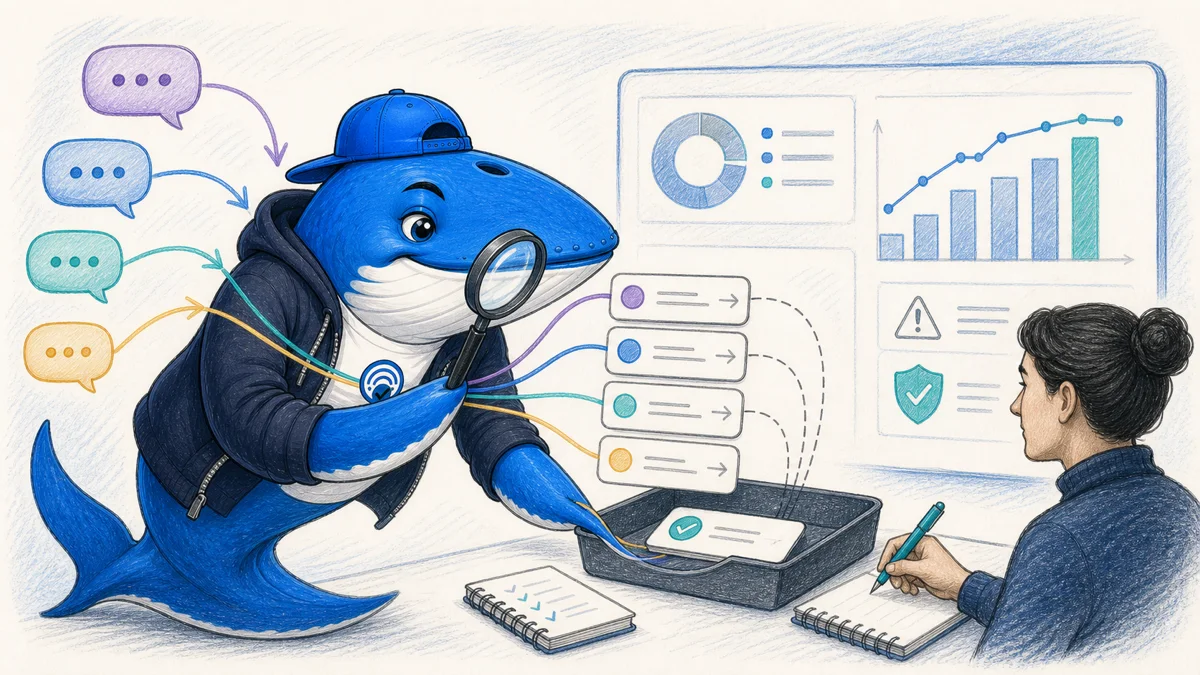
The practical answer: track AI assistants as a clearly defined referral segment in GA4, preserve the raw source and medium, and report the segment beside;not inside;organic search. The result is an observation of visits attributed to known referrers, not a complete count of AI citations or influence.
Start with the question the report can answer
A defensible GA4 report can answer: “How many recorded sessions arrived with a source that matches our declared list of AI assistants?” It cannot tell you how often an answer engine mentioned the brand without a click, whether every assistant preserves referral information, or whether the assistant caused a conversion that happened later through another channel.
Google’s Traffic acquisition report is session-scoped. Its source dimension identifies the publisher or inventory source that sent the session; source/medium combines that source with the acquisition method. Keep both dimensions in the working record so a friendly label never replaces the underlying evidence.
Build a known-referrer register
Create a small versioned table with the assistant name, the observed source value, the official documentation or a dated first-party test, and the date last checked. OpenAI states that ChatGPT referral URLs include utm_source=chatgpt.com in its publishers and developers FAQ. Do not extend that documented behavior to every product without evidence.
| Field | Record | Why it matters |
|---|---|---|
| Assistant | Product name | Creates a readable reporting label |
| Observed source | Exact GA4 value | Preserves the underlying evidence |
| Evidence | Official note or dated test | Prevents guessed patterns becoming rules |
| Checked | Date and owner | Makes maintenance explicit |
| Boundary | Click referrals only | Stops the metric being presented as citation coverage |
Inspect the raw sessions before creating a channel
- Open Reports → Acquisition → Traffic acquisition.
- Change the primary dimension to Session source / medium.
- Search for each documented source value separately.
- Add landing page, country, device category, and conversion-related metrics only when they help answer a declared decision.
- Export the rows with the date range, property, filters, time zone, and consent state.
Start with this raw inspection because channel rules can hide mistakes. A source may be absent, uncommon, or grouped somewhere unexpected. Zero recorded sessions means zero sessions matching the current query and measurement conditions; it does not prove the assistant never used or cited the site.
Create a custom AI-assistant channel group
GA4 custom channel groups let editors define rule-based channels using dimensions such as source and medium. Google documents that custom channel groups can be applied retroactively in reports. That makes them useful for a maintained reporting view without rewriting historical event data.
- In Admin, open Data display → Channel groups.
- Create a group named with a version, such as AI assistants v1.
- Add one channel whose source rules match only the entries in the evidence register.
- Keep organic search, referral, email, paid, and direct as separate channels.
- Save a screenshot or export of the rules and record every later change.
Use exact matches where possible. If a regular expression is necessary, test it against a list containing both expected matches and dangerous near-matches. A broad expression containing “ai” can capture unrelated domains and corrupt the report.
Build the weekly decision view
A useful weekly view is small: sessions, engaged sessions, key events or conversions, landing pages, and source. Compare a complete current period with the previous comparable period, then inspect whether a change is concentrated in one source or landing page. Annotate releases, tracking changes, consent changes, and campaigns.
| Metric | Useful for | Does not prove |
|---|---|---|
| Sessions | Recorded visit volume | Total AI citations or mentions |
| Engaged sessions | GA4 engagement under current configuration | Content quality by itself |
| Landing page | Which destination received the visit | Which passage was cited |
| Key events | Configured on-site outcomes | Incremental revenue caused by AI search |
Validate with a controlled click test
When a product visibly links to your site, run a bounded test in a non-production analytics property or clearly labeled test window. Record the assistant, interface, link, browser, consent choice, destination URL, timestamp, resulting source/medium, and any campaign parameter. Repeat on more than one device or browser when that distinction matters.
The test establishes how that route was recorded in that environment. It does not prove all clicks from the product use the same path. Keep the register open to correction and mark entries as official, observed, or unverified.
Report the limits beside the number
Every dashboard should state that the segment covers recorded click referrals matching the current rule set. It may omit citations without clicks, stripped referrers, privacy-restricted sessions, new products not yet registered, and journeys completed through another channel. This boundary is not a footnote; it is what makes the number usable.
Use a decision rule, not a vanity chart
Name the decision before adding the report to a dashboard. A content team might use recurring qualified visits to identify landing pages worth maintaining. A product team might compare assistant sources to find broken destinations. A founder might monitor whether the channel produces enough observed value to justify a dedicated measurement or publishing workflow. Each decision needs an owner, review frequency, minimum sample, and action.
- Expand: a repeatable source sends qualified visits to pages that satisfy the expected job.
- Repair: visits arrive but land on broken, stale, or mismatched destinations.
- Hold: the sample is too small or the reporting route is not stable enough to interpret.
- Stop: maintaining the segment costs more than the decision value it creates.
Never use a low total as permission to remove ordinary search fundamentals. The same page can be discovered through Web search, direct links, newsletters, social platforms, and answer products. Channel reporting should inform allocation while preserving the page’s full reader job.
Reporting example
A referral report should preserve the source that actually sent the visit
If every unfamiliar hostname is rewritten as “AI traffic,” the report becomes impossible to audit.
- Capture the original source and medium before channel grouping.
- Maintain a dated lookup table for known answer-engine referrers.
- Keep direct and unknown traffic separate instead of forcing attribution.
- Compare landing pages and outcomes, not sessions alone.
My takeaway: The best GA4 view is a transparent segment that can be revised when referral behavior changes, not a permanent black-box channel.
Primary documentation
Keep learning
Continue this topic
Next in this topic
French News Publishers and AI: Google News & Discover Guide
Earlier in this topic
How to Audit Capterra Citations in ChatGPT SaaS Recommendations
AEO & AI Search
Ask a question or join the discussion