ChatGPT Product Feeds: Separate Discovery, Ads, and Checkout
OpenAI's commerce product file and Ads Manager feed create different states. Map snapshot delivery, product removal, discovery, checkout and reporting.
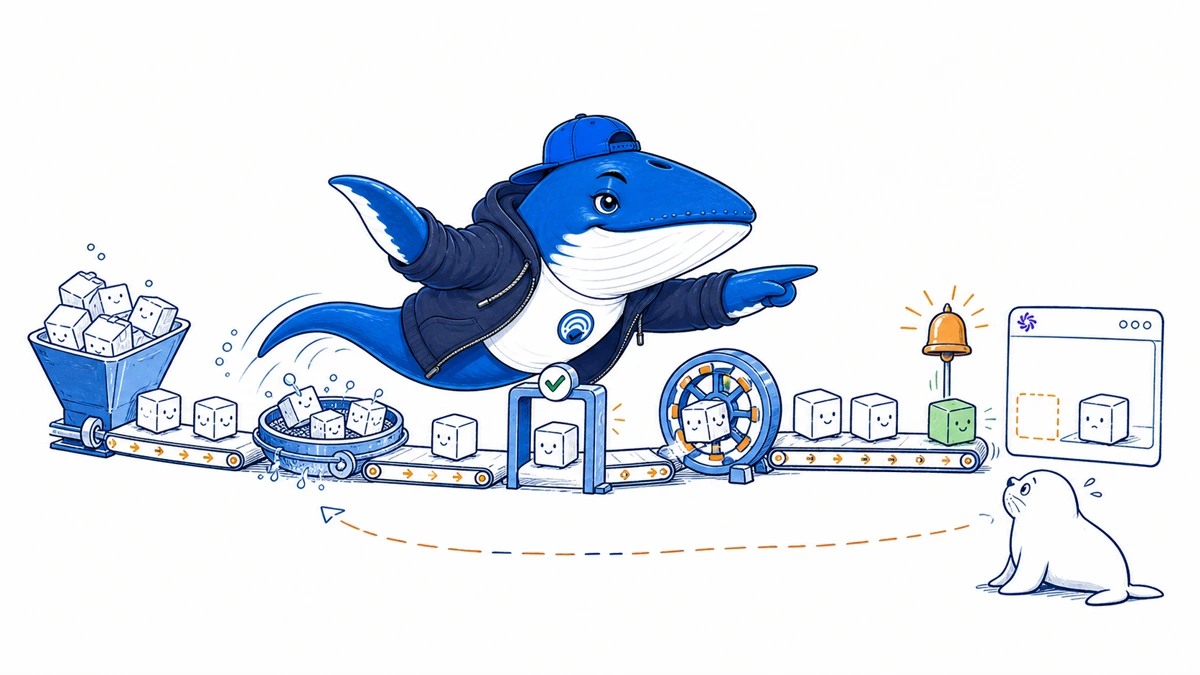
OpenAI now documents two different product-feed systems: a commerce product file for ChatGPT product discovery and checkout eligibility, and an Ads Manager feed for paid campaigns. They can share catalog fields, but they don’t produce the same outcome. A merchant should track discovery, merchant presentation, checkout, ad delivery, and referral as separate states.
The most important operational detail is deletion. Omitting a product from a later commerce snapshot does not guarantee immediate removal. OpenAI says an omitted product can remain for up to 14 days, while explicitly setting is_eligible_search to false disables search and checkout eligibility after the next processed snapshot.
Start with four product states, not one feed status
| State | Evidence | Do not infer |
|---|---|---|
| Discovery eligible | Processed product record with search eligibility enabled | The product will be selected for a user’s query |
| Checkout eligible | Eligible commerce record plus a supported checkout path and merchant status | Every discovery result offers checkout |
| Ad eligible | Processed Ads Manager feed, campaign settings, review and delivery conditions | The product enters organic ChatGPT shopping |
| Observed outcome | Recorded product card, merchant link, checkout action, ad impression, referral or sale | Eligibility was the only cause of the outcome |
This state model prevents a common reporting error. A valid row is evidence that the system accepted a record. It is not evidence of product selection, merchant ranking, ad delivery, a checkout session, or a sale.
The commerce file is a full snapshot.
OpenAI’s current commerce specification describes a daily SFTP delivery. Each delivery is a full snapshot of the products that the merchant intends to keep current. Parquet is the preferred format. JSONL, CSV, and TSV are also supported, including gzip-compressed files.
| Requirement | Current documented boundary | Release check |
|---|---|---|
| Delivery method | SFTP full snapshot, normally daily | Confirm transfer completion and processed snapshot time |
| Preferred format | Parquet | Validate schema and field types before upload |
| Other formats | JSONL, CSV or TSV, optionally gzip-compressed | Fix escaping, delimiters, encoding and compression in a test shard |
| Shard size | Up to 500,000 items and less than 500 MB per file | Split deterministically and retain stable filenames |
| Naming | Stable file naming is expected | Avoid timestamp-only names that prevent snapshot reconciliation |
At minimum, a usable product record needs a stable item identifier and enough data to explain what the item is, where it is sold, what it costs, and whether it is available. The current required-field set includes item_idtitle, description, product URL, brand, seller name, image URL, availability, and price. Optional fields can improve matching and presentation, but only when they remain accurate.
Deletion is a state transition.
A full snapshot invites a dangerous assumption: if a row is missing tomorrow, the product disappears tomorrow. OpenAI’s specification does not promise that. Omitted products can persist for up to 14 days. A merchant that must stop exposure should send an explicit eligibility change.
| Catalog event | Feed action | Expected product state | Evidence to retain |
|---|---|---|---|
| Temporary out of stock | Update availability and any valid restock fields | Record remains current but unavailable | Source inventory time and processed snapshot |
| Stop organic discovery now | Set is_eligible_search=false | Search and checkout eligibility disabled after processing | Explicit false value and next processed snapshot |
| Product permanently removed | First send explicit false, then omit after confirmation | Fast disable followed by catalog cleanup | Disable time, omission time, and observation checks |
| Row omitted by export bug | Restore the product in the next complete snapshot | Product may persist temporarily, but data can become stale | Shard diff and corrective delivery |
The boolean defaults to true when omitted. It is therefore safer to generate it from an explicit merchandising rule than to rely on the default. OpenAI also says that setting it to false disables both search and checkout eligibility. It is not a discovery-only switch.
Google-compatible input trades detail for portability
OpenAI accepts a Google-compatible product feed, which can reduce the first integration step for merchants that already maintain one. The compatibility path has important limitations. The current documentation enables product search but not checkout, and it does not support the per-item search opt-out available in OpenAI’s native schema.
| Capability | OpenAI native product file | Google-compatible file |
|---|---|---|
| ChatGPT product search | Supported for eligible merchants and records | Supported |
| Checkout fields | Supported when the commerce integration and merchant qualify | Not enabled through this compatibility path |
| Per-item discovery opt-out | is_eligible_search=false | Not supported |
| Fastest first import | Requires native schema mapping | Can reuse a maintained Google-style export |
The compatible file is useful for discovery pilots. It is not a drop-in substitute when checkout or granular eligibility control is a requirement.
Ads Manager remains a separate pipeline.
The commerce file does not replace the Ads Manager product feed, and the advertising feed does not place products into organic conversations. A paid product campaign has its own upload history, filtering, review, budget, bid, delivery, and reporting states. OpenAI’s current Ads Manager guidance says the Products tab is a reporting view: products appear after an active campaign generates delivery data and that reporting becomes available.
- Confirm that the advertising file processed without row errors.
- Check the product count after applying ad-group filters.
- Confirm campaign dates, status, review, budget, and bid.
- Record first delivery separately from product-level reporting.
- Allow for the documented reporting delay before diagnosing an empty Products tab.
- Keep organic shopping observations outside the paid-delivery chain.
Crawler checks also differ. OAI-AdsBotSupports advertising landing-page validation, while OAI-SearchBot supports search discovery. A successful request by one does not prove that the other can reach the page or that any downstream surface selected the product.
A daily reconciliation catches the expensive mistakes
Join the source catalog, exported snapshot, processed result, and observed ChatGPT surface on the stable item ID. For every run, preserve counts for source products, exported records, accepted rows, rejected rows, explicitly disabled items, omitted items, discovery observations, merchant links, checkout events, ad impressions, referrals, and sales.
- Completeness check: every source product intended for the channel appears in one shard.
- Freshness check: price and availability match the landing page at processing time.
- Deletion check: emergency removals use explicit false before omission.
- Surface check: discovery, checkout, ads, and referral are separate columns.
- Exception check: rejected rows return to the source catalog owner as well as the export script.
For a broader model of access, retrieval, citation, and outcome evidence, use the OpenAI publisher-controls guide. Merchants connecting more than one commerce surface should also keep the agentic commerce data-trust map beside the feed specification.
Current limits
OpenAI commerce and advertising access varies by merchant, market, account, and rollout. Eligibility does not guarantee selection, placement, checkout, delivery, or referral. SearchEngineAnswer did not upload a merchant snapshot for this revision and reports no processing time, serving rate, or revenue measurement. Reopen the current specification before changing a production export.
Primary documentation: Commerce file upload overview, product schema, and Ads Manager product-feed campaigns.
Keep learning
Continue this topic
Next in this topic
Bing AI Performance: Audit Citation Share With a 29-Field Ledger
Earlier in this topic
Google UCP Is Not SEO: Prepare for Checkout in AI Mode and Gemini
AEO & AI Search
Ask a question or join the discussion