
Bing adds an -ai search option to hide AI answers
Compare Bing results with and without AI answers while tracking source links, organic position, and on-screen visibility separately.
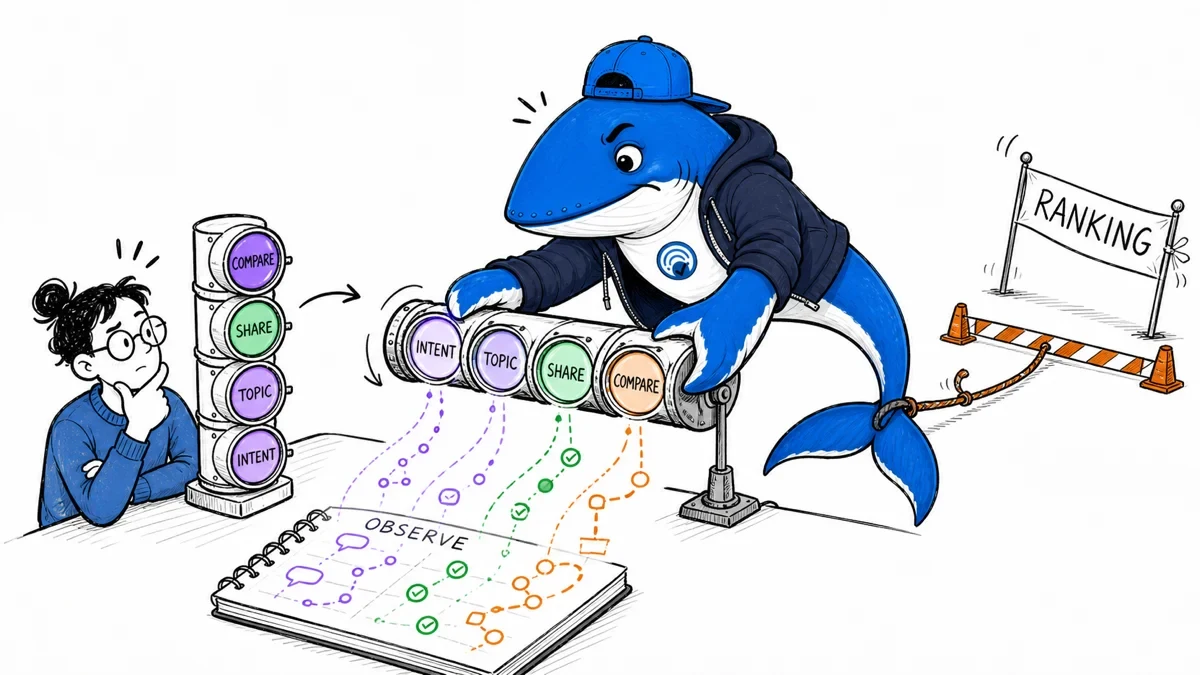
Microsoft published two ways to turn off AI answers in Bing on November 11. Add the -ai operator to a single search, or use the Bing AI Search Choice extension preview for Chrome or Edge. The extension also sets Bing as the browser’s default search engine. For an SEO audit, the query operator is the simplest way to create a second observation in the same browser profile. Microsoft’s announcement
Compare the same intent in two runs
Search a question such as “how to read a robots.txt file” normally. Then repeat it with -ai appended. Keep the browser, market, language, sign-in state, and viewport fixed. Save the effective results URL and check that Bing retained the operator. Screenshots should show the query and enough of the result page to support the observation.
Record whether Bing showed an AI answer, which domains and URLs appeared as sources, and the first five organic result URLs in order. Log ads, maps, and other modules separately. A result can appear higher on the screen because a module is gone even when its position among organic links is the same.
Separate answer exposure from organic position
Use three measurements for each pair. First, record whether the AI answer appeared at all. Second, record whether the target page was among its source links. Third, record where the target page appeared among the organic links, if it appeared within the depth you captured. Keep the pixel distance from the top as a separate measure if above-the-fold visibility matters.
Suppose an ordinary result page has an AI answer citing your page and your organic link is fourth. In the paired -ai view, your organic link is still fourth and appears nearer the top. That hypothetical result illustrates two changes a reader might perceive together. The source-link exposure is gone, and the organic result has more room on the screen. The measured organic rank is still four.
If the ordinary query has no AI answer, the pair cannot show how that module changes visibility for that run. Keep the pair in your total sample and report how many ordinary queries generated a module. If the operator changes the returned organic URLs, repeat the pair at another time and reverse the run order before treating the difference as stable. Neither run measures how often real Bing users choose the control.
Use the extension for a different question
The preview extension sets a preference across searches and makes Bing the default search engine. Use a separate browser profile if you need to check the extension’s persistent behavior. Record the extension version, preference state, and whether a new tab still uses the setting. The operator comparison and extension comparison should have separate labels in your log.
Start with a small fixed sample spanning informational, commercial, and navigational queries. Record desktop and mobile runs separately and count how many pairs had a comparable baseline. This is a proposed test protocol. It does not claim measured Bing placements or traffic changes. The same documentation habits are covered in the search results testing guide, and the visibility measurement ledger includes fields to keep source links and referrals separate.
Keep learning
Continue this topic
Next in this topic
Has Google removed AI Overviews? What the latest reports show
Earlier in this topic
ChatGPT Wallet starts rolling out in Dots
AEO & AI Search
Ask a question or join the discussion