
← Tool directory
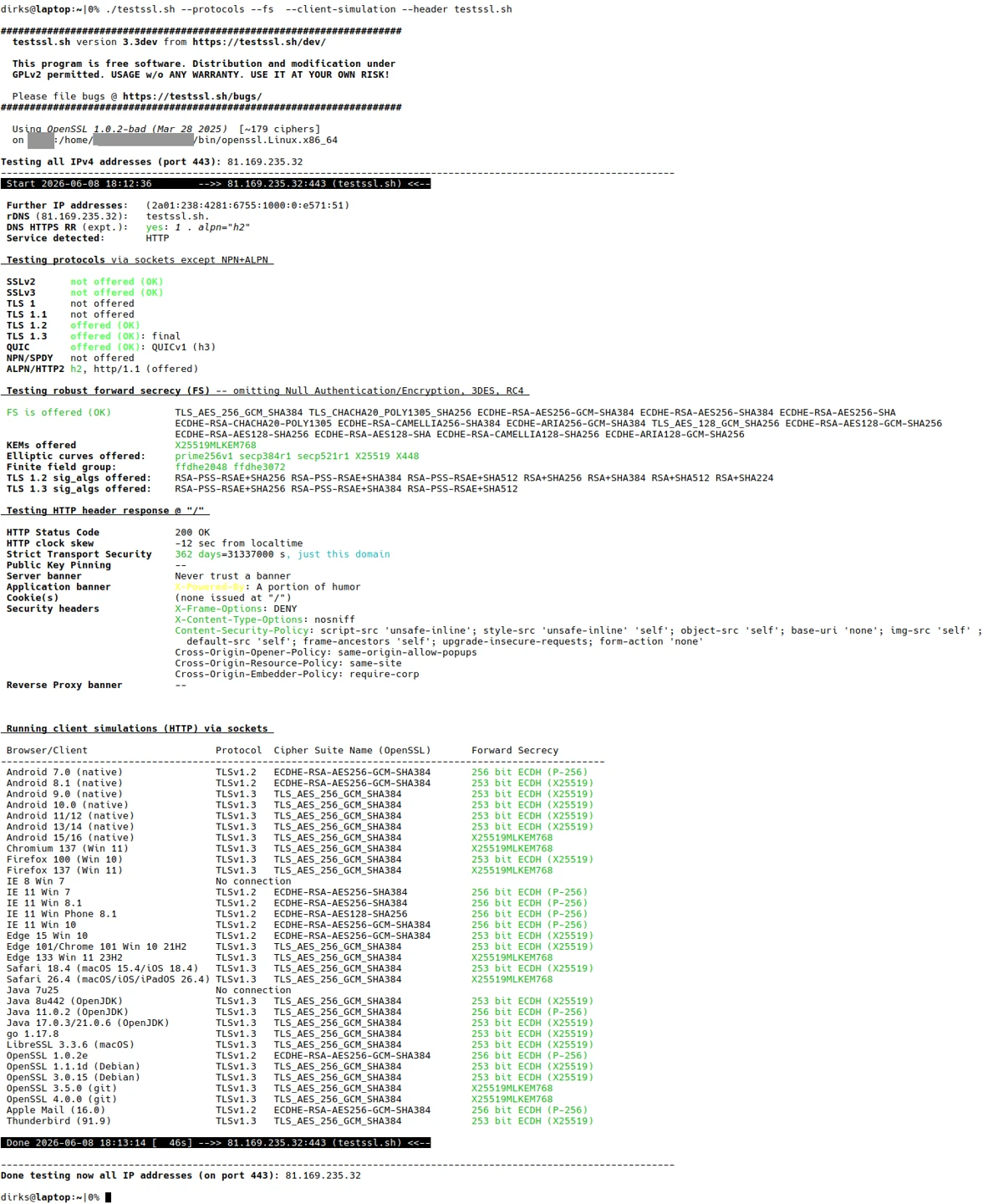
Sample terminal output from testssl.sh ↗
TOOL PROFILE
testssl.sh
Inspect HTTPS certificates, protocol support, and other TLS settings during a site migration.
Open source
Community support
0 upvotesSign in to upvote
Upvotes come from SearchEngineAnswer members. GitHub stars and reader reviews are counted separately.
Claim this tool if you maintain it.
- Best for
- Site audits
- Setup required
- Use Docker and run the upstream container against a hostname you manage.
- Costs to check
- The software is open source. Repeated scans use network and compute resources.
- License in catalog
- GPL-2.0
Project screenshot
GitHub repository
- GitHub stars
- 9,275
- Forks
- 1,157
- Last push
- 2026-11-11
- Primary language
- Shell
GitHub snapshot from . Stars count GitHub bookmarks. Reader ratings appear separately below.
How to install testssl.sh
-
Install and start Docker.
docker pull ghcr.io/testssl/testssl.sh - Pull the project image from GitHub Container Registry and check that the container starts.
First tutorial for testssl.sh
-
Replace the example domain with a hostname you own and run the scan.
docker run --rm -it ghcr.io/testssl/testssl.sh example.com:443 - Review the certificate dates, hostname coverage, and enabled protocols in the output.
- Run the same scan after the migration and investigate unexpected differences before switching traffic.
Where testssl.sh fits
Use testssl.sh to check the public HTTPS endpoint before and after a hosting or CDN change.
- When to choose another tool
- Check URL redirects and canonical tags with HTTP and HTML tools alongside the TLS scan.
- First evaluation
- Scan the staging hostname and inspect certificate validity, the hostname match, and the enabled TLS versions.
- How to interpret the result
- Record the endpoint you scanned. A CDN scan describes the TLS configuration visitors reach at the edge.
Reviews and discussion
Reader reviews
Be the first to share your experience with this tool.
Discussion
Ask a question or share a setup tip.
Flag an outdated detail
Include the field that needs updating and a source link. Copy your draft, then use the corrections policy to contact the editorial team.
Write a review or join the discussion