
← Tool directory
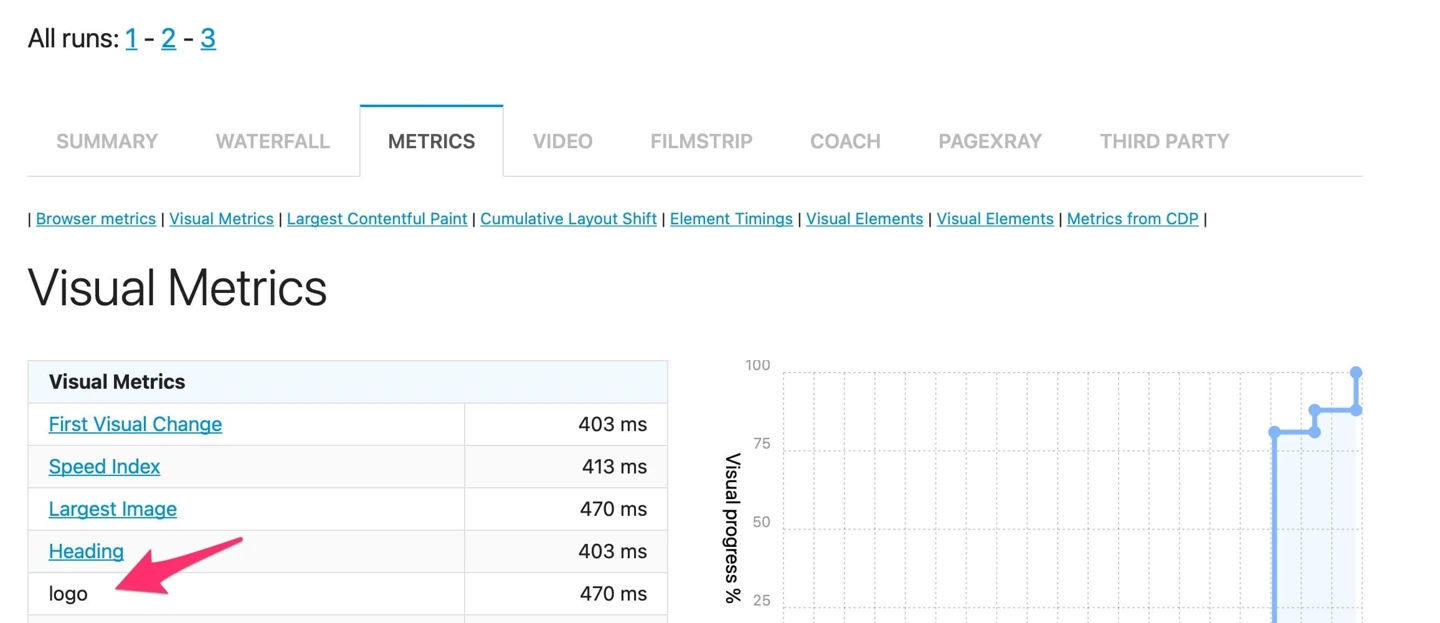
Example report from sitespeed.io documentation ↗
TOOL PROFILE

sitespeed.io
Run repeatable browser performance tests and inspect reports and request waterfalls.
Open source
Community support
0 upvotesSign in to upvote
Upvotes come from SearchEngineAnswer members. GitHub stars and reader reviews are counted separately.
Claim this tool if you maintain it.
- Best for
- Performance
- Setup required
- Install Docker and select a published image tag. Follow the project’s Docker guidance if you run on ARM.
- Costs to check
- The software is open source. Automated testing and report storage consume compute and disk space.
- License in catalog
- MIT
Project screenshot
GitHub repository
- GitHub stars
- 5,050
- Forks
- 632
- Last push
- 2026-11-11
- Primary language
- JavaScript
GitHub snapshot from . Stars count GitHub bookmarks. Reader ratings appear separately below.
How to install sitespeed.io
-
Install and start Docker, then create a writable working directory for the reports.
docker pull sitespeedio/sitespeed.io:42.10.0 - Pull the documented image tag and run the example from your working directory.
First tutorial for sitespeed.io
-
Replace the example URL with a staging page you control. Run the test three times with the same browser and environment.
docker run --rm -v "$(pwd):/sitespeed.io" sitespeedio/sitespeed.io:42.10.0 -b chrome -n 3 https://example.com/ - Deploy one image change and repeat the measurements under the same conditions.
- Open the generated HTML reports and compare the median LCP and the main image request waterfall.
Where sitespeed.io fits
Use sitespeed.io when you need repeatable lab measurements for a page template before and after a deployment.
- When to choose another tool
- Use field data to see how real visitors experience the deployed page over time.
- First evaluation
- Test the same staging URL three times before and after a change to its main image.
- How to interpret the result
- Compare median Largest Contentful Paint and check the waterfall for changes in when the image was requested and loaded.
Reviews and discussion
Reader reviews
Be the first to share your experience with this tool.
Discussion
Ask a question or share a setup tip.
Flag an outdated detail
Include the field that needs updating and a source link. Copy your draft, then use the corrections policy to contact the editorial team.
Write a review or join the discussion