
Mozilla Readability
Extract the main article text from saved HTML before feeding it to search or AI workflows.
Community support
Upvotes come from SearchEngineAnswer members. GitHub stars and reader reviews are counted separately.
Claim this tool if you maintain it.
- Best for
- Publishing
- Setup required
- Use Node.js, npm, and a DOM implementation such as jsdom. Start with an HTML snapshot of a page you control.
- Costs to check
- The open-source tool runs locally. The tutorial requires no account or paid service.
- License in catalog
- Apache-2.0
Project screenshot
GitHub repository
- GitHub stars
- 11,547
- Forks
- 742
- Last push
- 2026-08-04
- Primary language
- JavaScript
GitHub snapshot from . Stars count GitHub bookmarks. Reader ratings appear separately below.
How to install Mozilla Readability
-
Create a Node.js project and run npm install @mozilla/readability jsdom.
npm install @mozilla/readability jsdom - Save the example script as extract.cjs and put article.html next to it. Use a Node.js version supported by jsdom.
First tutorial for Mozilla Readability
-
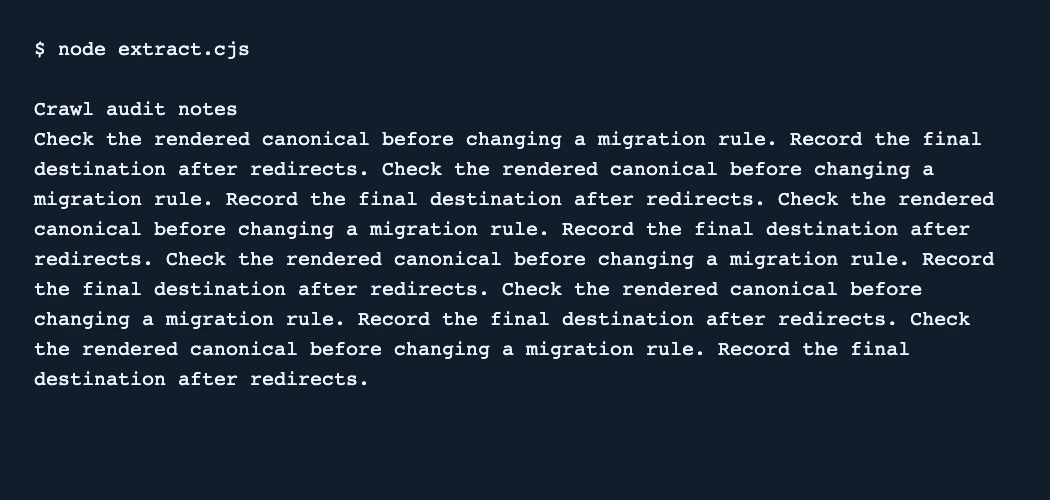
Put Crawl audit notes in the HTML title and main heading. Add a Browse the directory navigation label and a few paragraphs about checking canonicals inside the article element.
const { readFileSync } = require('node:fs'); const { JSDOM } = require('jsdom'); const { Readability } = require('@mozilla/readability'); const doc = new JSDOM(readFileSync('article.html', 'utf8'), { url: 'https://example.test/audit/' }).window.document; const article = new Readability(doc).parse(); if (!article) throw new Error('Article extraction failed'); console.log(article.title); console.log(article.textContent.trim()); - Run node extract.cjs. Look for the title and a distinct sentence from the body. Confirm that the navigation label is absent.
- Repeat the test on a second template. If you need citations, review the links in article.content as well as the plain text in article.textContent.
The local test retained the sample title and canonical advice and excluded the navigation label. Sanitize extracted HTML if you plan to display it.
Where Mozilla Readability fits
Use Readability to inspect what an article extractor retains from an editorial template.
- When to choose another tool
- Use a browser to capture hydrated HTML first when the article body depends on client-side rendering.
- First evaluation
- Save a full article with a navigation label and a distinctive sentence in the body. Compare the extracted title and text with the original.
- How to interpret the result
- Check that headings, caveats, and source details survive on representative pages. A local extraction result does not establish what a search engine indexes.
Reviews and discussion
Reader reviews
Be the first to share your experience with this tool.
Discussion
Ask a question or share a setup tip.
Flag an outdated detail
Include the field that needs updating and a source link. Copy your draft, then use the corrections policy to contact the editorial team.
Write a review or join the discussion