
jev-seo
Audit local HTML and Markdown with a Rust CLI before a site deploy and inspect the findings in an HTML report.
Community support
Upvotes come from SearchEngineAnswer members. GitHub stars and reader reviews are counted separately.
Claim this tool if you maintain it.
- Best for
- Site audits
- Setup required
- Use Cargo with a current Rust toolchain or a release binary for your platform. Start with two local files and generate the report outside the audited folder.
- Costs to check
- MIT-licensed CLI. The local audit runs without a paid API key. Paid data and optional external verification are outside this starter exercise.
- License in catalog
- MIT
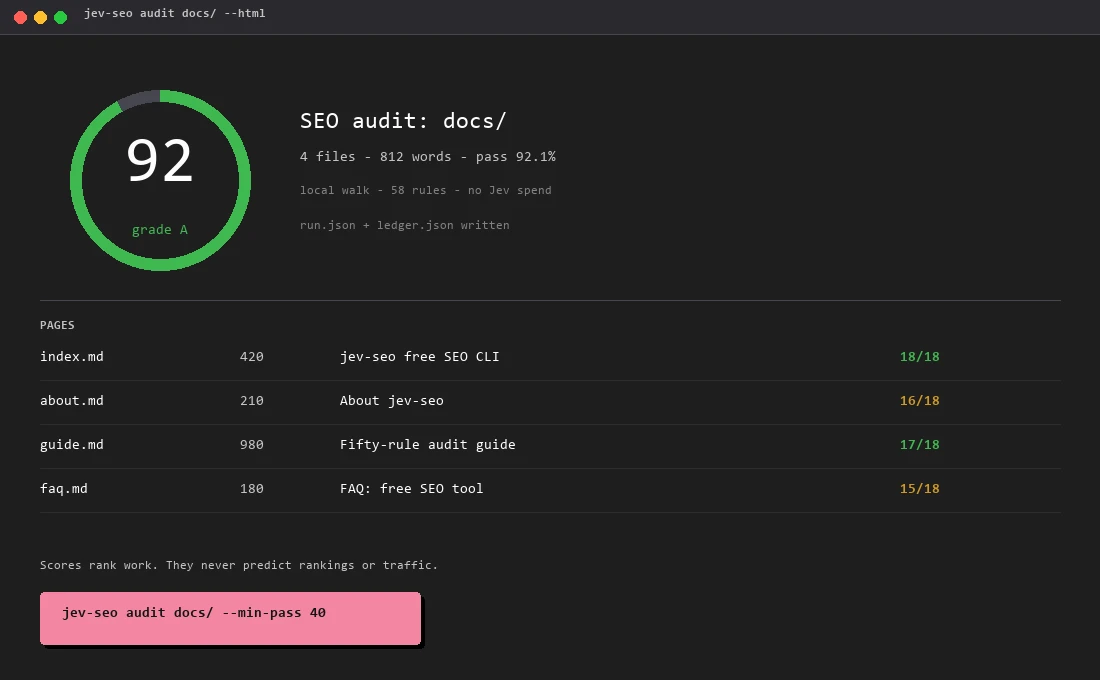
Project screenshot

GitHub repository
- GitHub stars
- 106
- Forks
- 18
- Last push
- 2026-11-11
- Primary language
- Rust
GitHub snapshot from . Stars count GitHub bookmarks. Reader ratings appear separately below.
How to install jev-seo
-
Install jev-seo with Cargo using the command below, or choose the official GitHub release binary for your platform. Verify the installed command with jev-seo --version.
cargo install jev-seo - Create a local folder named fixture containing two small HTML pages. Put the output report alongside the folder so it is excluded from the next audit.
First tutorial for jev-seo
-
Give one page a title and a main heading. Omit the title element from the other page, then run the report command below.
jev-seo --version jev-seo audit fixture/ --html audit-report.html - Open the HTML report and locate the findings for the file with the missing title. Record the rule reference and confirm you can identify the correct local file.
- Add the intended title and rerun against the same fixture. Check the relevant finding changed and keep remaining issues for separate review.
The repository and examples were checked on November 21. The fixture procedure is a local diagnostic exercise and does not measure rankings or AI citation behavior.
Where jev-seo fits
Choose jev-seo for a repeatable pre-deploy audit of built HTML or editorial files, especially when you want an HTML report other team members can inspect.
- When to choose another tool
- Use a live browser check when the issue involves JavaScript rendering, redirects or cache responses. Inspect Search Console separately when you need Google's indexing or selected-canonical record.
- First evaluation
- Create two local HTML pages with different titles and a clear main heading on one page. Leave the title out of the other page and generate a report from the directory.
- How to interpret the result
- Use the findings to locate the test defect, add the intended title and rerun the same audit. Record the rule and file path rather than relying on an overall score to decide whether the page is ready.
Reviews and discussion
Reader reviews
Be the first to share your experience with this tool.
Discussion
Ask a question or share a setup tip.
Flag an outdated detail
Include the field that needs updating and a source link. Copy your draft, then use the corrections policy to contact the editorial team.
Write a review or join the discussion