
HTMLProofer
Check generated HTML for broken internal links, missing fragments, and image references before deployment.
Community support
Upvotes come from SearchEngineAnswer members. GitHub stars and reader reviews are counted separately.
Claim this tool if you maintain it.
- Best for
- Link checks
- Setup required
- Install Ruby and RubyGems, and build the site to a local output directory.
- Costs to check
- The software is open source. Checks against external URLs use network requests.
- License in catalog
- MIT
Project screenshot
GitHub repository
- GitHub stars
- 1,646
- Forks
- 216
- Last push
- 2026-11-09
- Primary language
- Ruby
GitHub snapshot from . Stars count GitHub bookmarks. Reader ratings appear separately below.
How to install HTMLProofer
-
Install a Ruby version supported by the gem and confirm RubyGems is available.
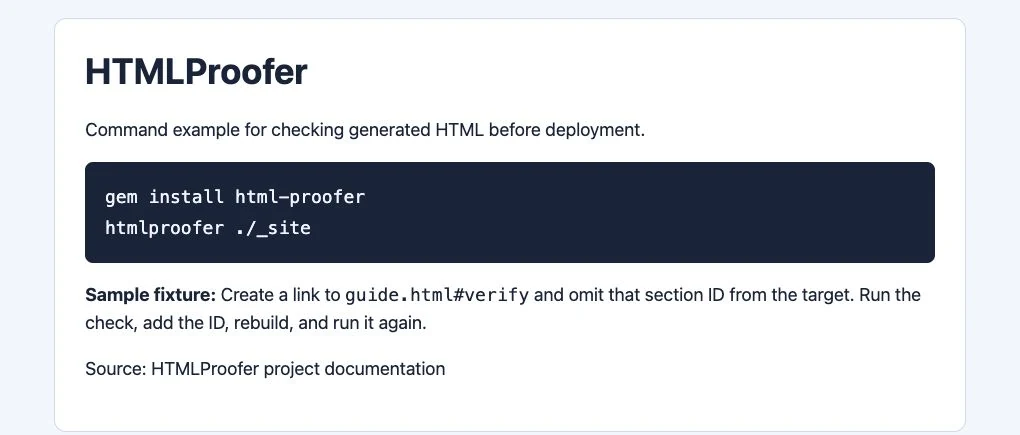
gem install html-proofer - Install the gem and run htmlproofer --help to check that the CLI is available.
First tutorial for HTMLProofer
-
Build a small site into _site. Add a link that points to an existing page with a missing section ID.
htmlproofer ./_site - Run HTMLProofer on the output directory. Find the source file and target fragment in the report.
- Correct the link or section ID in the source, rebuild, and verify that the reported issue is gone.
Where HTMLProofer fits
Use HTMLProofer when a static publication can validate its complete build before release.
- When to choose another tool
- Use a crawler for production-only redirects and server responses.
- First evaluation
- Add a link to a missing section ID in a two-page fixture, then check the generated directory.
- How to interpret the result
- Verify the report points to the source file and fragment. Fix the source template, rebuild, and run the same check again.
Practical workflow
Catch broken anchors before publication
Put a link to guide.html#verify on one page and remove the verify ID from the destination. Build the site, run HTMLProofer on the generated directory, and check that the report names the source page. Add the ID to the source, rebuild, and confirm the report clears.
Run the check after the build
Run HTMLProofer after generating the final HTML in continuous integration. That lets it inspect links and assets emitted by templates. For sites published under a subdirectory, check how the build writes that prefix and use the documented URL mapping if necessary.
Investigate external failures separately
Confirm a failed external link from a browser before removing it. A rate limit or an authentication screen can produce a failure even when the destination still exists. Recheck production redirects and canonical URLs after deployment with an HTTP check.
Reviews and discussion
Reader reviews
Be the first to share your experience with this tool.
Discussion
Ask a question or share a setup tip.
Flag an outdated detail
Include the field that needs updating and a source link. Copy your draft, then use the corrections policy to contact the editorial team.
Write a review or join the discussion