

HasData Google Trends MCP
Request Google Trends time series, regional interest, and related queries from an MCP client.
Community support
Upvotes come from SearchEngineAnswer members. GitHub stars and reader reviews are counted separately.
Claim this tool if you maintain it.
- Best for
- MCP servers
- Setup required
- Use a client that supports remote MCP or the documented local launcher. The service requires a HasData API key for authenticated calls.
- Costs to check
- The repository is MIT licensed. HasData charges service credits for successful data requests.
- License in catalog
- MIT
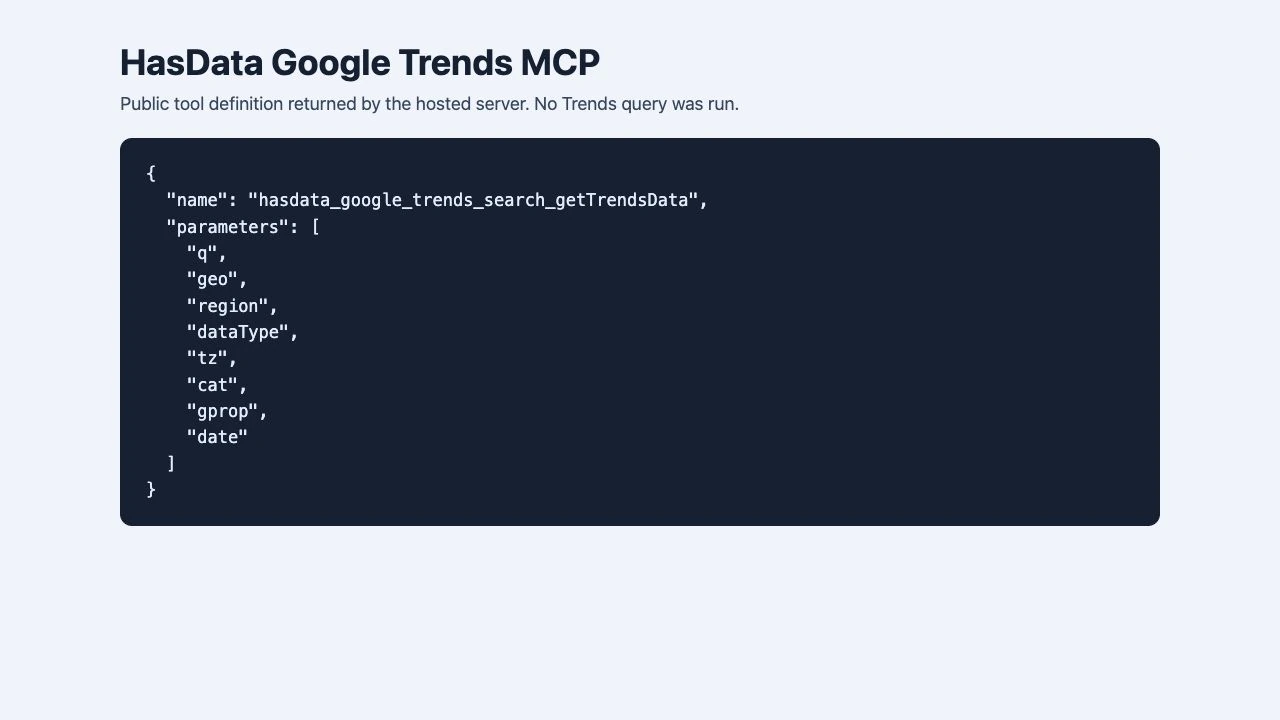
Project screenshot
GitHub repository
- GitHub stars
- 5
- Forks
- 0
- Last push
- 2026-10-29
- Primary language
- JavaScript
GitHub snapshot from . Stars count GitHub bookmarks. Reader ratings appear separately below.
How to install HasData Google Trends MCP
- Create a HasData API key and keep it in your client’s local configuration or supported credential store.
- For a client that supports remote MCP over HTTP, add the documented Google Trends endpoint and supply the key using the x-api-key header. Use the documented launcher for a local stdio setup.
First tutorial for HasData Google Trends MCP
-
Open a new session and check that the Google Trends tool is available.
Remote MCP URL: https://mcp.hasdata.com/mcp?apis=google_trends Authentication header: x-api-key Set its value to your own HasData key. - Compare cold brew and iced coffee in the United States over a fixed 12-month window. Request the raw time series and record the inputs.
- Check that both terms have aligned dates and inspect the highest-interest weeks. Compare the overall shape with a Google Trends view configured for the same market and dates.
The local package is a launcher for HasData’s hosted service. Google Trends values are relative scores rather than absolute search volumes.
Where HasData Google Trends MCP fits
Use this connector when an SEO research workflow needs regional or seasonal trend comparisons from an MCP client.
- When to choose another tool
- Use the Google Trends interface when you only need a one-off visual check and want to avoid API setup.
- First evaluation
- Compare two related terms in the same request for one country and a fixed date range. Verify that the response has labeled series for both terms.
- How to interpret the result
- Read the results as normalized interest. Keep the geography and time window consistent when comparing results.
Reviews and discussion
Reader reviews
Be the first to share your experience with this tool.
Discussion
Ask a question or share a setup tip.
Flag an outdated detail
Include the field that needs updating and a source link. Copy your draft, then use the corrections policy to contact the editorial team.
Write a review or join the discussion