
← Tool directory
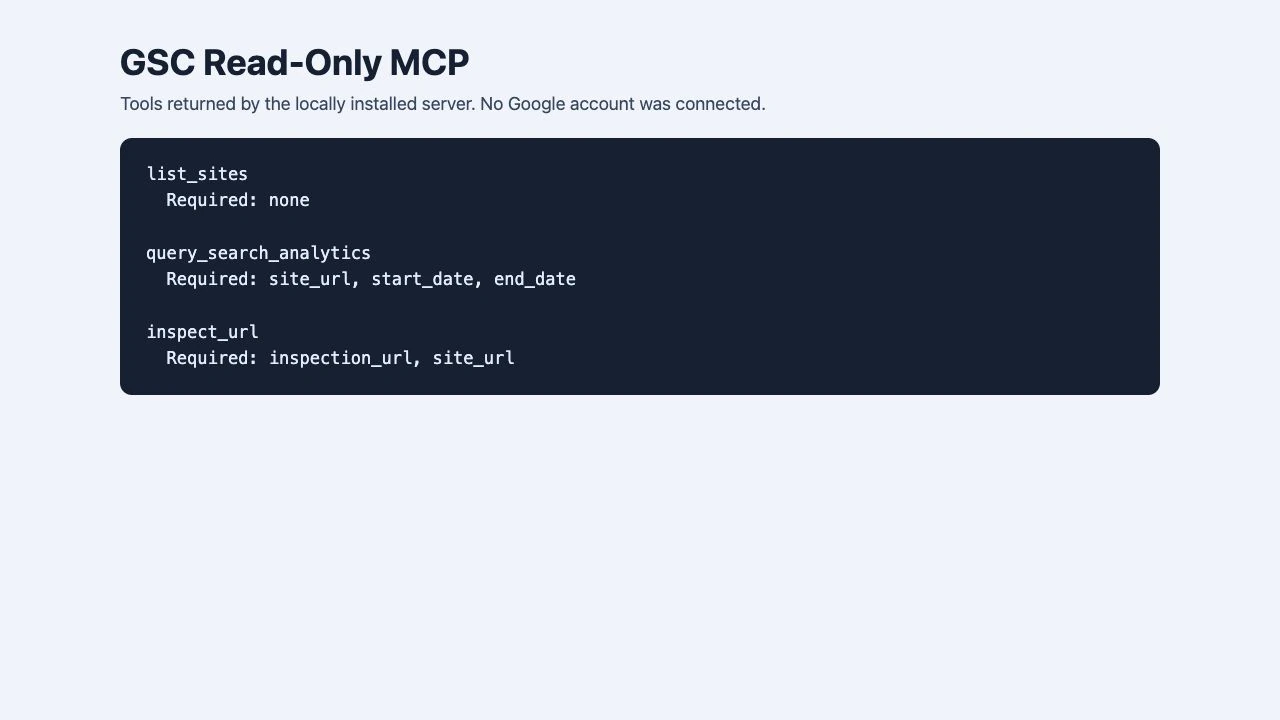
Local MCP tool list captured without connecting a Google account ↗
TOOL PROFILE
GSC Read-Only MCP
Connect an MCP client to read Search Console performance data and inspect URLs.
Open source
Community support
0 upvotesSign in to upvote
Upvotes come from SearchEngineAnswer members. GitHub stars and reader reviews are counted separately.
Claim this tool if you maintain it.
- Best for
- MCP servers
- Setup required
- Python with pipx, an MCP client, and credentials with access to the Search Console property.
- Costs to check
- The server is open source. Your model client and infrastructure may have separate costs.
- License in catalog
- MIT
Project screenshot
GitHub repository
- GitHub stars
- 2
- Forks
- 0
- Last push
- 2026-09-03
- Primary language
- Python
GitHub snapshot from . Stars count GitHub bookmarks. Reader ratings appear separately below.
How to install GSC Read-Only MCP
-
Install the gsc-readonly-mcp package with pipx.
pipx install gsc-readonly-mcp - Configure the documented read-only Google credentials and point your MCP client at the gsc-mcp command.
First tutorial for GSC Read-Only MCP
- Choose a property you can already access in Search Console and run a narrow performance query.
- Compare its date range and page filter with the matching Search Console report.
- Run URL Inspection for one canonical URL and record the inspection result separately from performance data.
Where GSC Read-Only MCP fits
Use it for read-only checks when an assistant needs performance and URL inspection data from one Search Console property.
- When to choose another tool
- Use Search Console directly for a quick manual check or a report you need to share from the interface.
- First evaluation
- Query a completed date range for one known property, then inspect one URL that belongs to that property.
- How to interpret the result
- Compare performance figures using the same filters and dates. Treat URL Inspection as a separate data source.
Reviews and discussion
Reader reviews
Be the first to share your experience with this tool.
Discussion
Ask a question or share a setup tip.
Flag an outdated detail
Include the field that needs updating and a source link. Copy your draft, then use the corrections policy to contact the editorial team.
Write a review or join the discussion