
← Tool directory
Source documentation ↗
TOOL PROFILE
Extruct
Extract JSON-LD and other embedded metadata formats from HTML in Python.
Open source
Community support
0 upvotesSign in to upvote
Upvotes come from SearchEngineAnswer members. GitHub stars and reader reviews are counted separately.
Claim this tool if you maintain it.
- Best for
- Structured data
- Setup required
- Python and pip, plus saved or fetched HTML to inspect.
- Costs to check
- Local extraction is open source. Budget separately for any crawl infrastructure.
- License in catalog
- BSD-3-Clause
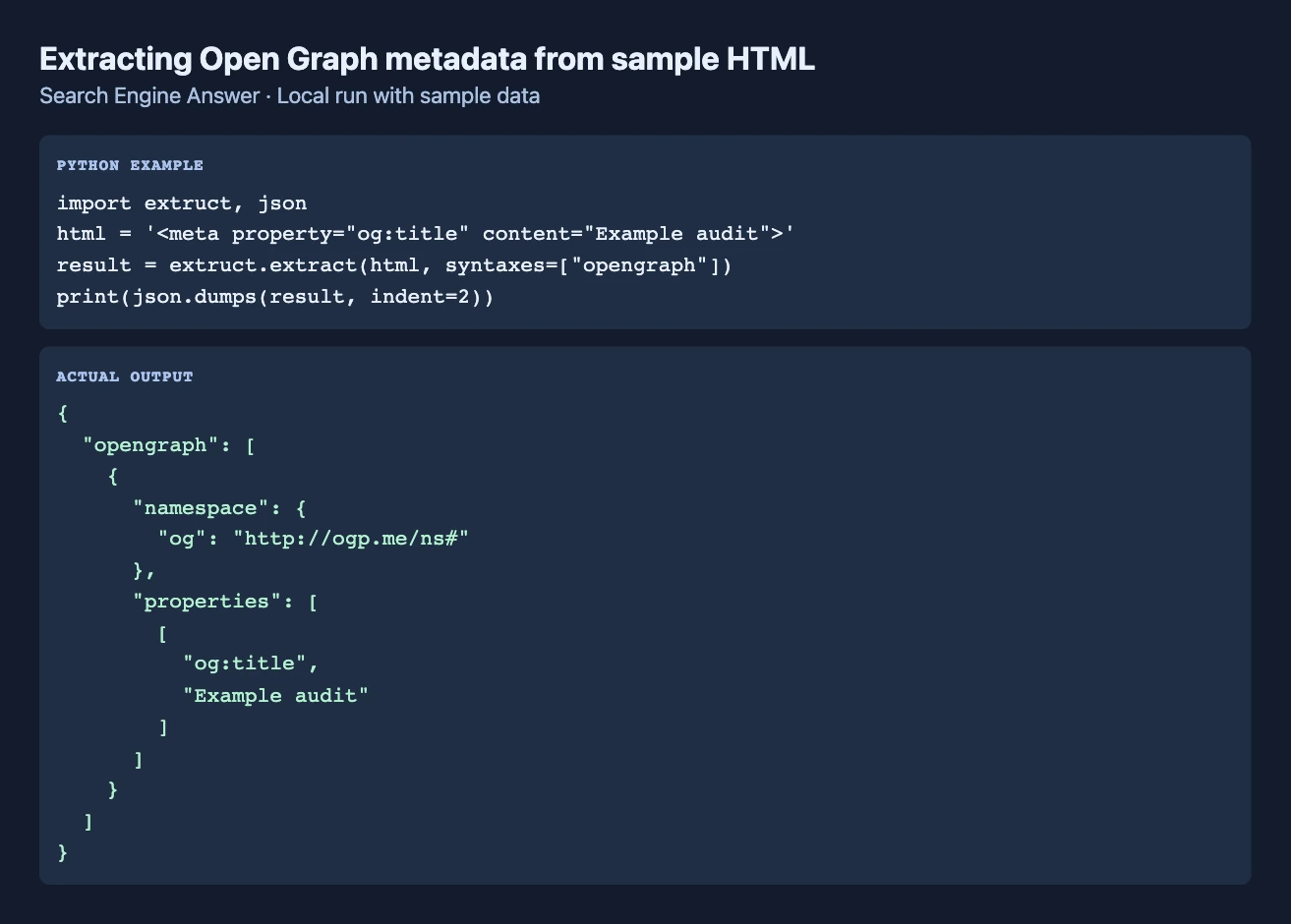
Project screenshot
GitHub repository
- GitHub stars
- 980
- Forks
- 126
- Last push
- 2026-10-15
- Primary language
- Python
GitHub snapshot from . Stars count GitHub bookmarks. Reader ratings appear separately below.
How to install Extruct
- Create a Python virtual environment and install the extruct package with pip.
- Save a test HTML file containing an Article JSON-LD block and choose its base URL.
First tutorial for Extruct
- Pass the file's HTML to extruct.extract with the base URL and inspect the JSON-LD output.
- Remove the markup in a second copy and rerun extraction to check that the output changes as expected.
Where Extruct fits
Use it to build a dataset of markup across a known group of URLs without coupling extraction to crawling.
- When to choose another tool
- Use a browser-rendered input when schema only appears after client-side JavaScript.
- First evaluation
- Extract JSON-LD from a saved HTML fixture and compare the returned type with the fixture's known value.
- How to interpret the result
- A missing item reflects the input examined. The browser-rendered page can contain additional markup.
Reviews and discussion
Reader reviews
Be the first to share your experience with this tool.
Discussion
Ask a question or share a setup tip.
Flag an outdated detail
Include the field that needs updating and a source link. Copy your draft, then use the corrections policy to contact the editorial team.
Write a review or join the discussion