

Elmo
Track brand mentions and cited pages across a fixed set of AI-search prompts.
Community support
Upvotes come from SearchEngineAnswer members. GitHub stars and reader reviews are counted separately.
Claim this tool if you maintain it.
- Best for
- AI visibility
- Setup required
- Self-host with Docker Compose and the Elmo CLI. Configure an AI provider and a judging provider, then open the local dashboard.
- Costs to check
- The MIT-licensed software can be self-hosted. Budget for hosting, provider requests and judging calls. The managed service is optional.
- License in catalog
- MIT
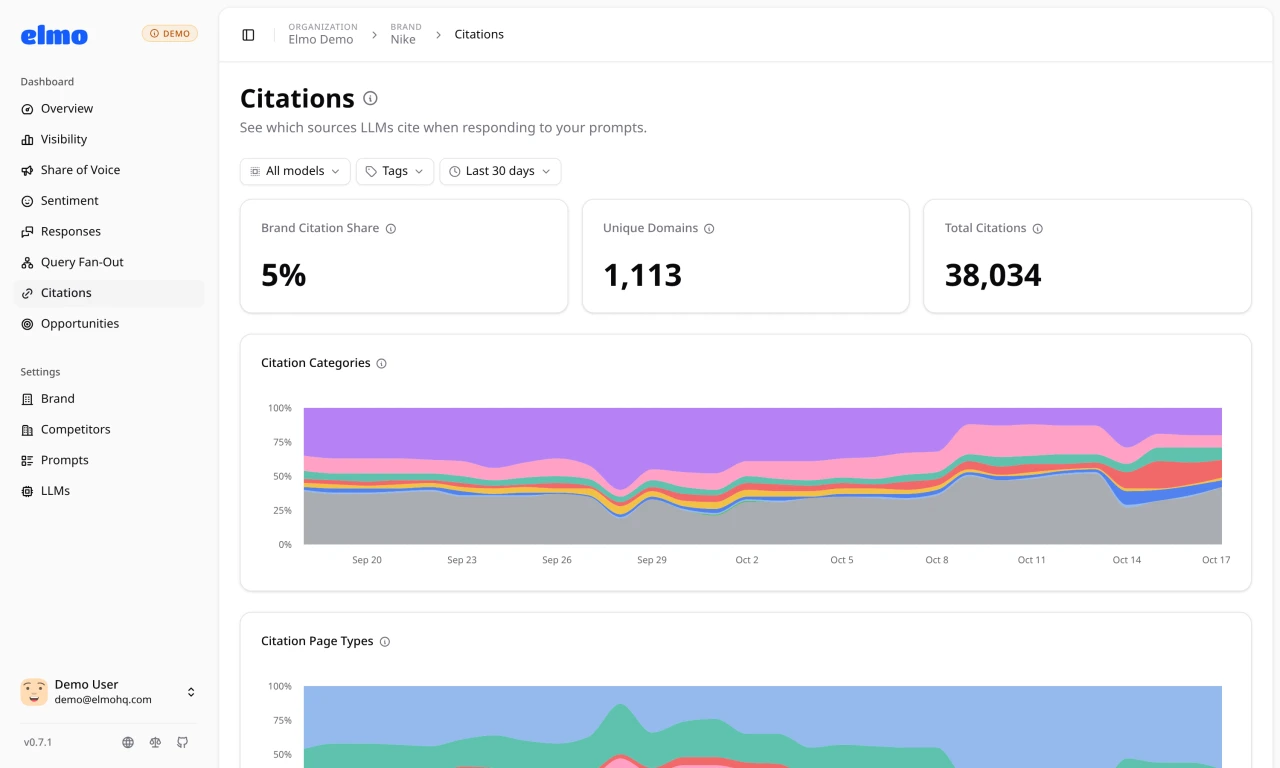
Project screenshot

GitHub repository
- GitHub stars
- 713
- Forks
- 192
- Last push
- 2026-11-19
- Primary language
- TypeScript
GitHub snapshot from . Stars count GitHub bookmarks. Reader ratings appear separately below.
How to install Elmo
-
Prepare Docker Engine 24 or later with Compose v2 and Node.js 18 or later. Choose a supported AI provider and a supported route to the Jev judge.
npm install -g @elmohq/cli elmo init elmo compose up -d elmo compose ps - Install the Elmo CLI and run its setup wizard. Set access to localhost for the initial evaluation and keep the API keys in the generated environment file.
- Start the Compose services and open the local dashboard on port 1515 after the services report healthy.
First tutorial for Elmo
- Create a project for your domain and confirm the brand name and aliases. Add three informational questions that do not contain the brand name.
- Choose one engine and keep the engine, prompt wording and collection method fixed. Wait for a completed run and open an individual response alongside the citation table.
- Record the prompt, engine, date and cited URL. Classify a brand mention and a link to your domain separately, then repeat on another day.
The dashboard and MCP setup were reviewed against the official documentation. The steps describe a proposed evaluation with your own provider account.
Where Elmo fits
Elmo fits a team that wants to inspect the answers behind a dashboard and retrieve its own tracking data through MCP.
- When to choose another tool
- For a single editorial decision, record a few answers and citations manually before committing to recurring provider calls.
- First evaluation
- Use three nonbranded questions with one engine and save two run dates. Trace the reported mention and first cited URL back to their source response.
- How to interpret the result
- Report completed runs and provider failures as separate counts. Compare API and consumer-app results separately when their collection methods differ.
Reviews and discussion
Reader reviews
Be the first to share your experience with this tool.
Discussion
Ask a question or share a setup tip.
Flag an outdated detail
Include the field that needs updating and a source link. Copy your draft, then use the corrections policy to contact the editorial team.
Write a review or join the discussion