
csvlens
Inspect crawl CSV exports in a terminal and isolate error rows before creating a repair queue.
Community support
Upvotes come from SearchEngineAnswer members. GitHub stars and reader reviews are counted separately.
Claim this tool if you maintain it.
- Best for
- Reporting
- Setup required
- Install the release binary for your operating system or use Homebrew on macOS. Start with a CSV with column headers.
- Costs to check
- MIT-licensed terminal viewer. The sample opens a local export with no service account.
- License in catalog
- MIT
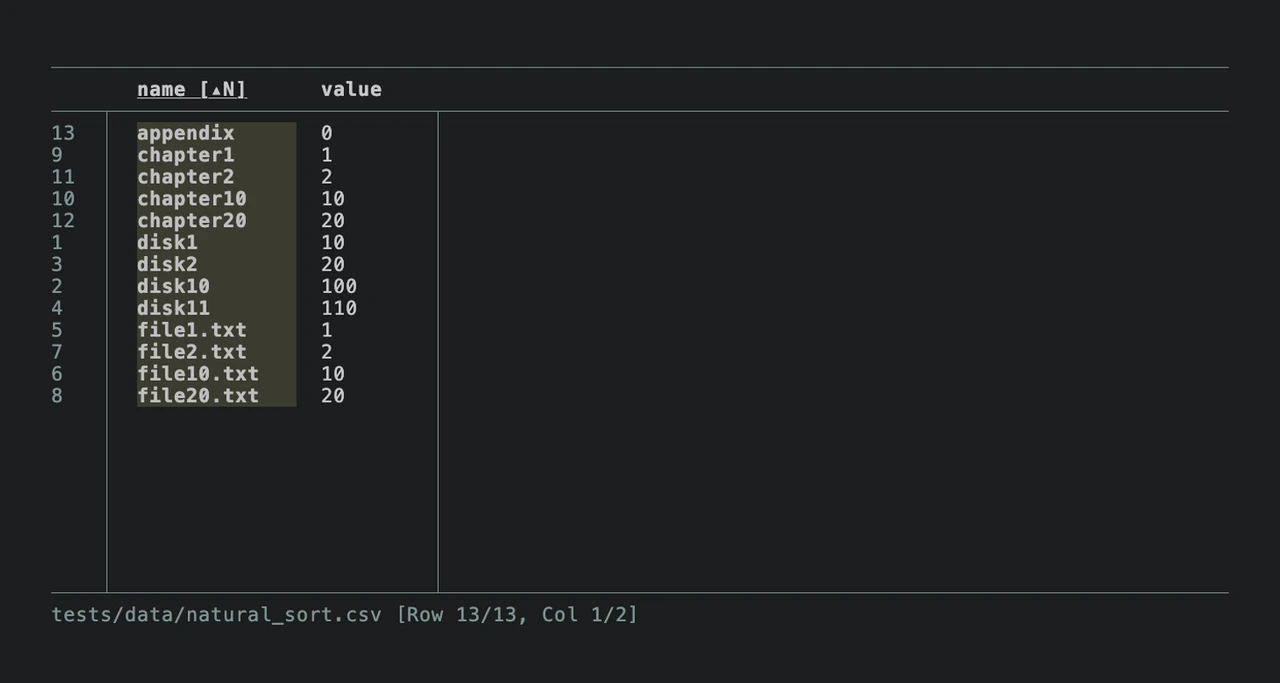
Project screenshot

GitHub repository
- GitHub stars
- 4,042
- Forks
- 75
- Last push
- 2026-07-04
- Primary language
- Rust
GitHub snapshot from . Stars count GitHub bookmarks. Reader ratings appear separately below.
How to install csvlens
-
On macOS install with Homebrew. On another supported platform use the corresponding binary from the project releases.
brew install csvlens - Run csvlens --help in your terminal and confirm the file opens with the correct delimiter and header handling.
First tutorial for csvlens
-
Save a scratch file named crawl.csv with URL and Status headers and one row each for 200, 301 and 404.
csvlens crawl.csv --filter '^404$' - Run the example filter and verify that the 404 row is visible while the two controls are hidden.
- Add a 200 row whose other column contains the exact text 404. Confirm it also matches, then use the Status column to separate it from actual errors.
Documentation reviewed on November 20, 2026. The tutorial is a proposed check with illustrative files and URLs.
Where csvlens fits
Use csvlens to spot check a wide crawl export and find the context around a small group of URLs.
- When to choose another tool
- Use a query tool such as DuckDB when the job needs an exact predicate on one column or a saved transformation.
- First evaluation
- Create three rows with status values 200, 301 and 404. Open the file and filter for cells that exactly match 404.
- How to interpret the result
- The regex checks every cell. Confirm the matching value is in the status column before treating the row as an HTTP error.
Reviews and discussion
Reader reviews
Be the first to share your experience with this tool.
Discussion
Ask a question or share a setup tip.
Flag an outdated detail
Include the field that needs updating and a source link. Copy your draft, then use the corrections policy to contact the editorial team.
Write a review or join the discussion