
← Tool directory
Source documentation ↗
TOOL PROFILE

CMO Owls SEO Tools
Run focused indexability, sitemap, and crawler-access checks from a Python CLI.
Open source
Community support
0 upvotesSign in to upvote
Upvotes come from SearchEngineAnswer members. GitHub stars and reader reviews are counted separately.
Claim this tool if you maintain it.
- Best for
- Site audits
- Setup required
- Python 3.10 or newer, pip, and Git for the documented source installation.
- Costs to check
- Most checks use public HTTP. The optional mobile speed check needs a PageSpeed Insights API key.
- License in catalog
- MIT
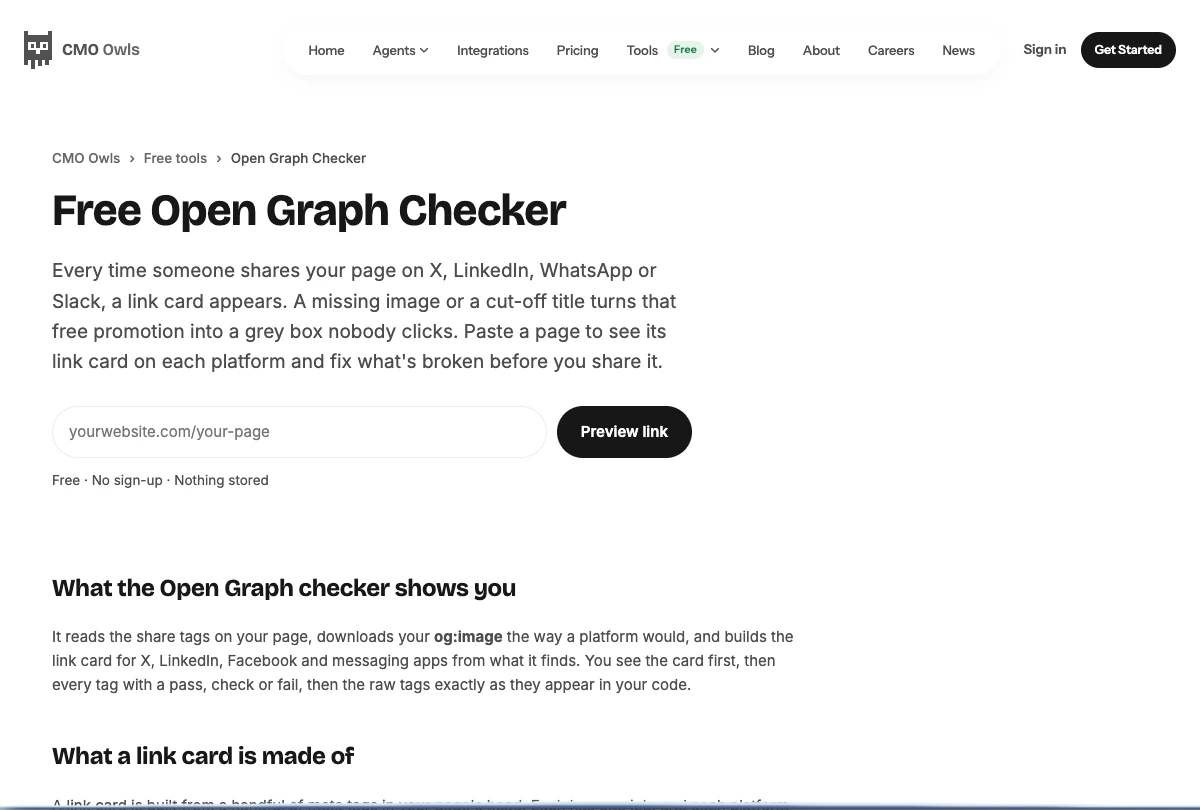
Project screenshot
GitHub repository
- GitHub stars
- 0
- Forks
- 0
- Last push
- 2026-10-22
- Primary language
- HTML
GitHub snapshot from . Stars count GitHub bookmarks. Reader ratings appear separately below.
How to install CMO Owls SEO Tools
- Create a virtual environment with Python 3.10 or newer and activate it.
- Install the GitHub repository's python subdirectory with the documented pip command and run cmoowls-seo --help.
First tutorial for CMO Owls SEO Tools
- Run cmoowls-seo indexability on the two staging URLs and save their results.
- Check which directive the tool found and confirm it in the response headers or HTML.
Where CMO Owls SEO Tools fits
Use it when you need a short scriptable check for one URL before opening a broader crawl.
- When to choose another tool
- Use Search Console when you need the recorded index status of a verified property.
- First evaluation
- Compare a normal page with a staging page served with an intentional noindex directive.
- How to interpret the result
- The CLI reports signals from its requests. Confirm the headers and markup before drawing conclusions.
Reviews and discussion
Reader reviews
Be the first to share your experience with this tool.
Discussion
Ask a question or share a setup tip.
Flag an outdated detail
Include the field that needs updating and a source link. Copy your draft, then use the corrections policy to contact the editorial team.
Write a review or join the discussion