Google Search Console Platform Properties: Measure Instagram, TikTok, X and YouTube
Use Google Search Console platform properties to measure Instagram, TikTok, X, and YouTube appearances across Search, Discover, and News without mixing incompatible metrics.
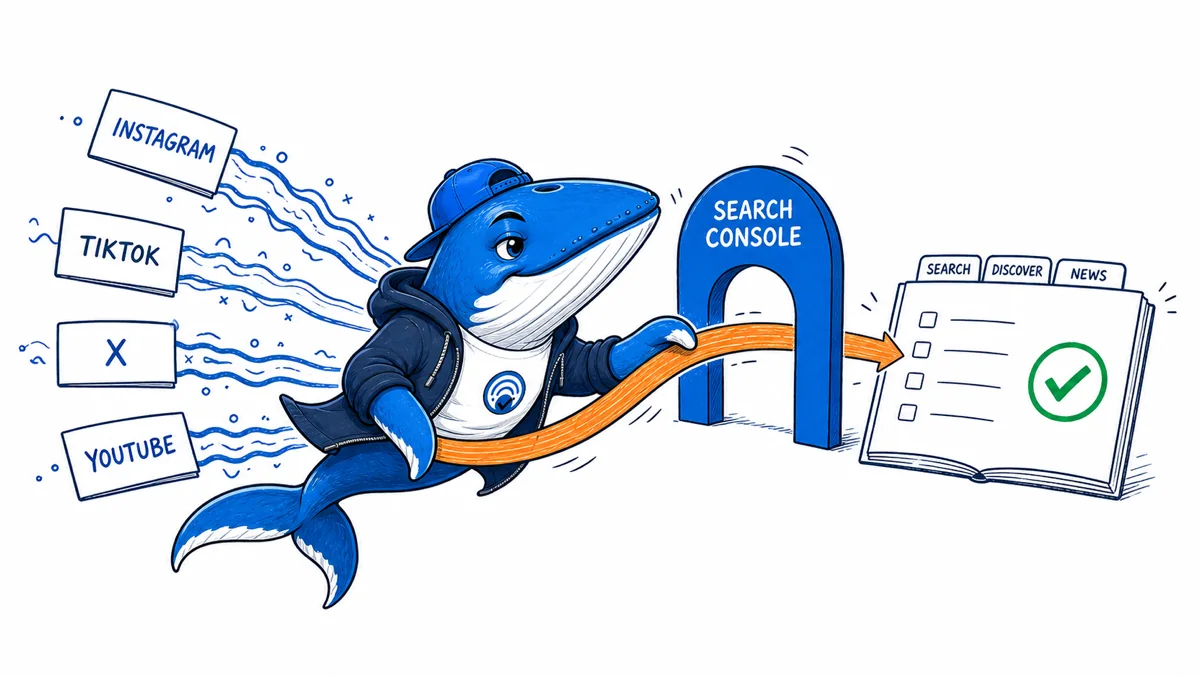
Published August 9, 2026: Google has rolled out Search Console platform properties globally for eligible Instagram, TikTok, X, and YouTube accounts. The reports connect a verified social or video presence to performance and insights from Google Search, Discover, and Google News.
The useful change is not “social SEO” in the abstract. It is a new measurement surface: publishers can inspect which posts appeared on Google, the queries associated with Search performance, and how activity differs across Google surfaces. The reports do not replace each platform’s analytics, prove that a post caused a business outcome, or expose every private or withheld query.
What a platform property is
A normal Search Console property represents a website or URL prefix. A platform property represents an account or channel on a supported third-party service. Google currently names Instagram, TikTok, X, and YouTube. Eligible owners can add the account, complete the platform-specific verification flow, and then view Google performance for content associated with it.
Google describes two main report families. Performance shows clicks, impressions, posts, and queries for Search, with corresponding surface-level reporting for Discover and News. Insights summarizes trends and top posts. Availability can depend on verification, data volume, and rollout state, so a missing row is not evidence that a post never appeared.
Use a crosswalk before combining the reports
Platform properties are global, so compare channels on the same window
Google announced on July 29, 2026 that platform properties had become globally available. The supported accounts are Instagram, TikTok, X and YouTube, with eligible post performance reported across Google Search, Discover and Google News.
The accompanying workflow adds more than account totals. Google recommends using the 24-hour filter for sudden Search traffic, exporting several platform properties into one spreadsheet, annotating content changes and comparing formats such as short-form and full-length video.
| Dimension | Keep constant | Decision supported |
|---|---|---|
| Observation window | Same start, end and timezone | Which account earned more Google exposure? |
| Google surface | Search, Discover or Google News | Where did the content travel? |
| Format | Short video, long video, image or text | Which format fits the audience task? |
| Publishing volume | Posts and posts with impressions | Was growth reach or output driven? |
Do not compare raw clicks from ten YouTube videos with one X post and call it a platform preference. Record publishing volume and the number of posts that received impressions. That separates channel scale from per-post performance.
Download the cross-platform comparison
Download the platform-performance CSV. It records platform, Google surface, format, publishing volume, clicks, impressions, CTR, query group, trending post, annotation and next decision.
Delete the EXAMPLE-REMOVE row before analysis. It is an example structure, not SearchEngineAnswer performance data.
| Signal | What it answers | What it does not prove |
|---|---|---|
| Google impression | A post was displayed on the selected Google surface under Search Console’s counting rules | That the user watched, read, followed, or converted |
| Google click | A click was recorded from the reportable Google result | Engagement after the destination opened |
| Post | Which account content is represented in the report | Complete inventory coverage or ownership of reposted media |
| Query | Reportable Search demand associated with appearances | Every query; privacy and aggregation limits still apply |
| Native-platform view | Consumption measured by that platform | That Google generated the view unless attribution supports it |
Keep Google observations and native-platform observations in separate columns. They use different definitions, time zones, privacy rules, and attribution windows. A single blended “visibility” total destroys those boundaries.
A weekly export workflow
- Record the verified account. Save the platform, handle or channel URL, owner, verification date, and Search Console property name.
- Export each Google surface separately. Do not combine Search, Discover, and News before saving their original totals and dimensions.
- Keep post identifiers stable. Store the post URL or platform identifier, publication date, format, topic, and campaign label.
- Add native analytics later. Join views, watch time, engagement, follows, or conversions only when the platform exposes them and the time window is aligned.
- Annotate releases. Record reposts, title or thumbnail changes, deleted posts, account migrations, and major Google reporting changes.
- Write the decision. State what the report will change: republishing, topic selection, format testing, or no action.
This produces a source ledger rather than a screenshot archive. Use the site’s decision-based tool stack to assign an owner to each layer and the small experiment method before claiming a change caused performance movement.
Questions you can now answer
- Which verified social or video posts received reportable appearances on Google Search?
- Which queries are associated with those Search appearances?
- Did activity concentrate in Search, Discover, or Google News?
- Which posts changed after a new topic, format, or publishing cadence?
You still cannot infer a universal ranking system for social content, a guaranteed Discover path, or the complete audience journey. Treat the reports as Google-owned observations and pair them with the account’s own analytics when the decision requires consumption or conversion evidence.
Measurement boundary
A Search Console property can verify a platform URL without revealing that platform’s internal analytics
If you control or can verify a public profile or channel URL, Search Console may expose Google Search performance for that web property. It does not turn Search Console into analytics for Instagram, TikTok, X or YouTube.
- Measure impressions, clicks and queries from Google Search where reporting is available.
- Use the platform’s own analytics for in-platform reach and engagement.
- Keep verification scope, URL variants and ownership changes documented.
My takeaway: The useful question is narrow: how did this platform property perform in Google Search? Anything broader needs another data source.
Primary documentation
Keep learning
Continue this topic
Next in this topic
Kagi Search API: Build a 30-Field Reproducibility Record
Earlier in this topic
A lean SEO tool stack: match each tool to a decision
Tools & Workflows
Ask a question or join the discussion