
Cloudflare open-sources Kitesurf for AI agents
Developers can run Kitesurf locally and compare its rendered links and metadata with Chromium on the same JavaScript page.
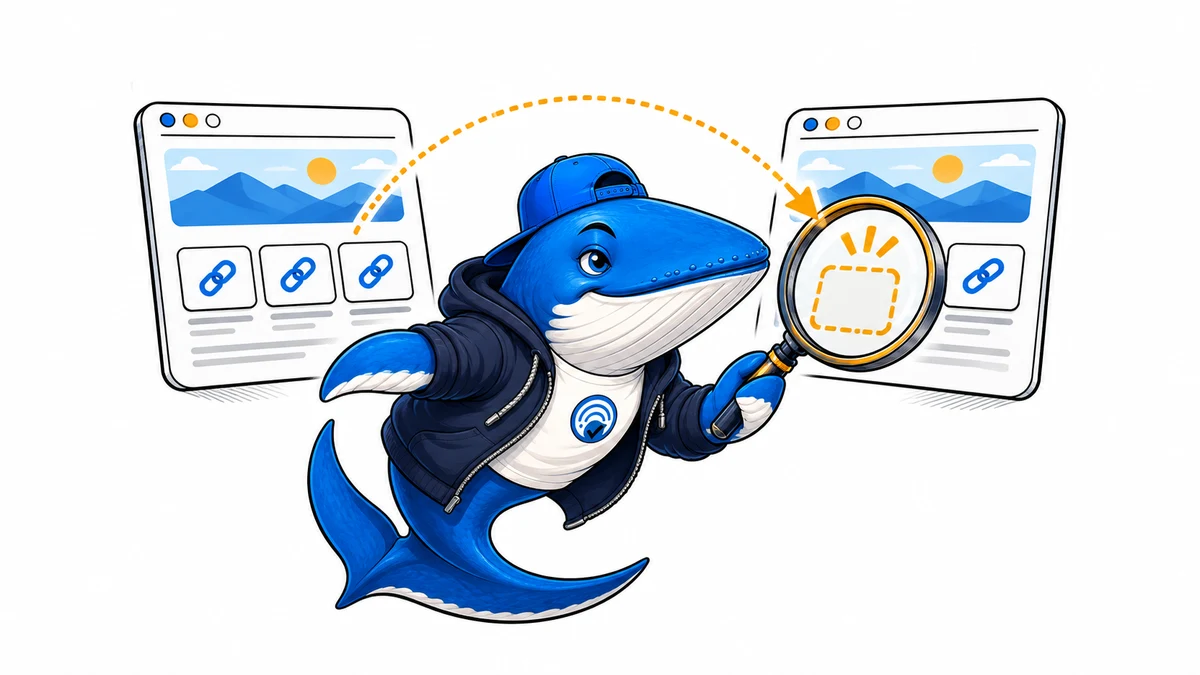
Cloudflare open-sourced Kitesurf on November 13 under the Apache 2.0 license. Kitesurf is an experimental browser engine for AI agents. It parses HTML and CSS, runs page JavaScript, renders screenshots, and supports connections through the Chrome DevTools Protocol. Cloudflare documents a local development setup. Deploying your own instance on Cloudflare requires a paid Workers plan. Cloudflare’s release and setup guide
Compare what two browsers can see
Build a small staging page with a server-rendered canonical, one link in the initial HTML, and a second link inserted by JavaScript. Make the inserted link appear only after a known page event. Capture the initial response and then run the same page in Kitesurf and Chromium. Use each browser’s DOM inspection interface to collect the canonical and links at a consistent point after the event.
Check whether each link is actually present and whether its destination resolves to the same URL. Save a screenshot to explain visual differences, and retain the DOM evidence for metadata differences. If one engine misses the inserted link, capture console and network errors before changing the site. A mismatch can help identify a compatibility issue that is easy to reproduce.
This is a proposed fixture comparison. It measures what the selected browsers can render under those conditions. Googlebot indexing, answer-engine citations, and production agent behavior each need their own evidence. Kitesurf source repository
Define a fixture with expected results before starting either browser
Use an HTML page at a known URL with a canonical in the initial document and an ordinary link inside the article. Add a separate script that inserts a second anchor and sets a data-ready attribute after the insertion. Keep both destination pages under your control. Record the expected canonical and both absolute destinations so the comparison has a clear pass condition.
Save the response HTML first. After navigation, inspect the DOM once before the ready marker appears if you can capture that state reliably, then inspect again after the marker. Read document.querySelector for the canonical and collect anchor href values. A missing marker points to script execution or timing. A present marker with the wrong link points to DOM behavior or URL resolution.
Turn a mismatch into a useful bug report
Record the Kitesurf commit, Chromium version, fixture URL, and wait condition. Save the smallest HTML and script that still reproduce the issue. Compare console messages and network requests, then rerun with a single change to the script. If screenshots differ while both DOM checks pass, investigate styling separately from content extraction.
Cloudflare documents connecting Puppeteer to the local engine through the Chrome DevTools Protocol. Use the same inspection steps in both browsers so you can compare like with like. This check is easiest to interpret when the fixture avoids third-party scripts, consent overlays, and network dependencies. Kitesurf repository and build instructions
Keep learning
Continue this topic
Next in this topic
A free AI clipping workflow with a tested vertical export
Earlier in this topic
DeepSeek sets a November billing deadline for integrated Search and Fetch calls
Tools & Workflows
Ask a question or join the discussion