Shopify policy automation can replace your custom text and translations
Before activating an automated Shopify policy, preserve custom wording and translations, then compare the replacement with your actual store practices.
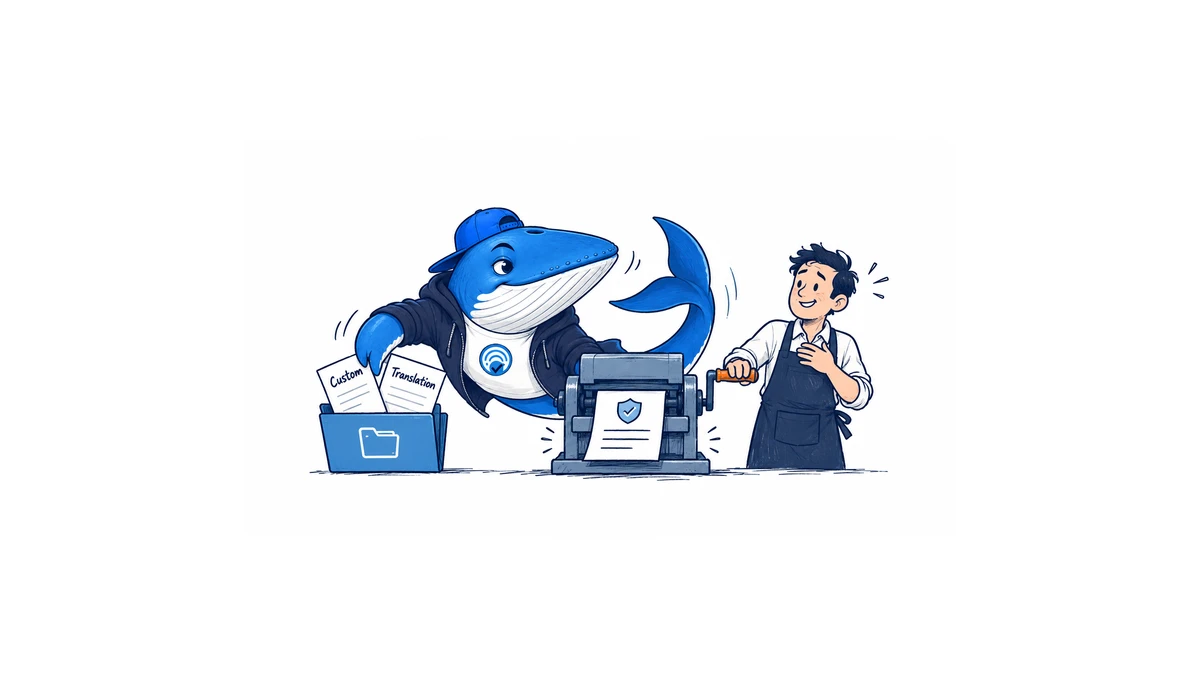
Turning on policy automation can change wording a merchant has already reviewed. Shopify’s current policy documentation says activation on an existing store replaces the selected policy’s content and custom translations in languages with automated templates. Save the wording you intend to retain before enabling it.
Shopify announced the feature on October 8. Policies can follow relevant store settings and template changes. Automation is managed per policy in Settings → Policies, rather than as one switch for all policy pages. Merchants remain responsible for their published commitments.
What a mismatch would look like
Take a fictional store that promises a 30-day return window on product pages. Its returns app accepts requests for 30 days, but a store setting still says 14. The store’s manually edited policy and a translated page both say 30. None of those values is a legal recommendation; they are illustrative inputs that expose a consistency problem.
An automated page generated from the stale setting could cause the public policy to conflict with the product promise and the app’s behavior. Editing the new paragraph alone would leave the source mismatch unresolved. First decide which rule the business actually follows, then reconcile the settings, app instructions, and public pages with that decision.
This is why a content review should include someone who handles returns, not only someone who can operate the editor. Ask that person to walk through the customer’s request from the product page to the app. A fluent translation cannot correct a promise the store does not fulfill.
Make the change one policy at a time
- Preserve the current default-language text and the custom translations you need. Record which policy and language each copy belongs to.
- Identify the settings and app behavior that determine the promise. Resolve disagreements before accepting generated wording.
- Enable automation for the chosen policy, review the replacement, and save only when it matches the intended practices.
- Open the public policy in each relevant language. Follow its contact and related-policy links as a customer would.
Those are editorial acceptance checks, not an experiment run on a Shopify store. Keep a record of the approved version and its reviewer. That makes a later settings change easier to investigate: you can compare the promise before and after the change, rather than guessing which wording a customer saw.
Turning it off is not a restoration of the old copy
Shopify says turning automation off retains the currently displayed policy but stops automatic updates. Turning it back on replaces custom content again. A backup of the earlier text therefore has a different job from an off switch: it preserves what you might need to compare or restore through a reviewed edit.
The announcement lists legal notices as a policy type, while the Help Center’s per-policy automation section lists return/refund, terms, shipping, and contact information. Check the control actually available for your policy instead of assuming every listed policy has the same behavior. Templates are informational and do not guarantee legal compliance; obtain qualified advice for jurisdiction-specific questions.
Treat translation quality, policy accuracy, and product-data accuracy as separate reviews. The translation auto-sync report covers a different synchronization feature. The agentic-channel price report explains another customer-facing consistency problem. Neither feature establishes a ranking improvement or automatically makes a store’s promises correct.
Keep learning
Continue this topic
Next in this topic
ChatGPT now accepts audio uploads, but interview quotes still need listening
Earlier in this topic
Gemini Deep Research’s legacy agent has an October 23 shutdown deadline
Tools & Workflows
Ask a question or join the discussion