Google-InspectionTool User-Agent Correction: Audit Exact-Match WAF Rules
Google corrected an erroneous semicolon in its Google-InspectionTool user-agent documentation. Audit copied exact-match WAF and parser rules.
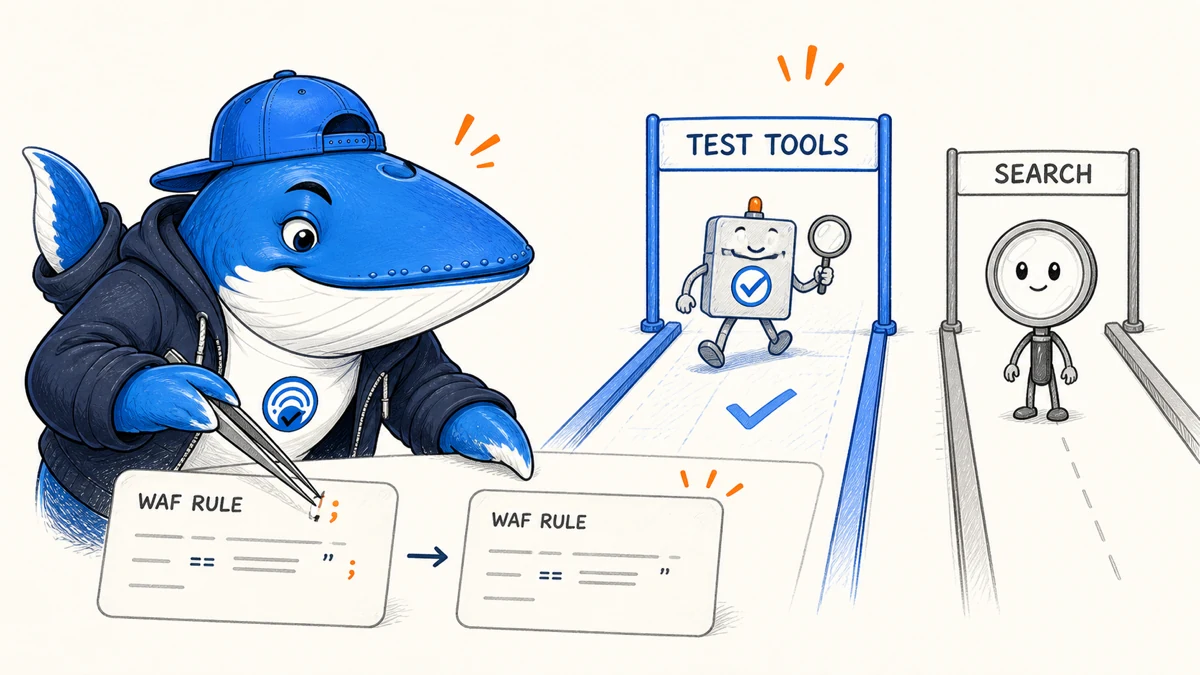
Confirmed July 14, 2026: Google’s crawling changelog says it corrected the documented user-agent string for Google-InspectionTool by removing an erroneous semicolon. The token is used by testing tools such as the Rich Results Test and URL Inspection.
If a team copied the earlier example into an exact-match WAF rule, allowlist, log parser, or alert, the stale punctuation can cause inspection requests to be misclassified. Audit the copied dependencies. Do not change ordinary Googlebot policy: Google says the inspection token does not affect Google Search.
Understand the scope
| Client | Documented job | Search impact |
|---|---|---|
Google-InspectionTool | Rich Results Test and URL Inspection fetches | Does not control normal Search crawling |
| Googlebot | Search crawling and rendering | Supports Search discovery and indexing |
| User-agent lookalike | Unknown until verified | Do not grant trust from text alone |
A failed inspection request can block debugging or create a misleading test result, but it does not mean Googlebot cannot crawl the page. Keep the two operational paths distinct in dashboards, firewall policy, and incident reports.
Find copied exact matches
- Search WAF expressions, CDN rules, reverse-proxy configuration, bot allowlists, and rate limits for
Google-InspectionTooland adjacent punctuation. - Search SIEM queries, log parsers, regular expressions, dashboards, and alerts.
- Review internal runbooks, crawler registries, tests, and infrastructure-as-code templates.
- Check whether a rule accidentally includes the punctuation outside or inside a quoted match.
- Record the owner, deployment, and rollback path for each change.
Do not broaden the expression more than necessary. A substring match can admit spoofed or unrelated clients. Keep the raw user-agent in logs and normalize only after the system has completed the appropriate verification step.
Test the corrected rule
- Replay a representative corrected string and confirm the expected action.
- Replay the stale semicolon variant and record whether it is rejected or treated as legacy input.
- Replay several lookalikes and confirm they do not inherit trusted status.
- Run URL Inspection or the Rich Results Test against a safe test URL and inspect the server or edge log.
- Confirm Googlebot rules and monitoring remain unchanged.
Test the full request path. A CDN can allow a request that an origin firewall blocks, or a parser can relabel it after the security action has already occurred. Preserve timestamps and request identifiers across layers.
Do not authenticate by user-agent alone
User-agent strings are client-supplied text. They can be copied by any requester. If the rule grants privileged access, higher rate limits, or bypasses a security control, use Google’s documented verification approach and an architecture appropriate to the risk.
Different Google crawler products can have different verification and behavior. Follow the current crawler documentation for the exact token. Do not infer ownership from a familiar substring or from a third-party bot list that has not been updated.
The technical SEO launch checklist provides a release sequence for WAF and rendering changes. The Google-GeminiNotebook migration guide covers a separate user-agent rename from the same documentation cycle.
Monitor after release
Track inspection requests by status, action, host, tool, and path group. Watch for false blocks, unexpected spikes, and changes in the documented token. Retain a small canary before rolling the rule to every hostname.
A successful fix restores inspection-tool access without changing Googlebot handling or granting trust to lookalikes. Document the precise punctuation correction so a later cleanup does not reintroduce the stale example.
Ask a question or join the discussion