ChatGPT Restaurant Results and Reserve Buttons: A Verification Guide
Verify restaurant entity matching, location context, third-party provider inventory, Reserve-button handoff, and booking support boundaries in ChatGPT Search.
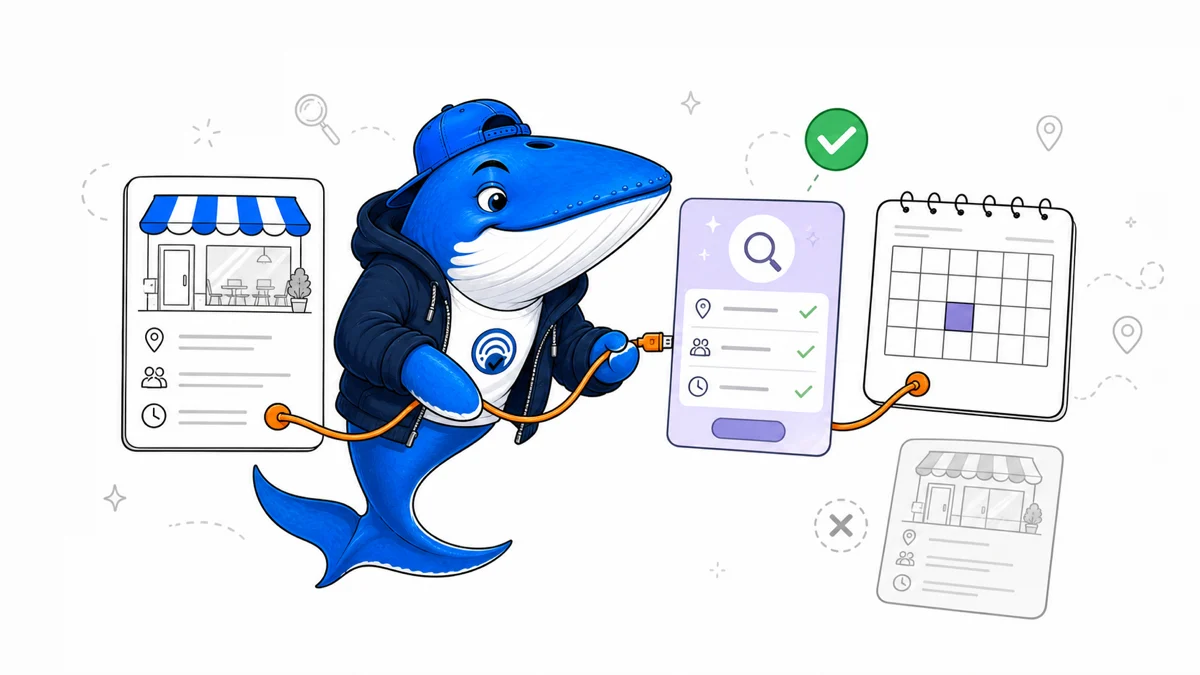
Published August 9, 2026: ChatGPT Search can show clickable restaurant names, place pages, available reservation times, and a Reserve button for restaurants matched to supported third-party providers. OpenAI says the button may not appear for every restaurant and that availability can change.
This is a documented verification guide, not an original coverage test. SearchEngineAnswer did not sample restaurants or providers across markets for this article. The goal is to help restaurants and local-search teams separate entity matching, provider availability, location context, and the final booking handoff.
Map the reservation flow
| Stage | What OpenAI documents | Primary check |
|---|---|---|
| Restaurant result | Name may be clickable | Correct entity and location |
| Place page | More information about the restaurant | Name, address, phone, hours, cuisine |
| Reserve button | Appears when matched to a supported provider listing | Provider account and entity link |
| Availability | May show times for party size, date, and time | Compare with provider inventory |
| Booking | Opens a third-party reservation flow | Confirm all details before submitting |
| Change or cancellation | Handled through provider confirmation or account | Do not expect ChatGPT to store the booking |
OpenAI says ChatGPT does not save the reservation after it is placed. Confirmation, cancellation, and modification are handled through the third-party provider. That handoff should be visible in support documentation and measurement.
Verify the restaurant entity first
A missing button is not automatically an SEO problem. OpenAI says Reserve appears only when ChatGPT can match a restaurant to a listing from a supported provider. Start by aligning the name, address, phone, website, booking URL, and location across the restaurant site, provider profile, business listings, and major public sources.
Multi-location brands need location-specific pages and provider records. A city-level brand page can be insufficient when the booking inventory belongs to one address. Avoid reusing one phone number, booking URL, or structured-data entity across locations when those details are not actually shared.
Keep opening hours, temporary closures, cuisine, and reservation policies current. These facts help users even when no Reserve button appears, and inconsistency can make entity resolution harder to diagnose.
Test location and prompt context
ChatGPT Search may use general location inferred from an IP address and optional precise device location. OpenAI says precise location is off by default and can be enabled in settings. Memory can also influence rewritten search queries, such as adding a remembered dietary preference or city.
A useful test record therefore includes the prompt, general market, whether precise location was enabled, date, party size, requested time, and disclosed Memory context. Compare logged-out and signed-in states only when that difference answers a defined question.
Do not treat one missing button as global absence. Provider support, location, inventory, account state, prompt wording, and product rollout can vary. The claim should match the sampled conditions.
Diagnose the failure at the right layer
- Wrong restaurant: compare entity identifiers and location facts.
- No place page: verify discoverability and consistent public information.
- No Reserve button: confirm a supported provider listing and correct match.
- No times: check provider inventory for the requested date, time, and party size.
- Wrong prefilled details: inspect the original prompt and adjust before booking.
- Flow opens the wrong app or page: document the handoff and contact the relevant support channel.
- Booking changes: use the provider confirmation; ChatGPT does not manage existing reservations.
Capture screenshots only when they do not expose personal details. Keep booking confirmation numbers, email addresses, names, and payment data out of public issue reports.
Measure without inventing a local ranking
Track whether the correct entity appears, whether its page is accurate, whether a provider button is present, whether times agree with the provider, and whether the handoff succeeds. Those are observable product states. They are not a stable local rank or proof that an optimization caused selection.
For an original coverage study, pre-register the cities, cuisines, providers, devices, prompts, account states, and time windows. Until that test exists, keep conclusions inside OpenAI’s documentation and individual recorded observations.
The prompt-rewrite measurement guide explains why the search query sent to a provider may differ from the user’s wording and why exact-prompt dashboards need cautious interpretation.
Ask a question or join the discussion