Microsoft Advertising MCP: verify the report before trusting its advice
Microsoft’s MCP server connects ad data to AI assistants. Use a report-validation worksheet to check account scope, dates, arithmetic and unsupported claims.
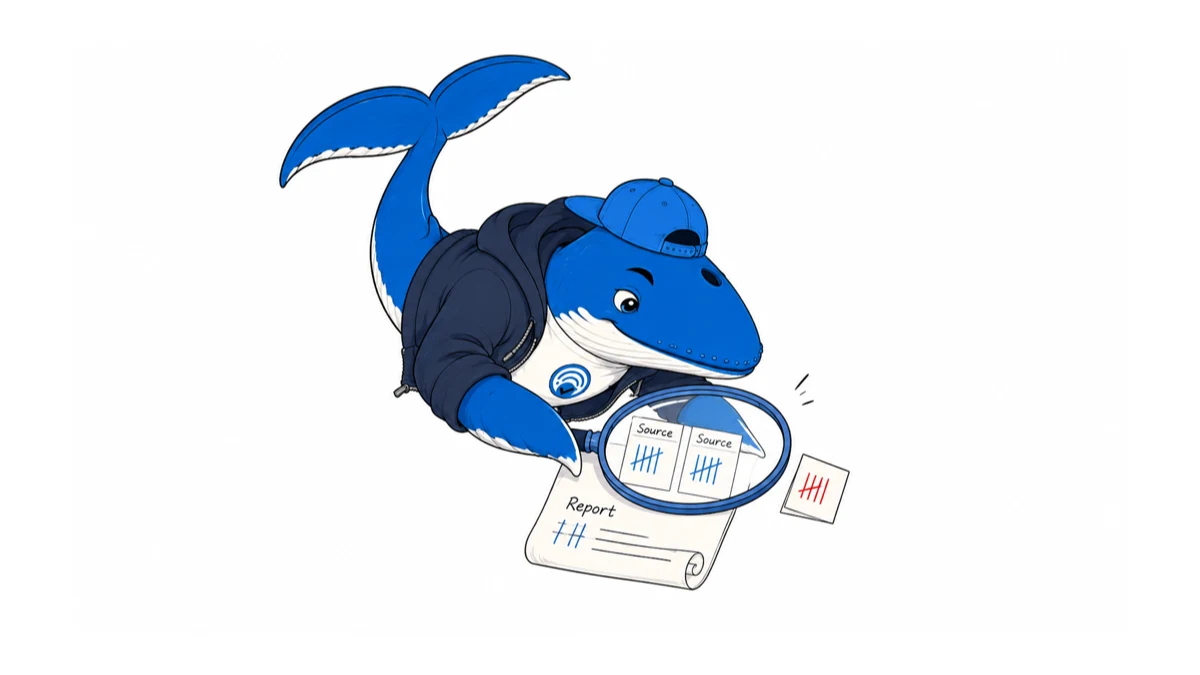
Microsoft Advertising’s MCP server can give an AI assistant access to campaign data. Before relying on its summary, check that the account, reporting window and arithmetic match a source report you can inspect.
What Microsoft made available
Microsoft’s August 31 product roundup describes the Model Context Protocol server as available with read-only access through an open flight, for workflows including reports and campaign audits. That is an availability update, not evidence that the product first appeared on that date: the public setup guide was already updated on July 22.
We reviewed those documents on September 5. We did not connect an ad account, run an MCP request or measure time savings. This article supplies a validation procedure and worksheet, not a tested integration review.
Read-only is not the whole access review
The setup guide documents OAuth client registration and the msads.manage permission scope. An OAuth scope and the operations exposed by an MCP service are separate things; do not interpret the phrase “read-only” as proof that no sensitive data can leave the account.
Before connecting, check who approves the application, which account the user can access, what information the chosen assistant receives and how that service handles retention. Keep tokens and client secrets out of prompts, screenshots and worksheets. Use the current client-specific setup instructions rather than copying a connection string from an old tutorial.
For the initial evaluation, avoid any workflow that changes a campaign. Review retrieved text as data, not as authority to grant extra permissions or execute unrelated instructions. These are our recommended boundaries; they are not a claim that we found a security flaw in Microsoft’s service.
Define the report before the question
“How did my campaigns perform?” leaves too much unspecified. Write down the account alias, date range, timezone, currency, conversion goal and filters before asking for an analysis. Tell the assistant which comparisons are permitted and which fields are unavailable.
Our suggested request is: “Summarize this account for this reporting window. List the filters and source fields used. Separate calculated metrics from returned values. Flag missing or partial data, and do not infer causes from a period-to-period change.” This is a reporting instruction to adapt, not a claim that every field is available through every client.
Keep the result beside a manual export with matching scope. Compare row counts and totals before reading the narrative. If a query returned only a subset of campaigns, a polished summary still cannot describe the whole account.
Check the arithmetic before the explanation
Here is a synthetic calculation, not Microsoft account data. Two campaigns each receive 10 clicks, but have very different impression counts:
| Fictional campaign | Clicks | Impressions | CTR |
|---|---|---|---|
| A | 10 | 100 | 10% |
| B | 10 | 1,000 | 1% |
| Combined | 20 | 1,100 | 1.82%, rounded |
The correct combined CTR is 20 ÷ 1,100 × 100. Averaging the two campaign percentages gives 5.5%, which answers a different question. Reject a report that silently substitutes that unweighted average for account CTR.
Apply the same habit to explanations. “Conversions fell” is an observation if supported by comparable counts. “The bidding strategy caused the decline” needs additional evidence. Ask which facts support the proposed cause and what competing changes were checked. Our reporting guide separates observations, interpretation and decisions.
Download the report-validation record
Download the Microsoft MCP report-validation CSV. One row represents one assistant report and one checked claim. Record account alias, window, timezone, currency, filters, row completeness, source totals, assistant value, your recalculation, discrepancy and reviewer decision.
The EXAMPLE-REMOVE row uses the fictional CTR example above. Replace it before evaluating real reports. Store raw exports and account identifiers privately, with only a reference in the worksheet. Approve a claim only when another reviewer could follow the calculation back to its source; otherwise mark it unresolved and name the missing evidence.
If an assistant is evaluating AI Max, pair this record with our campaign-default and import audit. Correct numbers still need the settings history that gives them meaning.
What would change this assessment
Documented changes to access, exposed operations or reporting fields would require a fresh review. So would a reproducible test showing a mismatch between an assistant’s output and its source data. Until we have that account-level evidence, we make no claim about MCP report accuracy, implementation effort or productivity gains.
Keep learning
Continue this topic
Next in this topic
GitHub for SEO: 50 useful repositories, with costs and caveats
Earlier in this topic
Microsoft AI Max defaults: check new campaigns and Google imports
Tools & Workflows
Ask a question or join the discussion