Microsoft AI Max defaults: check new campaigns and Google imports
Audit AI Max settings before launching or syncing Microsoft Search campaigns. Download a settings record for landing pages, imports and performance reviews.
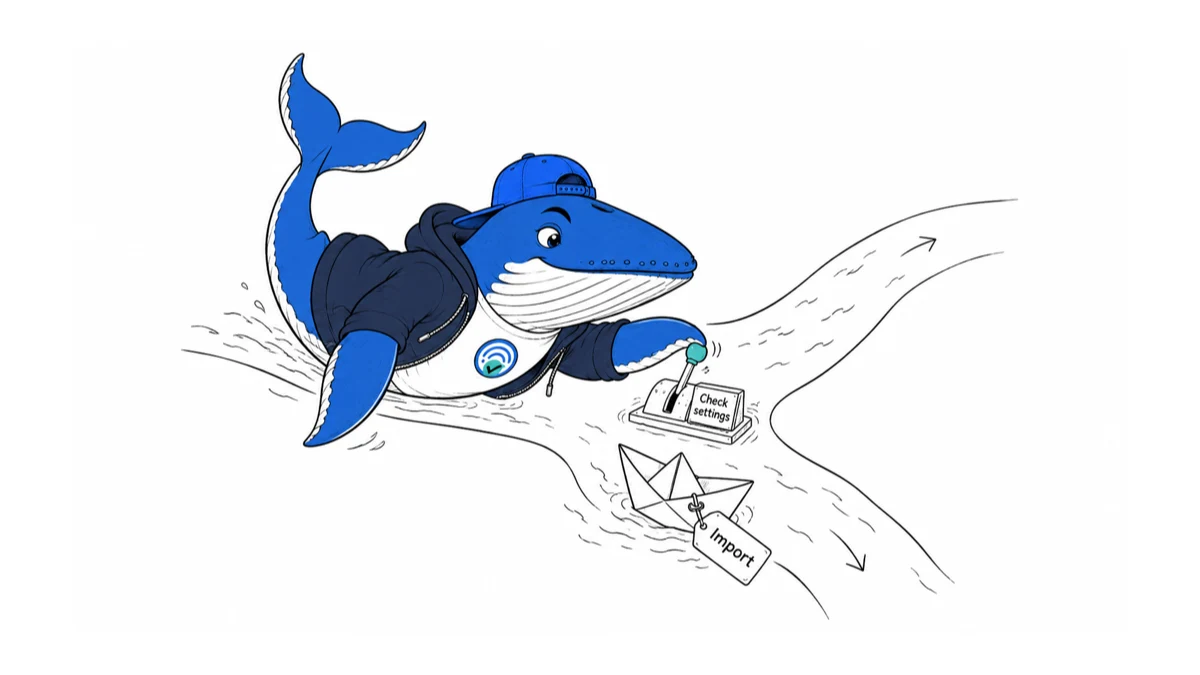
Before launching a Microsoft Search campaign or scheduling its next Google import, record what AI Max is allowed to change. A settings audit makes later performance comparisons interpretable.
The default and import change
In its August 27 announcement, Microsoft says AI Max is available to all advertisers and enabled by default for new Search campaigns, with an option to turn it off. Google imports can carry AI Max settings across; scheduled imports can inherit them again on later syncs. Existing automatically generated responsive-search-ad assets do not, by themselves, enroll a campaign in the full suite.
The bundle covers search term matching, text customization and final URL expansion. Those are paid-campaign features, not instructions for improving organic Bing rankings. We checked Microsoft’s announcement on September 5; we have not tested AI Max in an advertising account.
Save the starting state before deciding
Our recommendation is a short state record, not a blanket instruction to enable or disable automation. Save the campaign’s current settings, the person approving the test, the intended landing pages and the conversion goal. A screenshot is useful evidence, but a written decision explains why the settings were chosen.
| Your workflow | Record before proceeding | Review point |
|---|---|---|
| Create a campaign | Requested settings and allowed destinations | Immediately before launch |
| Review an existing campaign | Current settings and previous change date | Before comparing performance windows |
| Import or synchronize | Source settings, destination settings and sync owner | Immediately after the sync |
A synthetic example: a team approves a campaign after inspecting its settings, then another colleague changes the source campaign before the next scheduled import. The useful question at the next review is which state actually served during the measured period. An approval from before the sync is not evidence of the later state.
Inspect the landing pages before testing reach
Choose a small set of destinations to examine manually. Does each page describe an offer the business can deliver? Are prices and availability current? Can a visitor distinguish a product page from an expired promotion or an informational article?
Record acceptable and unacceptable destination types, then compare the pages that receive campaign traffic with that record. This is a proposed review procedure; it does not imply every unwanted route can be prevented by a particular control. Check the options available in your account before promising an exclusion.
Microsoft documents an “AI optimized” reporting label, an asset report and a search-term landing-page report. Use the reports to inspect what happened, while keeping your own approval record for what was intended.
Make the comparison readable
Pick the primary outcome before looking at the results: for example, qualified enquiries under one consistent qualification rule. Save spend, conversion definition, date window and any concurrent offer change. A higher conversion count is difficult to interpret if the team also added a lower-value conversion action during the test.
Prefer a controlled experiment when your account supports an appropriate design. If you can only compare before and after, label it observational. Note changed budgets, promotions, seasonality and tracking rather than assigning every difference to AI Max. Do not stop a comparison solely because the first few days look unusually good or bad; define its review window and spending boundary in advance.
For larger reporting workflows, our measurement comparison guide explains why metrics with different definitions should not be combined. For assistant-generated campaign summaries, use the separate Microsoft Advertising MCP report checks.
Download the settings record
Download the AI Max settings audit CSV. Use one row per campaign review or import event. Fill in the three feature states, source and destination notes, sync time, approved landing pages, outcome definition, review date and owner decision. Replace all EXAMPLE-REMOVE rows; they describe fictional scenarios, not our account results.
Keep campaign identifiers and confidential exports in your own restricted workspace; the template needs only an alias and a private evidence reference. If a sync produces a state the owner did not approve, pause the rollout decision and resolve the source of that state before changing several controls at once.
What this does not establish
This article does not establish an expected uplift for your business. Its contribution is a reproducible settings and evaluation record, not an independent product review. We will update the instructions when Microsoft changes default or import behavior, or when account-level testing supplies evidence that can be disclosed and reproduced.
Keep learning
Continue this topic
Next in this topic
Microsoft Advertising MCP: verify the report before trusting its advice
Earlier in this topic
Bing’s API retirement deadline has passed: check your SEO reports
Tools & Workflows
Ask a question or join the discussion